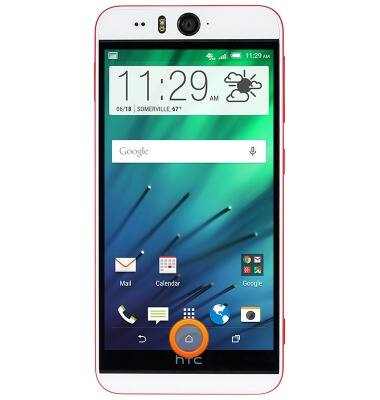
- To perform a Google search, from any screen, press and hold the Home key.
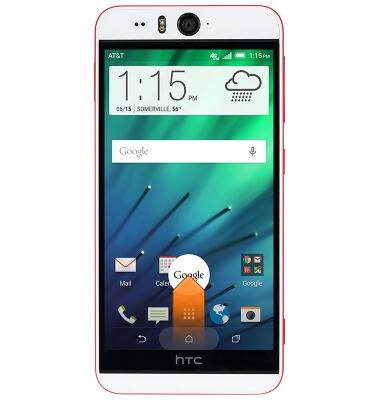
- Drag your finger up to Google, then release
- To perform a text search, enter the desired search terms in the Search field.

- Tap a suggestion, or tap the Return icon.
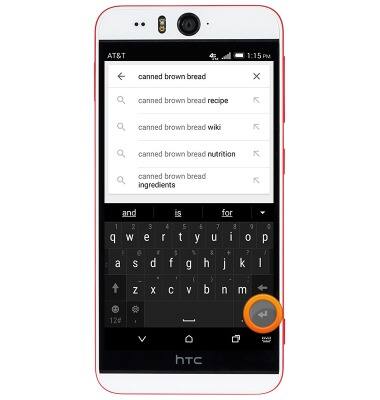
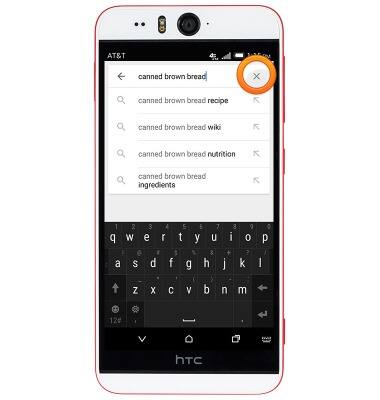
- Tap the X icon to clear the search field.
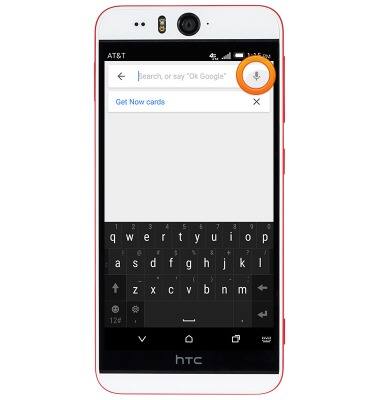
- To perform a voice search, tap the Microphone icon, or speak the phrase 'OK Google'.
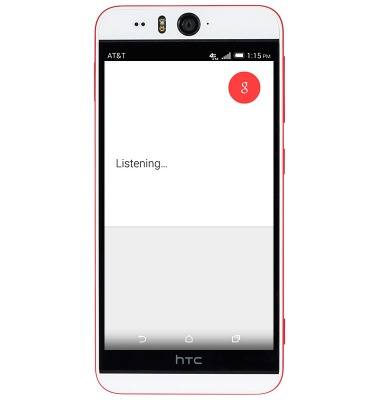
- Speak the desired search terms.
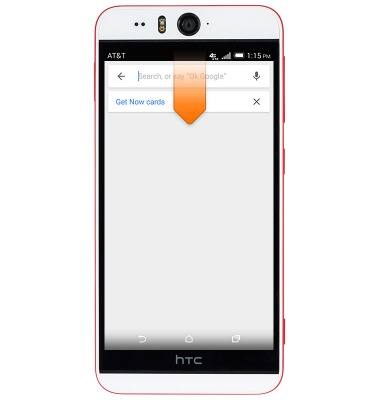
- To access Google Search settings, swipe down from the Notification bar.
- Tap the Settings icon.

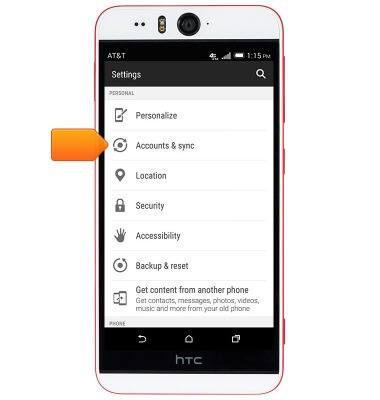
- Scroll to then tap Accounts & sync.
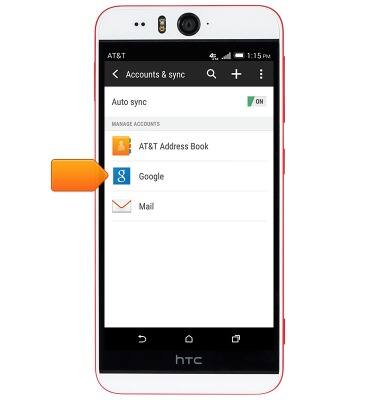
- Tap Google.
- Tap Search.
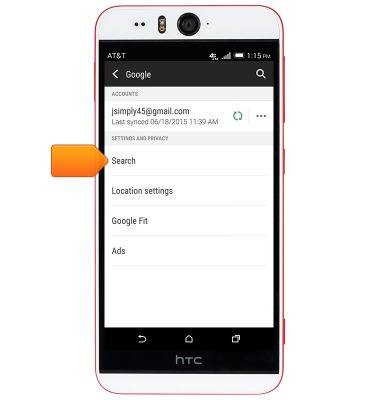
- Edit settings as desired.

Search
HTC Desire EYE (0PFH100)
Search
Perform a text and voice search on your device and how to adjust search settings.
INSTRUCTIONS & INFO