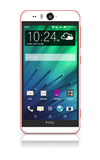
- From the home screen, swipe down from the Notification bar.

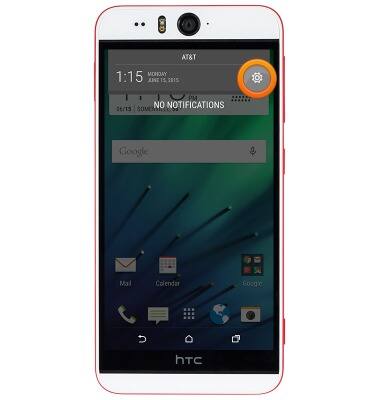
- Tap the Settings icon.
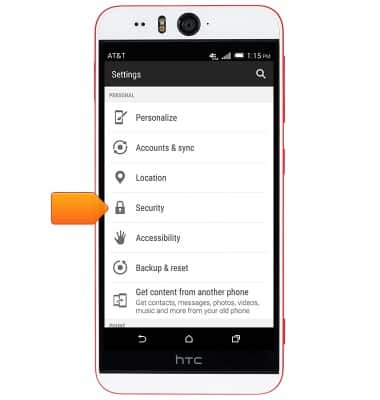
- Scroll to, then tap Security.
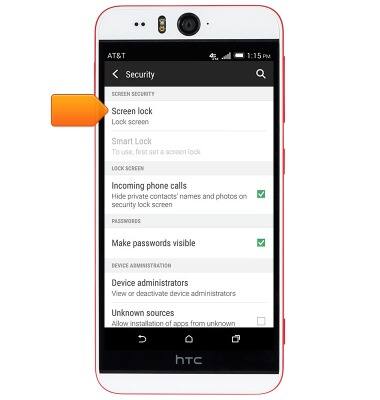
- Tap Screen lock.
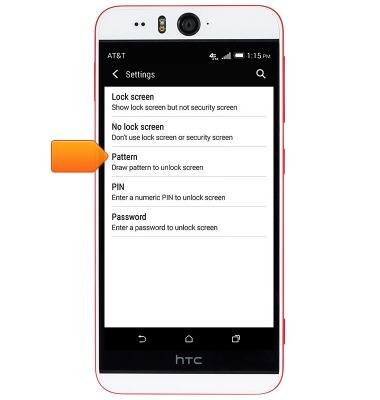
- Tap Pattern.
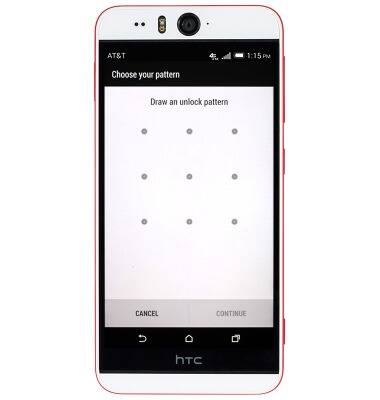
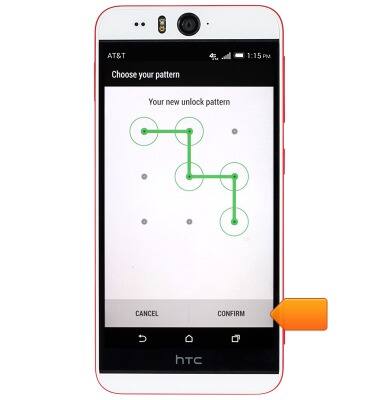
- Draw the desired unlock pattern.
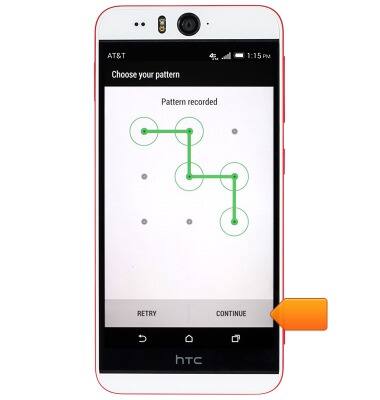
- Tap CONTINUE.
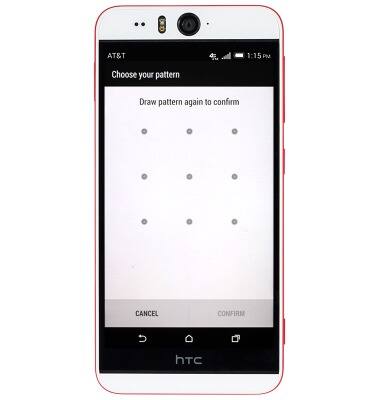
- Re-draw the desired unlock pattern to confirm.
- Tap CONFIRM.
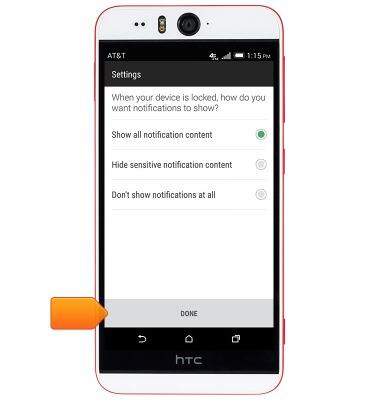
- Tap the desired option, then tap DONE.
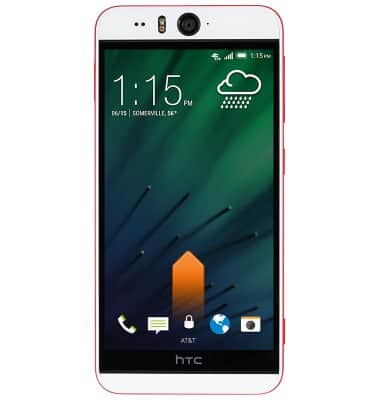
- To unlock your device, swipe up at the Lock screen.
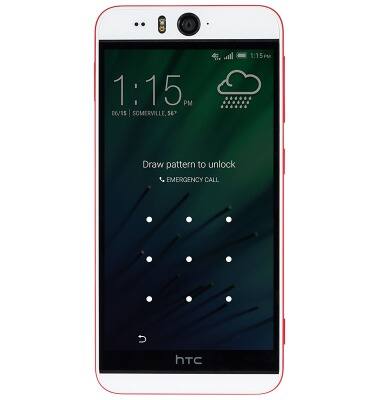
- Draw the current unlock pattern.
Pattern screen lock
HTC Desire EYE (0PFH100)
Pattern screen lock
This article describes the pattern screen lock feature.
INSTRUCTIONS & INFO