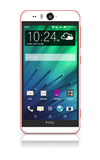
- Use the original Charger to maintain optimal battery performance over the life of your device.

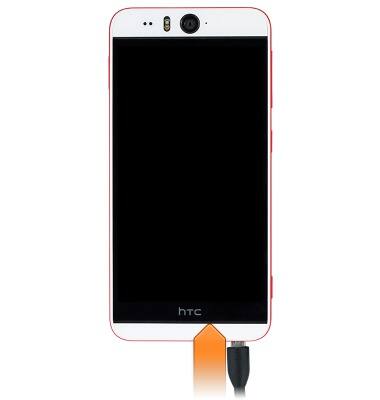
- Insert the microUSB end of the microUSB cable into the microUSB port at the base of the device.
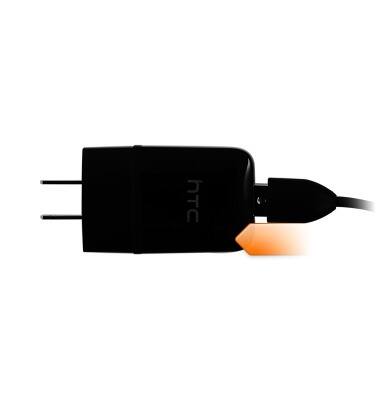
- Insert the USB end of the microUSB cable into the Power adapter.
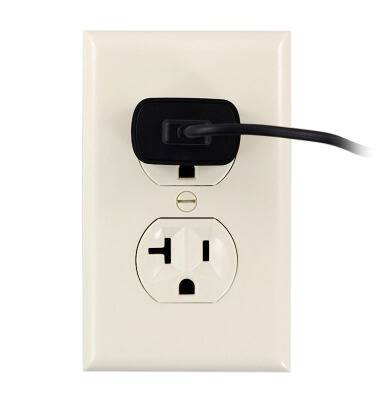
- Insert the Power adapter into an outlet to begin charging.
- Alternatively, the device can be charged with a laptop or desktop computer using USB. Insert the USB end of the microUSB cable into an available USB port on the computer.
Note: Your device charges more quickly using a power outlet than when connected to a laptop or other power source.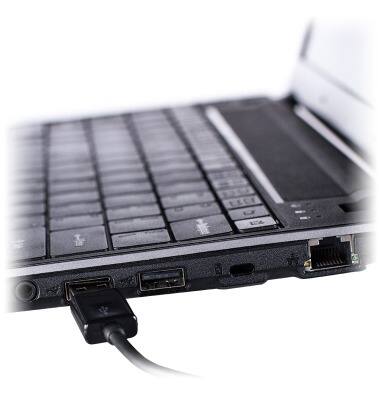
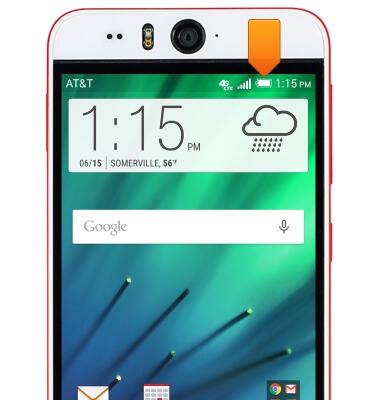
- While charging, the Battery charging icon will display in the Notifications bar.

- Once charging is complete, the Fully charged icon will display.
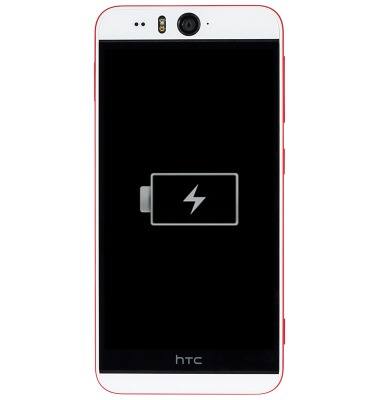
- If the battery drains completely, this image will display until the device has charged enough to power on.
- To learn more about your charging your battery, from a computer, download the user manual at www.att.com/devicehowto.

Charge the battery
HTC Desire EYE (0PFH100)
Charge the battery
How to charge your battery.
INSTRUCTIONS & INFO