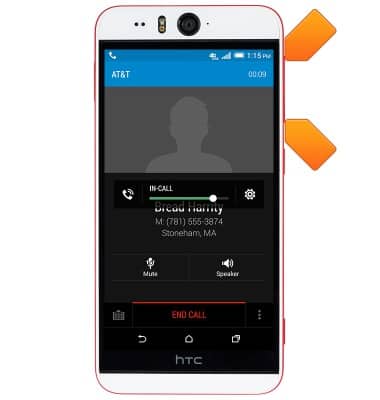
- While on a call, press the Volume keys to adjust in-call volume.
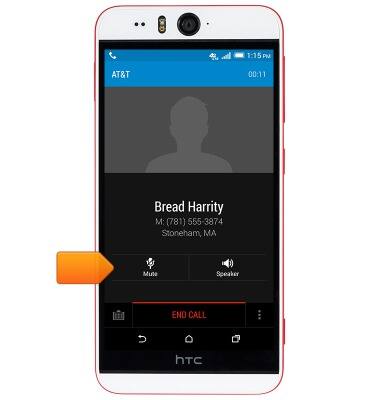
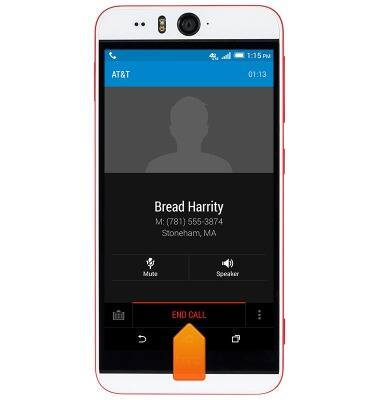
- Tap Mute to mute/unmute the microphone.
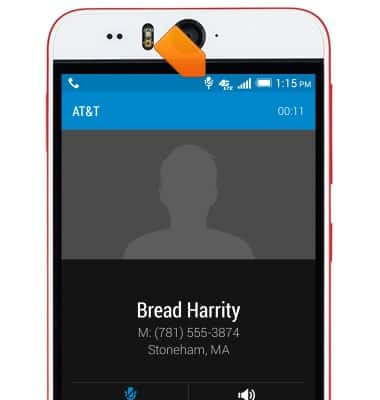
- While the microphone is muted, the Mute icon will display in the Notifications bar.
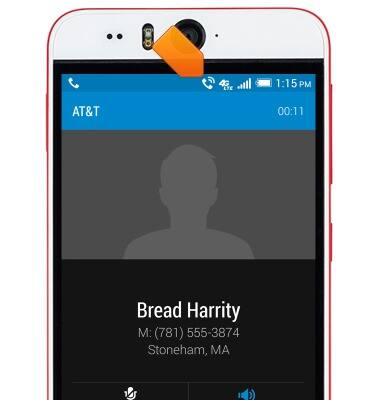
- Tap Speaker to enable/disable speakerphone.
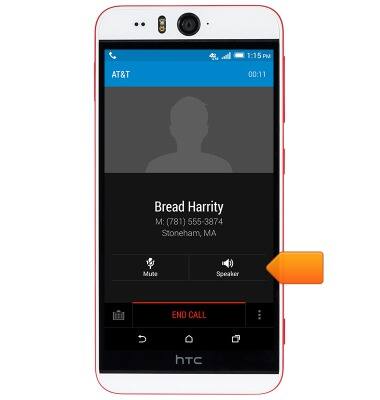
- While speakerphone is enabled, the Speakerphone icon will display in the Notifications bar.
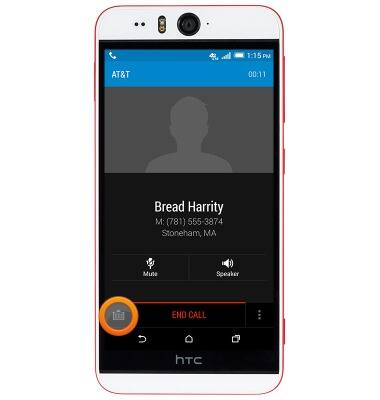
- Tap the Keypad icon to show or hide the keypad.
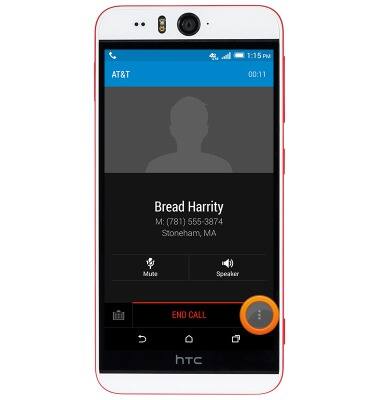
- Tap the Menu icon for more options.
- Tap Add call to add another call.
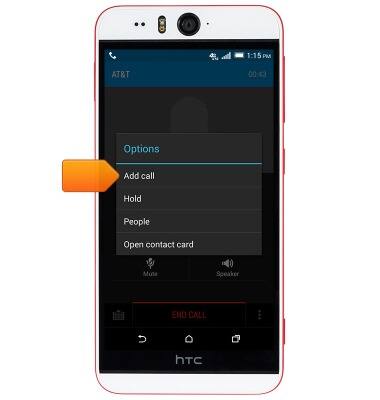
- Tap Hold to place a call on hold.
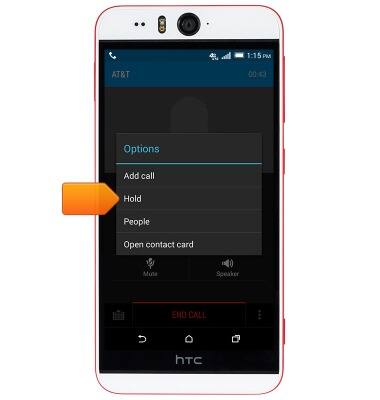
- While a call is on hold, the Hold icon will display in the Notifications bar.

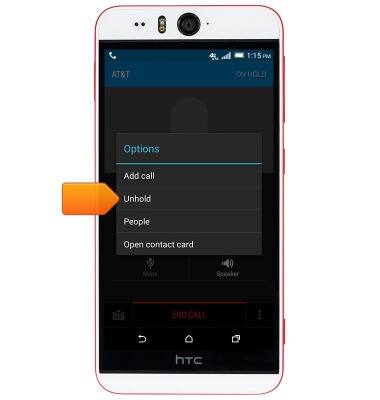
- To take a call off hold, tap the Menu icon.

- Tap Unhold.
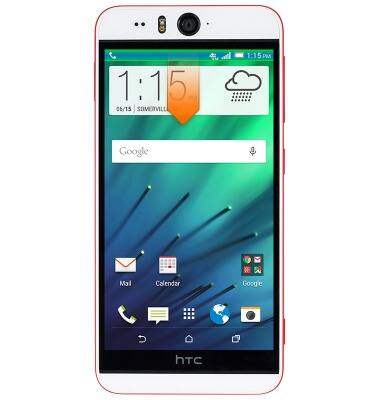
- Press the Home key to return to the home screen while staying connected to the current call.
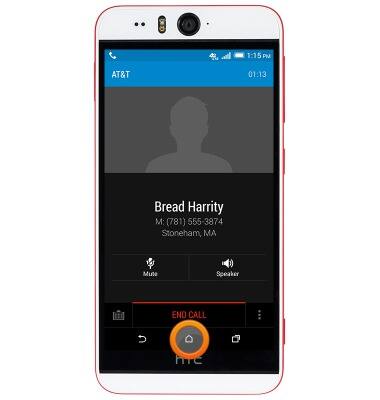
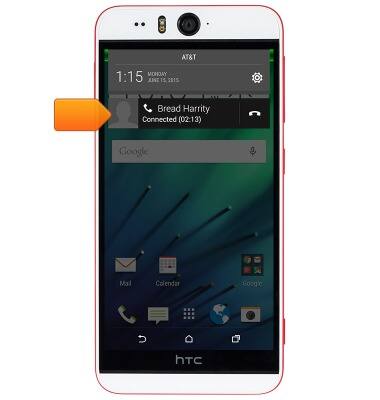
- To return to the call in progress, swipe down from the Notification bar.
- Tap the call notification to return to the call in progress.
- Tap END CALL to hang up.
In-call options
HTC Desire EYE (0PFH100)
In-call options
Learn what features are available while on an active call.
Phone Calls
This video explains how to use the device's phone features.
Phone Calls
1:52
INSTRUCTIONS & INFO