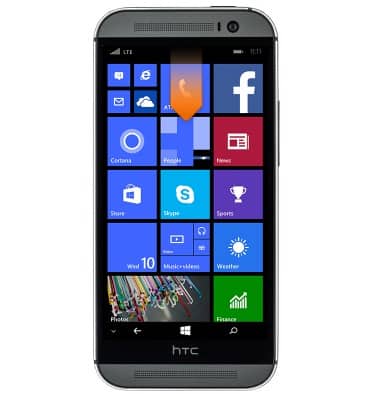
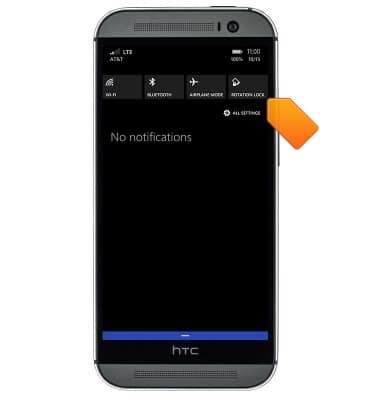
- Swipe down from the top of the screen to reveal the Action center.
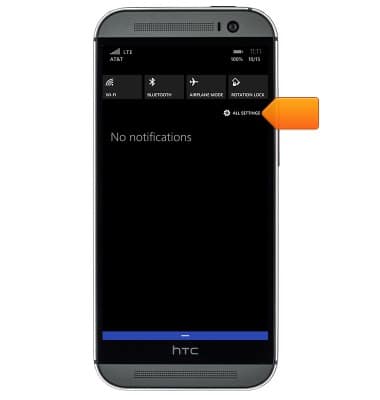
- Tap ALL SETTINGS.
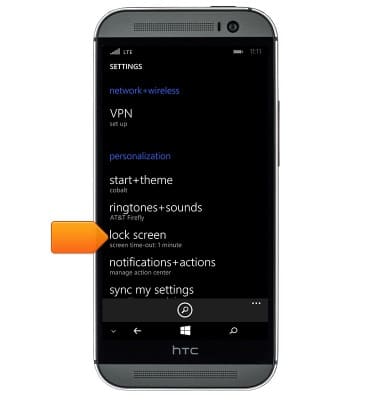
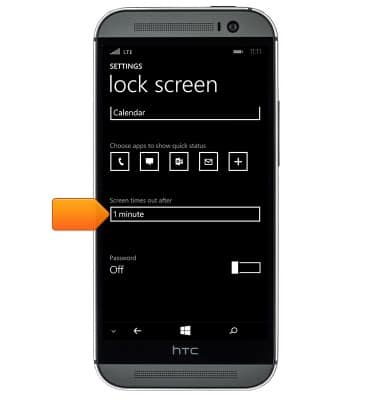
- To set the screen time-out, tap lock screen from the settings menu.
- Tap the Screen times out after field, then tap the desired option.
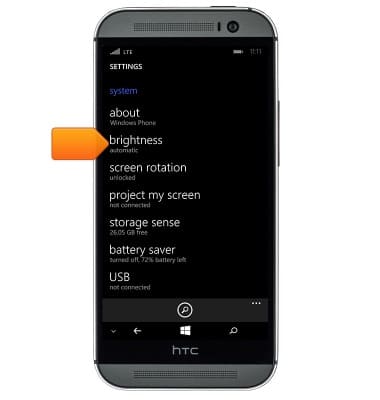
- To adjust the screen brightness, scroll to and then tap brightness for the settings menu.
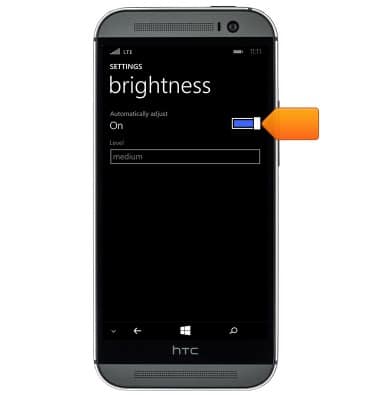
- Tap the Automatically adjust switch to manually set the brightness.
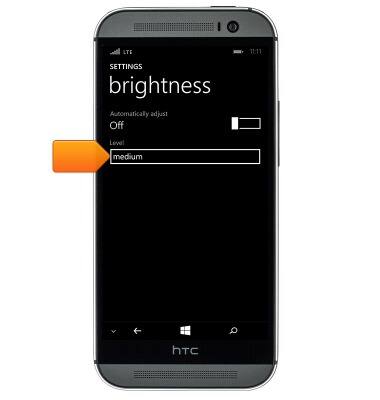
- Tap the Level field, then tap the desired option.
- To set the screen rotation, swipe down from the top of the screen to reveal the Action center and then tap ROTATION LOCK.
Display
HTC One (M8) for Windows (0P6B180)
Display
Change the display time out, brightness and orientation.
INSTRUCTIONS & INFO