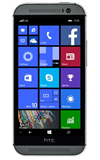
- From the Start screen, scroll to and then tap Photos.

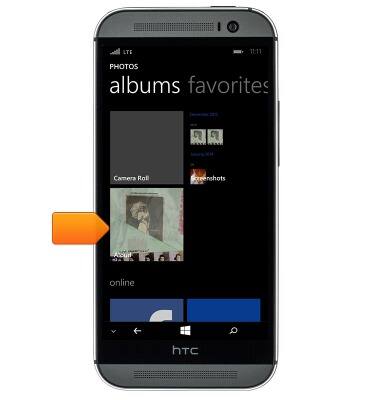
- Swipe to albums.

- Tap the desired album.
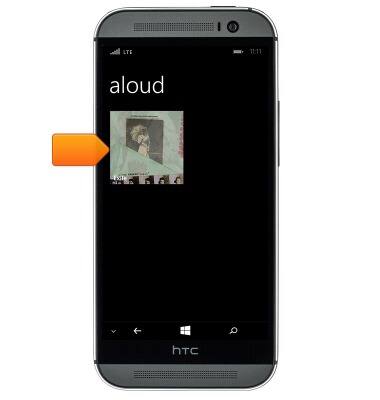
- Tap the desired image.
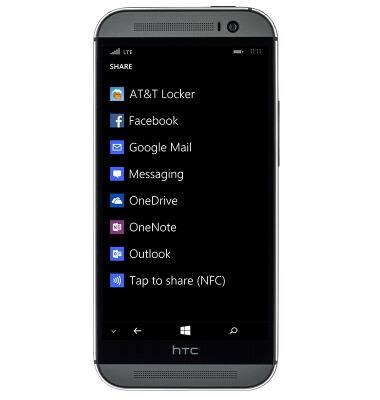
- The image is displayed. To share the image, tap the Share icon.
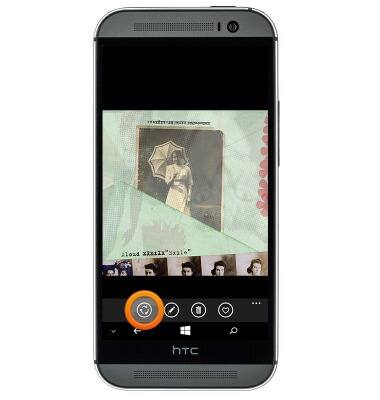
- Tap the desired option and then follow the on-screen prompts.
View & share photos or videos
HTC One (M8) for Windows (0P6B180)
View & share photos or videos
Access, view, and share your photos and videos.
INSTRUCTIONS & INFO