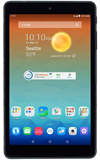
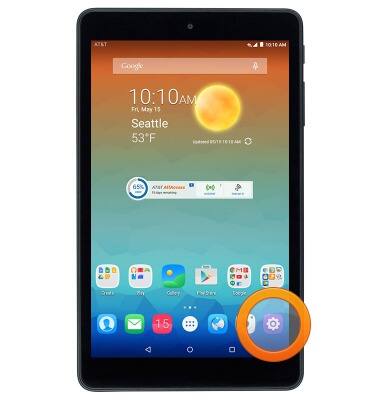
- From the home screen, tap the Settings icon.
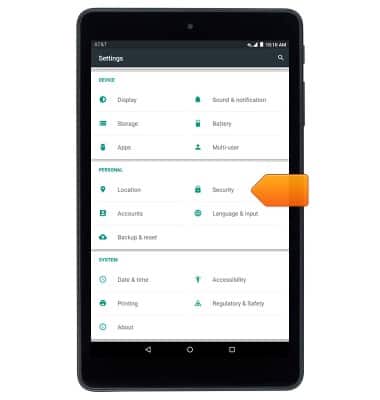
- Scroll to, then tap Security.
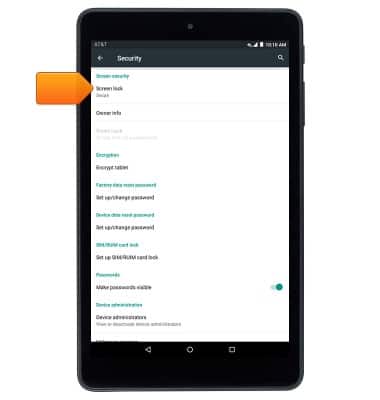
- Tap Screen lock.
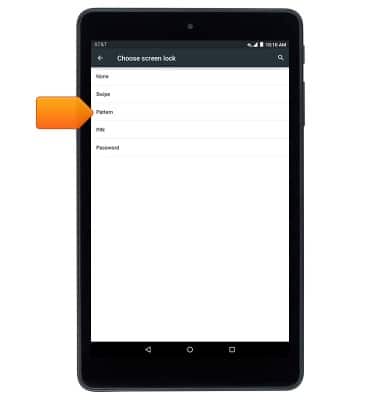
- Tap Pattern.
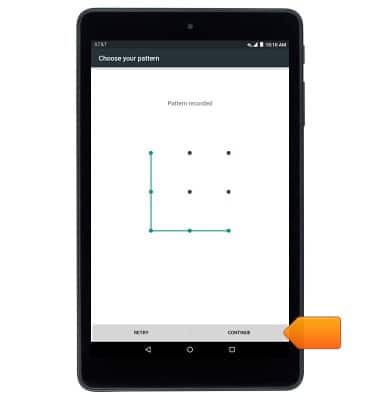
- Draw the desired pattern, then tap CONTINUE.
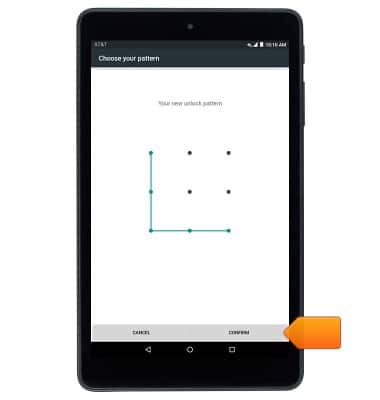
- Re-draw the pattern, then tap CONFIRM.
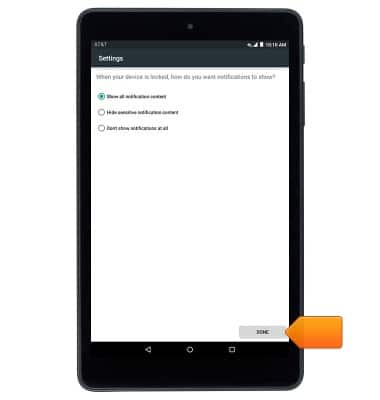
- Select the desired option, then tap DONE.
- To unlock your device, draw the selected pattern at the Lock screen.
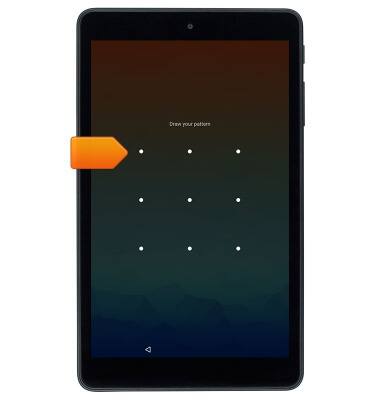
Pattern screen lock
AT&T Trek HD (9020A)
Pattern screen lock
This article describes how to set a pattern screen lock.
INSTRUCTIONS & INFO