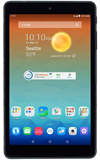
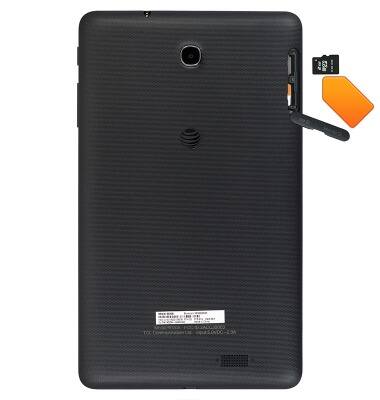
- Inserting a memory card into your device allows you to transfer and store contacts, music, pictures, and videos
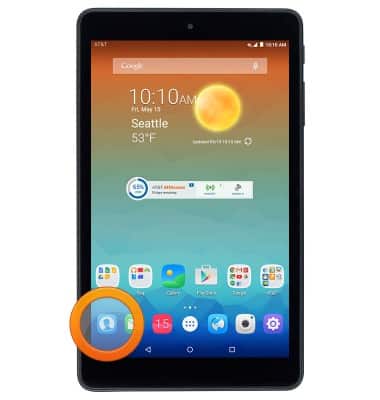
- From the home screen, tap the Contacts icon.
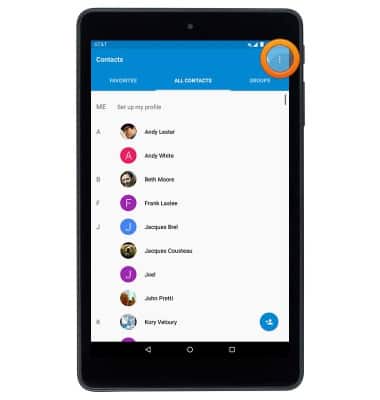
- Tap the Menu icon.
- Tap Import/Export.
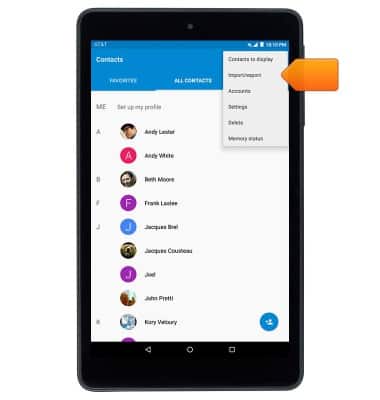
- To import contacts from the SD card, tap Import from SD card.
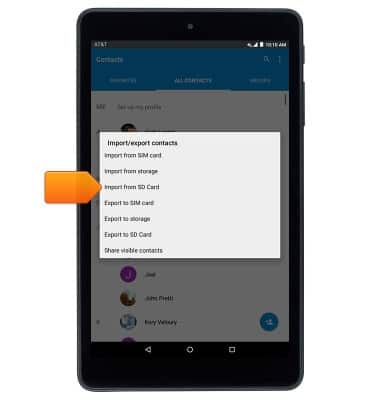
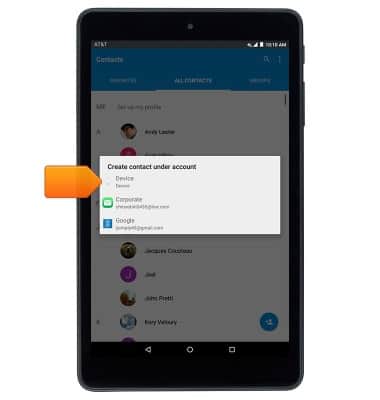
- Tap the desired location.
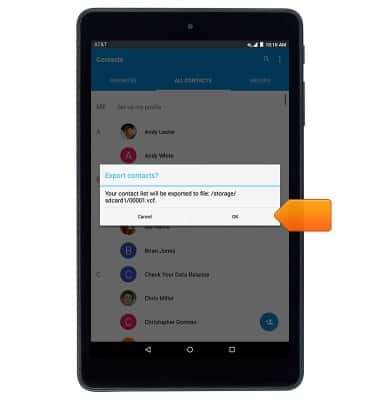
- To export contacts to the SD card, tap Export to SD card.
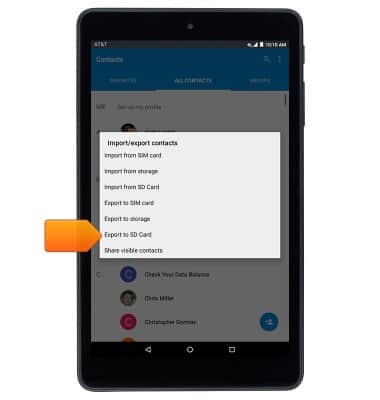
- Tap OK.
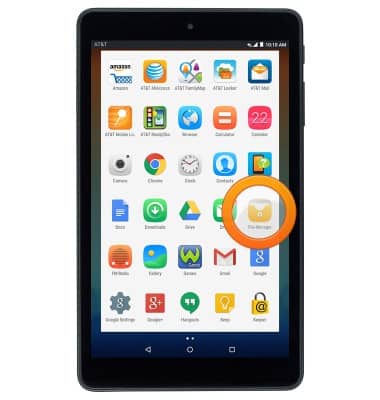
- To save music & photos from the phone to the memory card, from the apps screen, tap File Manager.
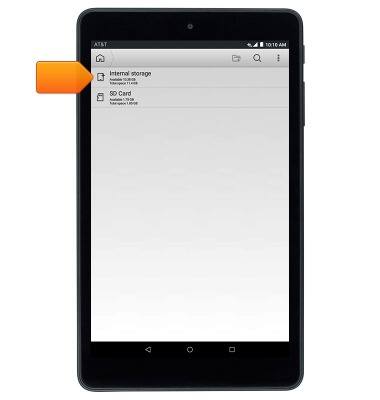
- Tap Internal storage.
- Navigate to the desired folder.
Note: This tutorial selects 'DCIM.'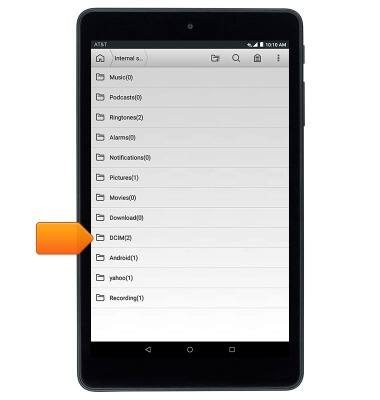
- Touch and hold the desired image.
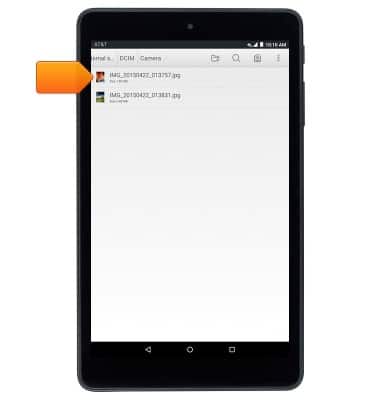
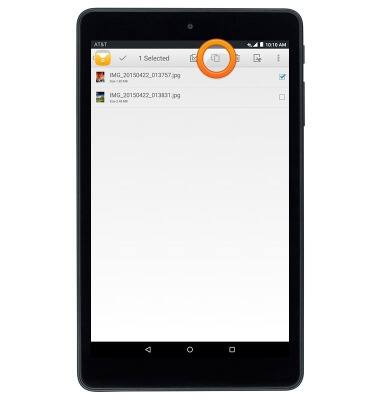
- Select the additional images as desired, then tap the Copy icon.
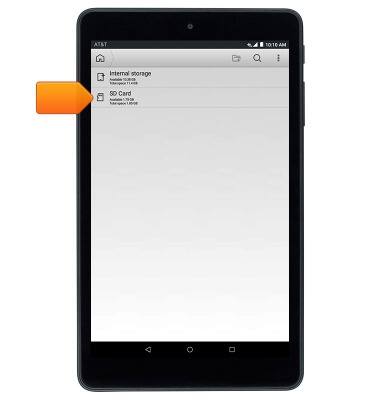
- To export the image to the SD Card, from the File Manager home screen, tap SD Card.
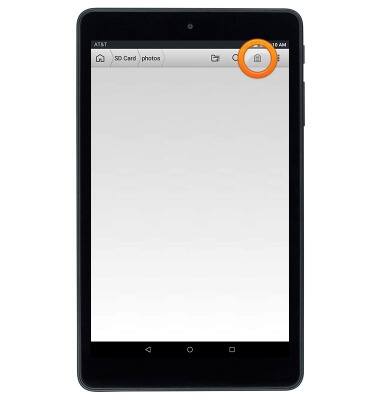
- Navigate to the desired folder.
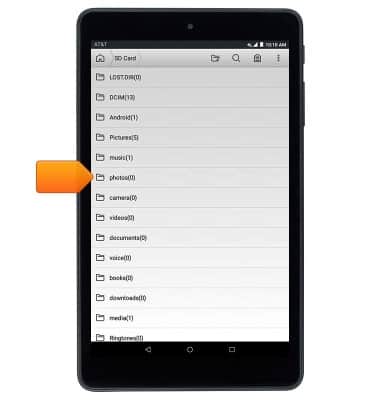
- Tap the Import icon to backup with memory card.
Backup & restore with memory card
AT&T Trek HD (9020A)
Backup & restore with memory card
This article describes how to backup and restore with memory card.
INSTRUCTIONS & INFO