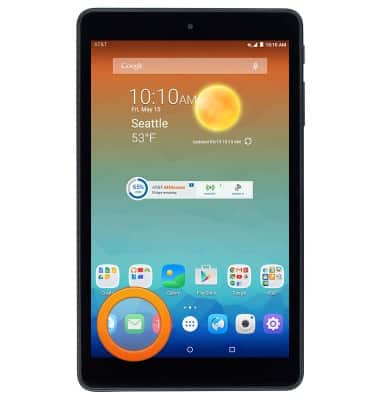
- From the home screen, tap the Email icon.
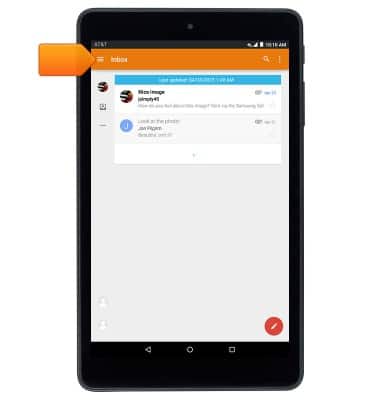
- Tap the Inbox tab.
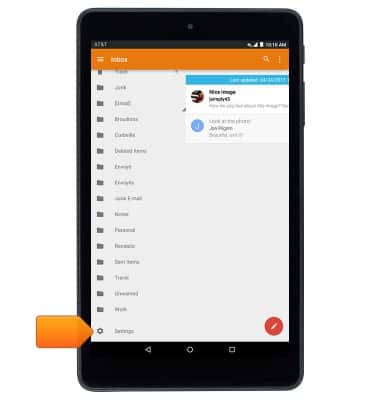
- Scroll down and tap Settings.
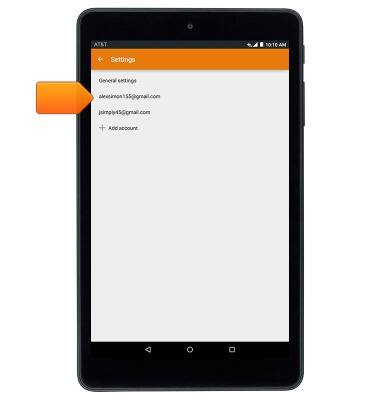
- To edit settings for an existing account, tap the desired account.
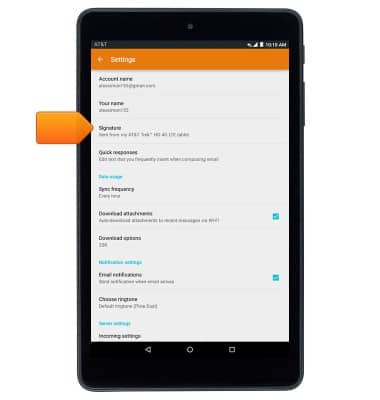
- To edit your email signature, tap Signature.
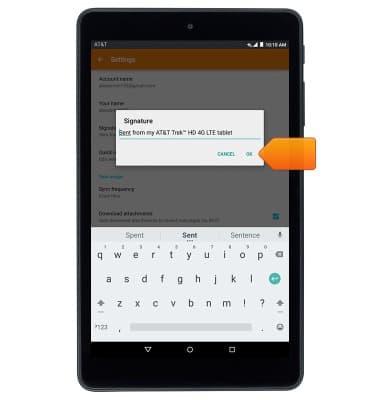
- Enter the desired signature, then tap OK.
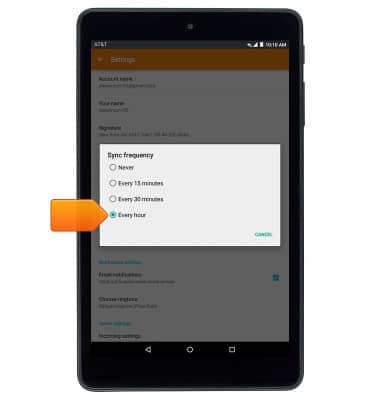
- To adjust the sync schedule, tap Sync frequency.
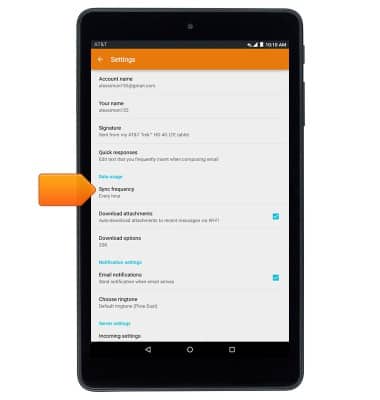
- Tap the desired option.
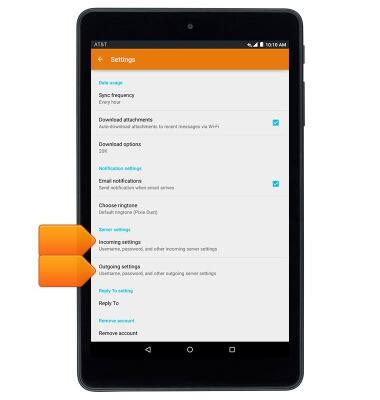
- To edit incoming and outgoing server settings, tap Incoming settings and Outgoing settings.
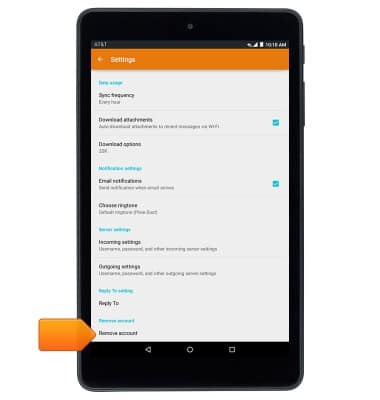
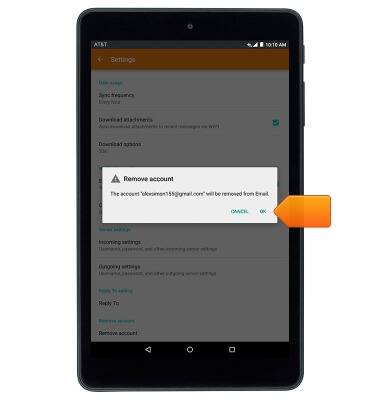
- To delete the selected account from your device, tap Remove account.
- Tap OK.
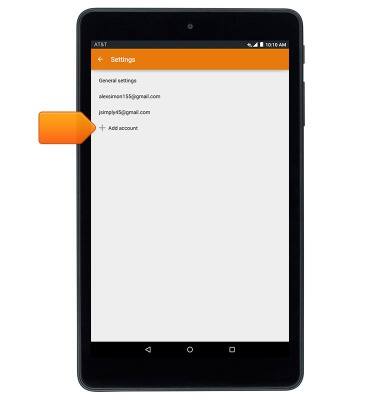
- To add a new account, from the email settings screen, tap Add account, then follow the prompts to create a new account.
Email options
AT&T Trek HD (9020A)
Email options
This article provides an overview of email settings.
INSTRUCTIONS & INFO