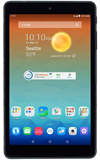
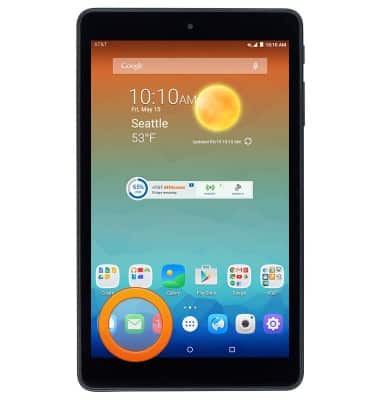
- From the home screen, tap the Email icon.
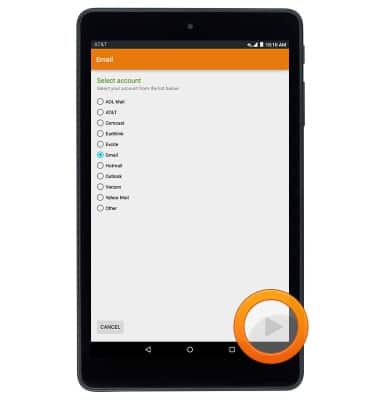
- Select the desired email provider, then tap the Next icon.
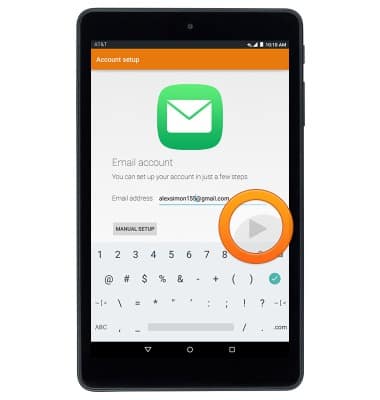
- Enter the desired email address, then tap the Next icon.
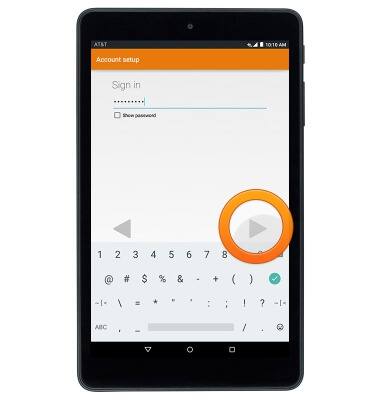
- Enter the desired password, then tap the Next icon.
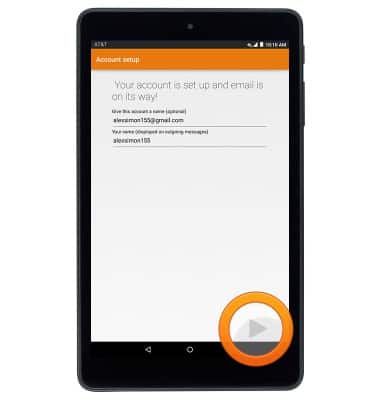
- Edit the account and display name if desired, then tap the Next icon to complete setup.
Set up personal email
AT&T Trek HD (9020A)
Set up personal email
Add your personal email account to sync email, contacts, calendar, and notes to your device.
INSTRUCTIONS & INFO