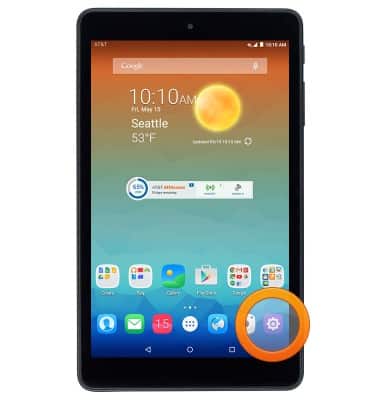
- From the home screen, tap the Settings icon.
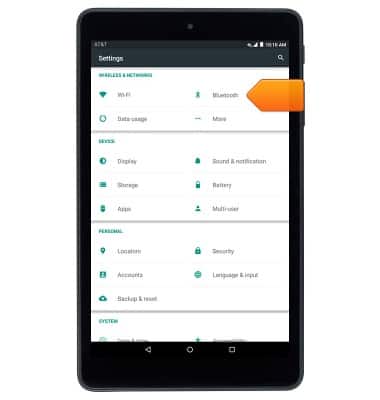
- Tap Bluetooth.
- Tap the Bluetooth switch to turn it on or off.
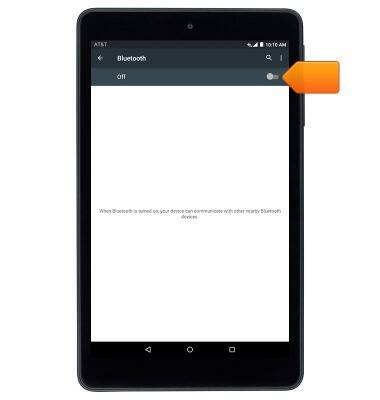
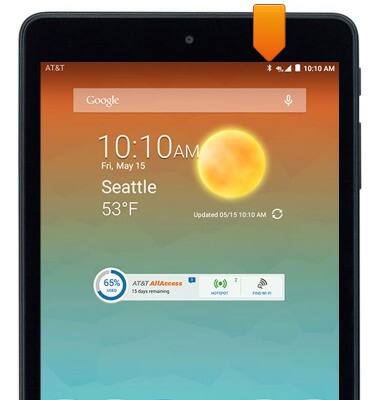
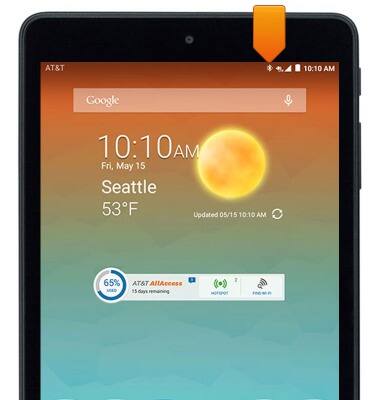
- When Bluetooth is on, the Bluetooth icon will display in the notification bar.
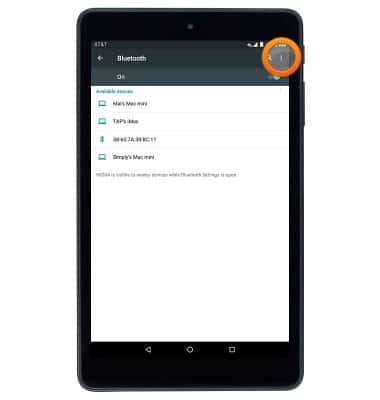
- The phone will automatically scan for nearby Bluetooth devices. To scan again, tap the Menu icon.
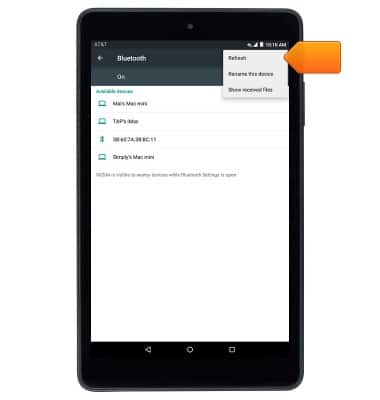
- Tap Refresh.
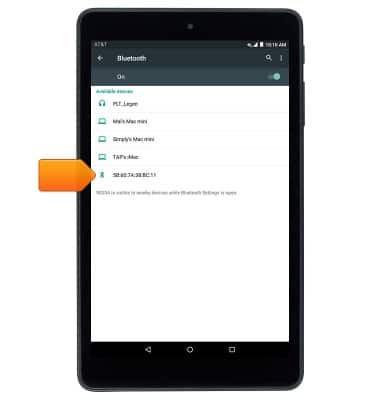
- To connect to another Bluetooth device, tap the desired device.
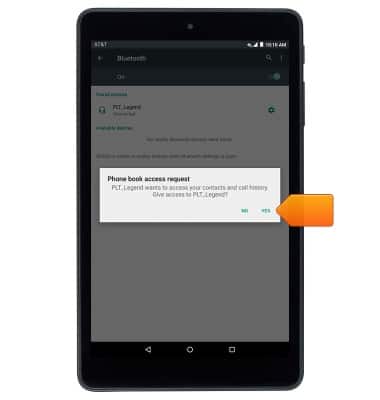
- If prompted, tap the desired option.
- When Bluetooth is paired, the Bluetooth paired icon will display in the notification bar.
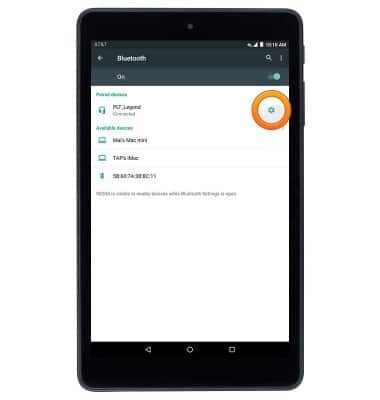
- To disconnect from a paired device, tap the Settings icon next to the desired device.
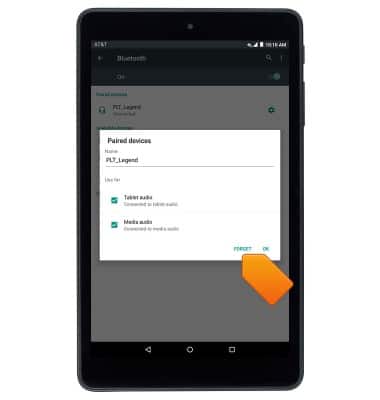
- Tap FORGET.
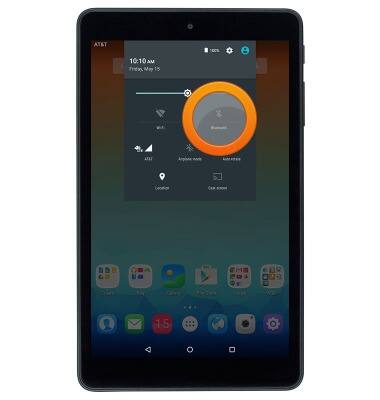
- To quickly toggle Bluetooth on/off, drag down from the Notification bar with two fingers, then tap Bluetooth.
Bluetooth
AT&T Trek HD (9020A)
Bluetooth
This article describes how to connect to a Bluetooth enabled device.
INSTRUCTIONS & INFO