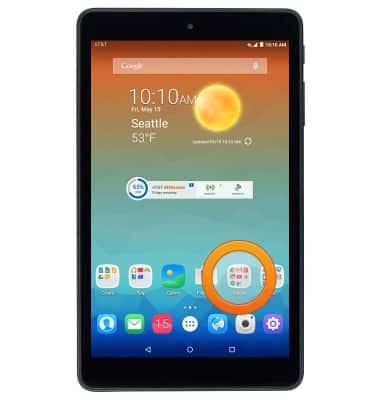
- From the home screen,tap the Google folder.
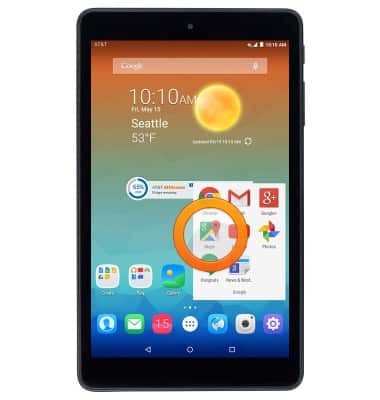
- Tap Maps.
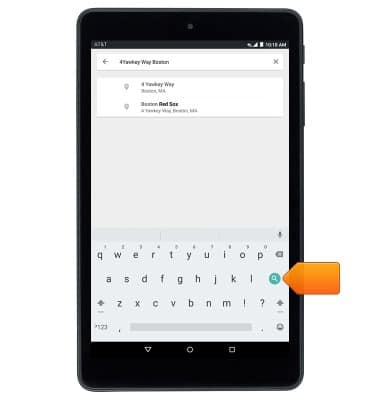
- Tap the Search field then enter the desired destination.
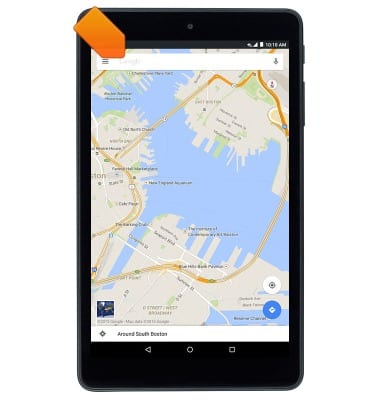
- Tap a suggested search or tap the Search icon.
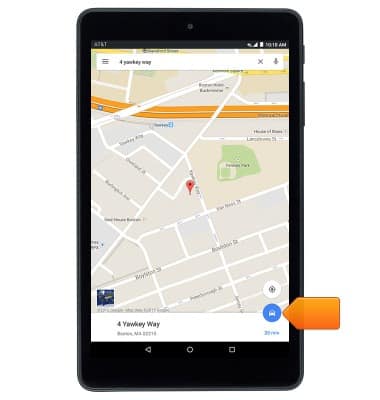
- Tap the Drive icon
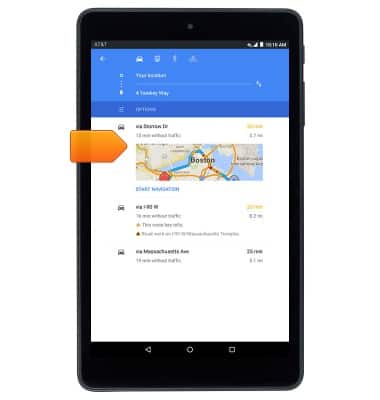
- Tap the desired route to begin navigation.
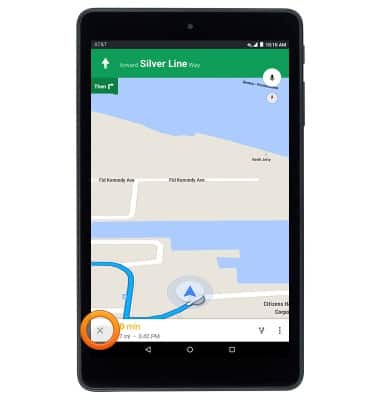
- Tap the Stop icon to stop navigation.
Maps
AT&T Trek HD (9020A)
Maps
This tutorial shows how to access the Maps application, enter an address to get directions, and then how to exit the directions.
INSTRUCTIONS & INFO