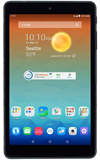
- Use the original charger and battery to maintain optimal battery performance over the life of your device.
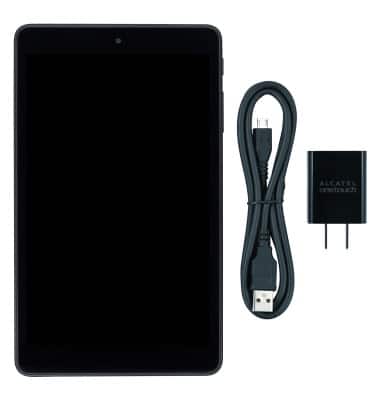
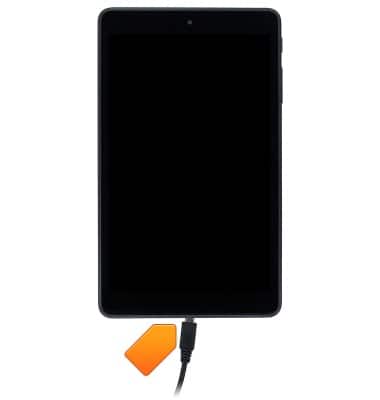
- Insert the device end of the charging cable into the port of the device.
- Insert the opposite end of the cable into the port of the A/C adapter.
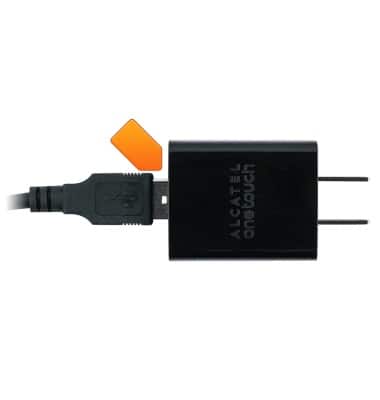
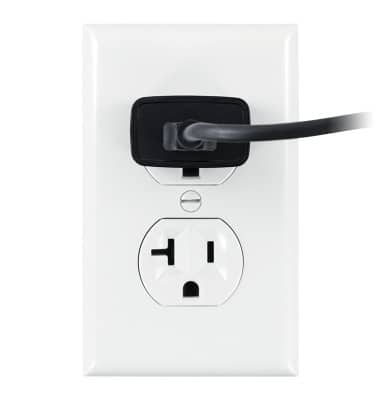
- Plug the adapter into a wall outlet.
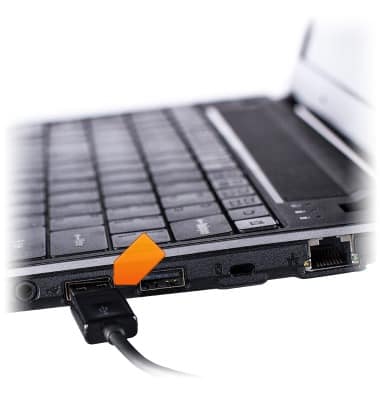
- Alternatively, insert the opposite end of the microUSB cable into the port of the computer.
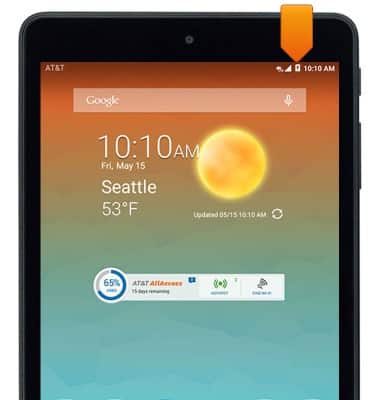
- When the device is fully charged, the Fully charged icon will be displayed in the Notification bar.
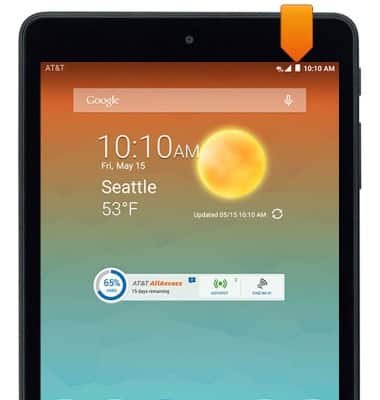
- While the device is charging, the Charging icon is displayed in the Notification bar.
- To learn more about your charging your battery download the user manual.
Charge the battery
AT&T Trek HD (9020A)
Charge the battery
This article describes how to charge the battery.
INSTRUCTIONS & INFO