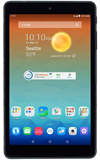
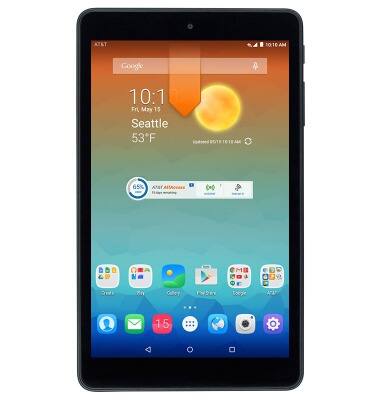
- From the home screen, swipe down the Notification bar with two fingers.
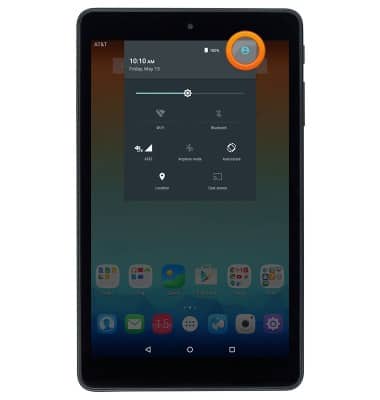
- Tap the User icon.
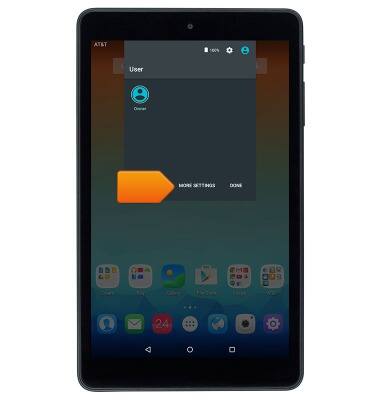
- Tap MORE SETTINGS.
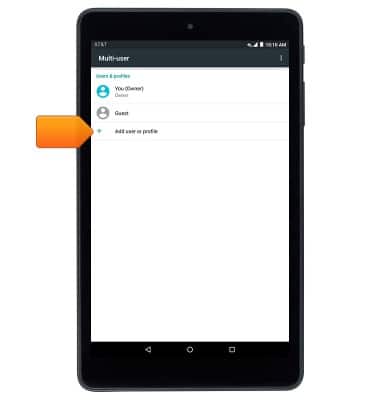
- Tap Add user or profile.
- Tap the desired option.
Note: This tutorial selects 'User.'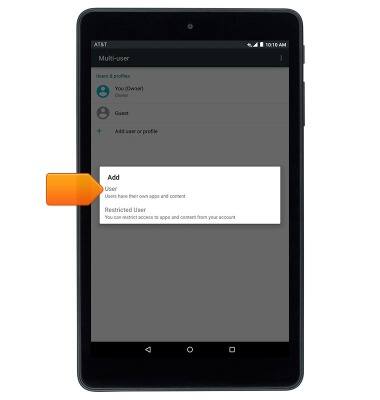
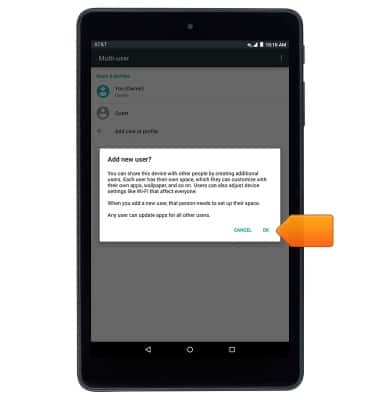
- Tap OK.
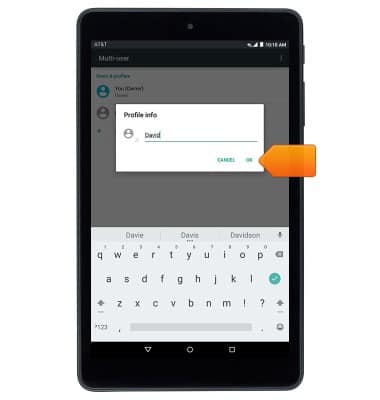
- Enter the desired user name, then tap OK.
- Tap SET UP NOW.
Note: To set up later, tap 'NOT NOW'.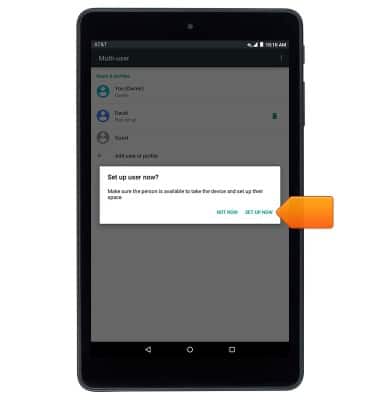
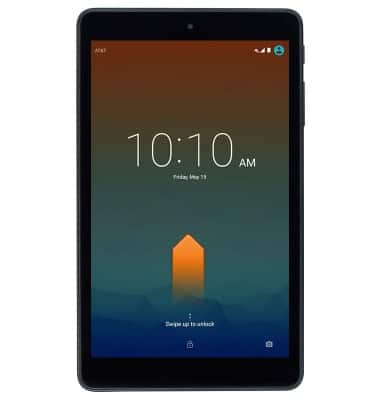
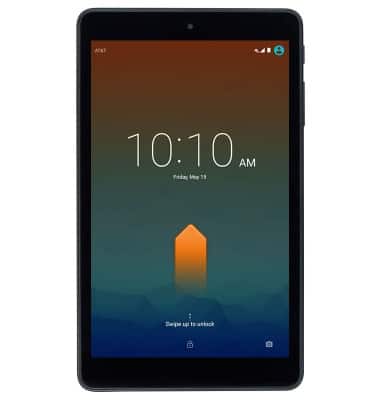
- Swipe up the scree to unlock.
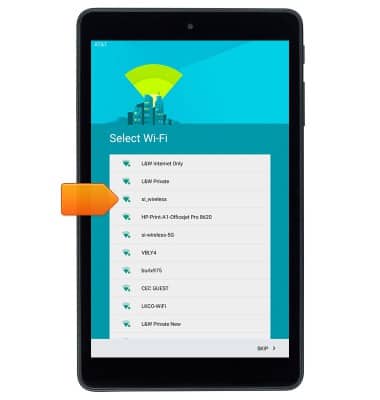
- Select the desired Wi-Fi network, then follow the prompts to setup the new user account.
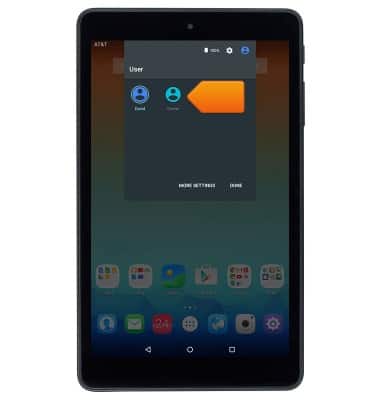
- To switch between users, swipe down the Notification bar, then tap the User icon.
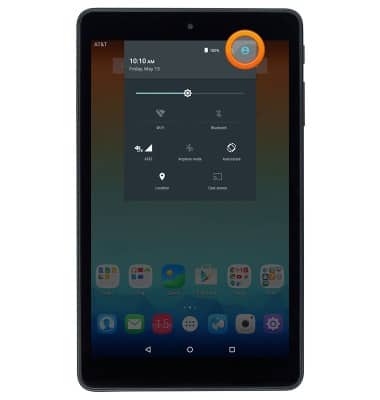
- Tap the desired user icon.
- Swipe up the screen to unlock the screen.
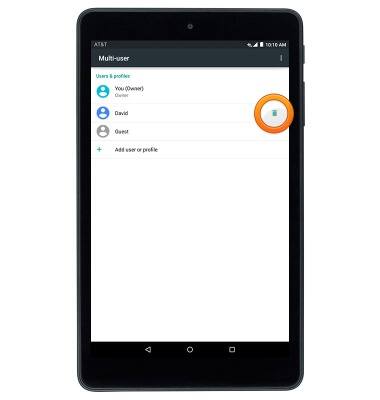
- To delete a user, from the Notification screen of the device owner, tap the User icon.
Note: Only the owner account can delete a user.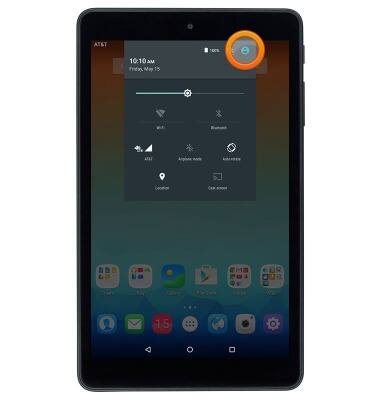
- Tap MORE SETTINGS.
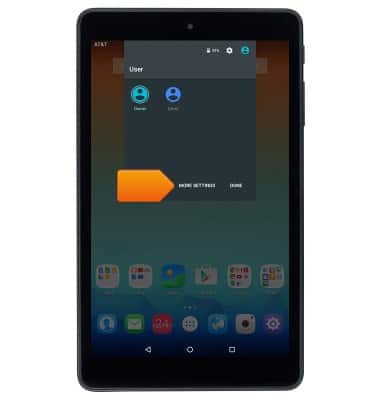
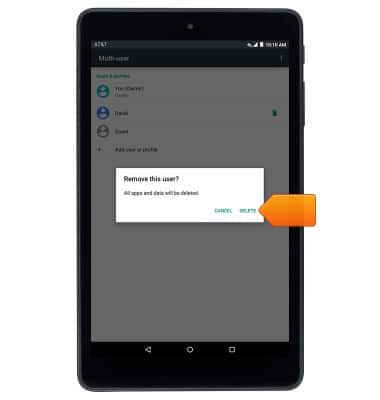
- Tap the Delete icon next to the desired user.
- Tap DELETE.
User accounts
AT&T Trek HD (9020A)
User accounts
This article describes how to add user accounts.
User Accounts
This video explains how to set up multiple user accounts.
User Accounts
2:56
INSTRUCTIONS & INFO