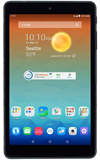
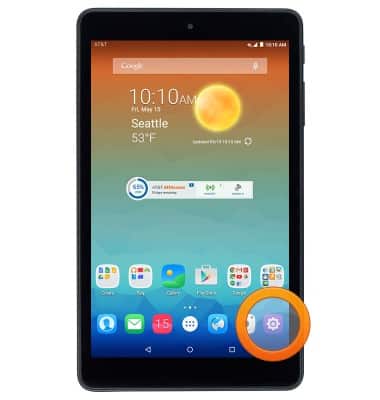
- From the home screen, tap the Settings icon.
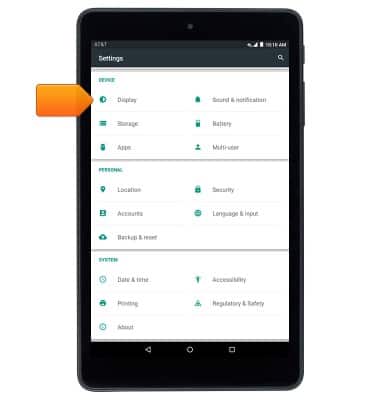
- Tap Display.
- To change the screen time out, tap Sleep.
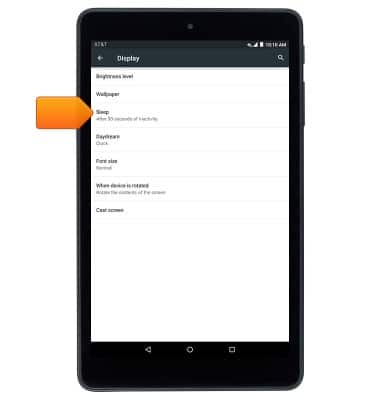
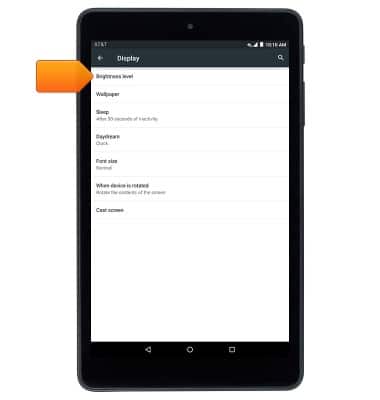
- To change the screen brightness, tap Brightness level.
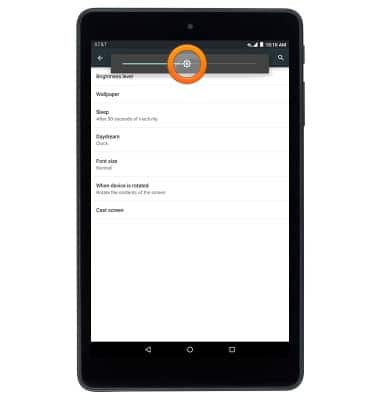
- Touch and drag the slider to the desired brightness adjustment.
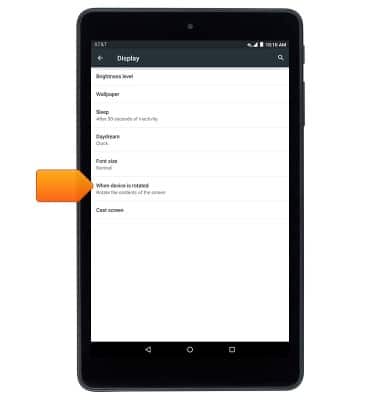
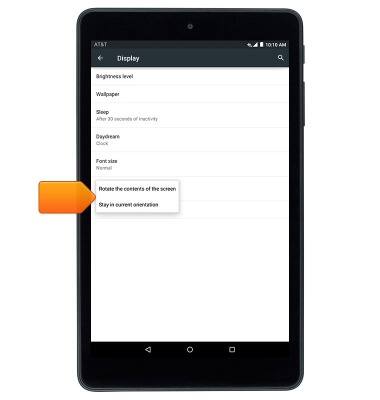
- To enable or disable auto screen rotation, tap When device is rotated.
- Tap the desired option.
Display
AT&T Trek HD (9020A)
Display
This article provides an overview of display settings.
INSTRUCTIONS & INFO