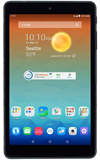
- To insert the SIM card, open the SIM/SD card cover located on the side of the device.
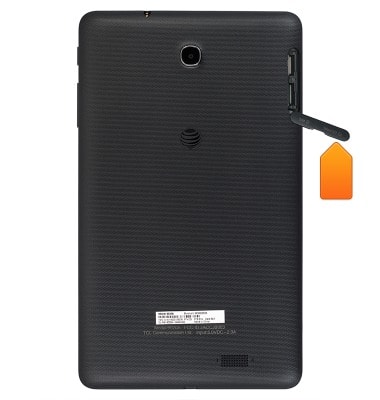
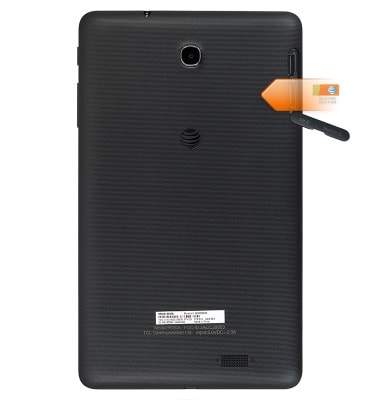
- Insert the microSIM Card in the SIM card slot until it clicks into place.
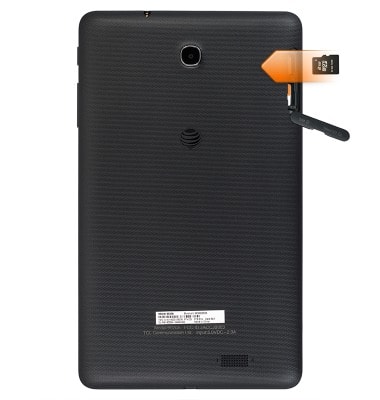
- To insert the microSD card, insert the microSD card into the microSD card slot.
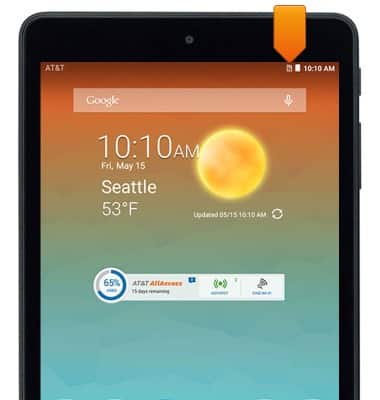
- When the SIM card is installed incorrectly or missing, the No SIM icon will be displayed in the notifications bar.
Insert SIM & memory card
AT&T Trek HD (9020A)
Insert SIM & memory card
This article describes how to install the SIM card and battery
INSTRUCTIONS & INFO