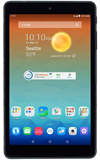
- From the home screen, tap the Internet icon.
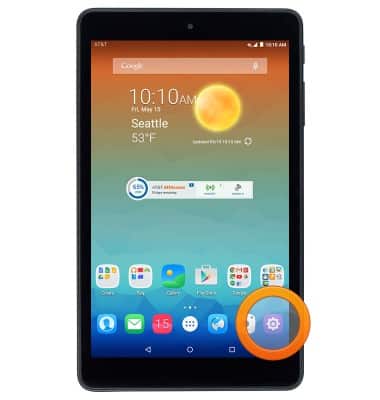
- Tap the Menu icon.

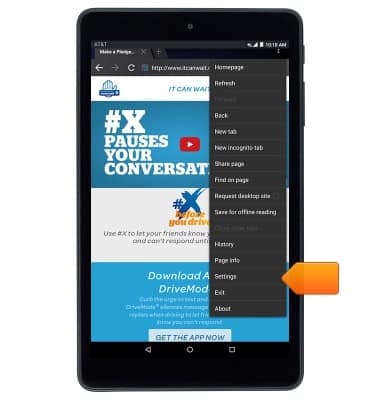
- Tap Settings.
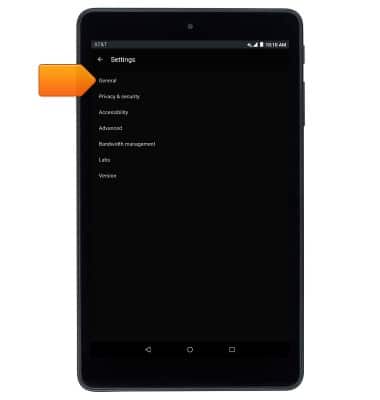
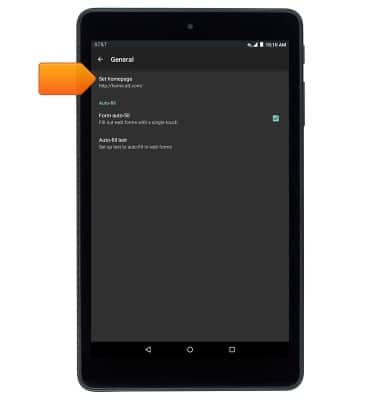
- To change your homepage, tap General.
- Tap Set homepage.
- Tap the desired option.
Note: For this demonstration, tap 'Other' to input the desired homepage URL.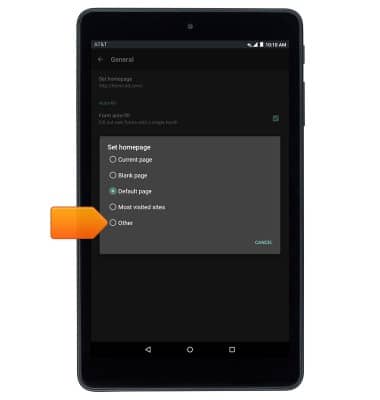
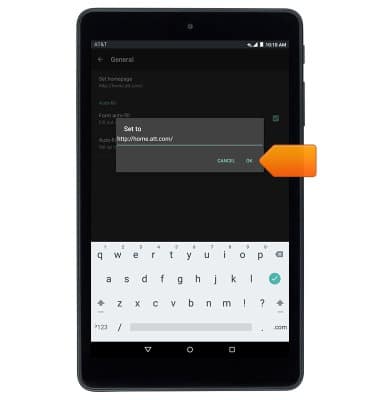
- Enter the desired URL, then tap OK.
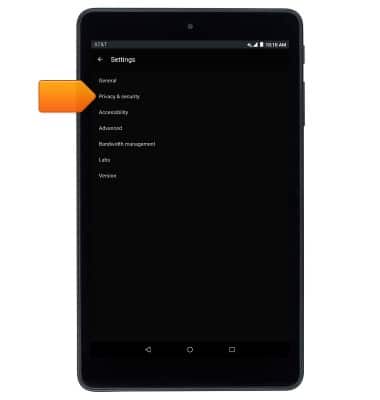
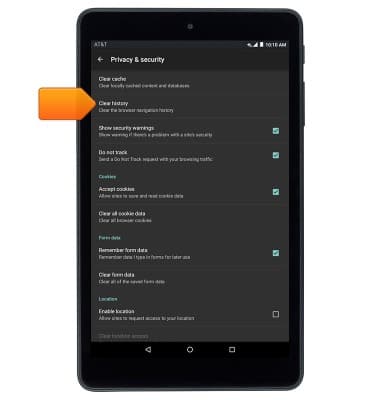
- To clear browsing history, from the 'Internet settings' screen, tap Privacy & security.
- Tap Clear history.
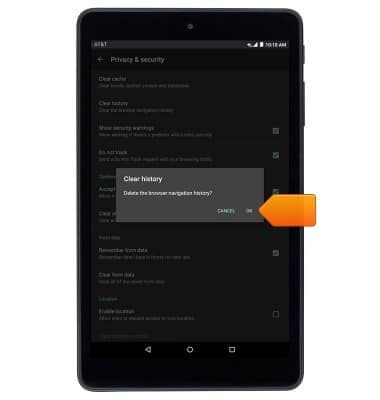
- Tap OK.
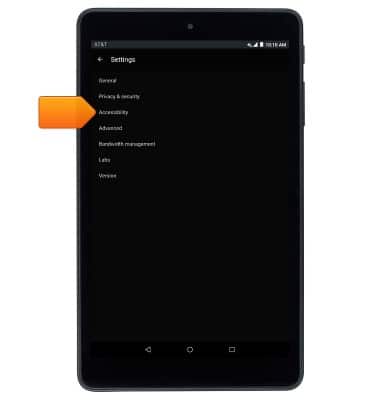
- To adjust text size, from the 'Internet settings' screen, tap Accessibility.
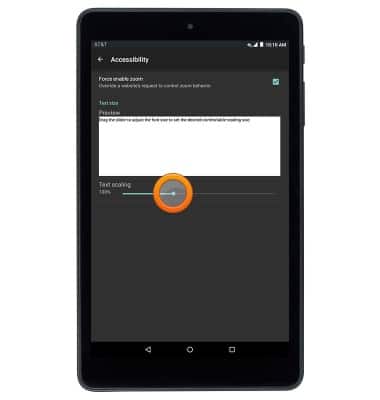
- Drag the text scaling slider to adjust text size.
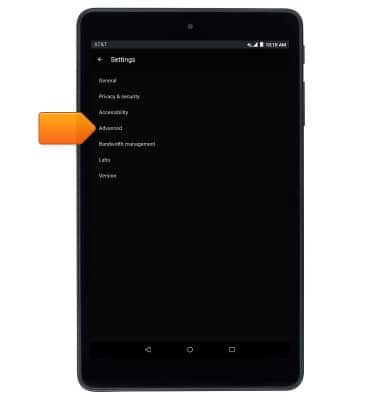
- To turn pop-up blocking on/off, from the 'Internet settings' screen, tap Advanced.
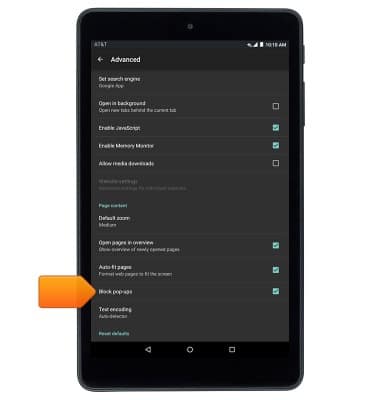
- Tap Block pop-ups to toggle on/off.
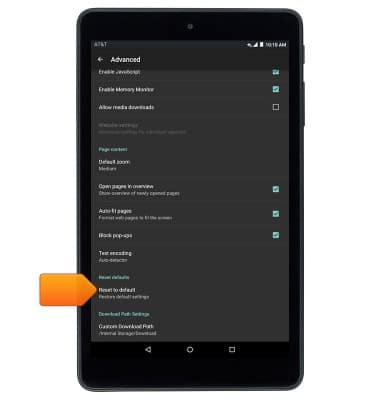
- To reset to default browser settings, scroll to, then tap Reset to default.
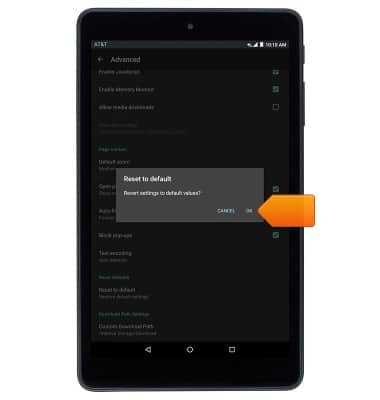
- Tap OK.
Browser options
AT&T Trek HD (9020A)
Browser options
This article provides an overview of the Browser settings.
INSTRUCTIONS & INFO