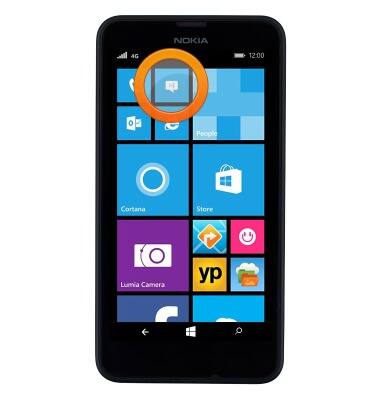
- From the home screen, tap the Messaging icon.
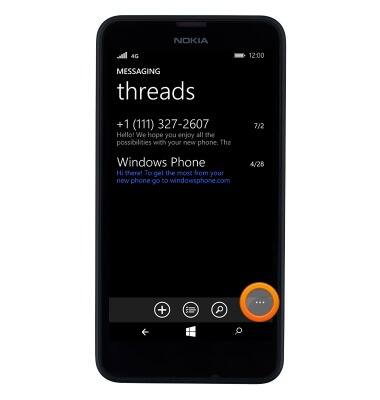
- Tap the Menu icon.
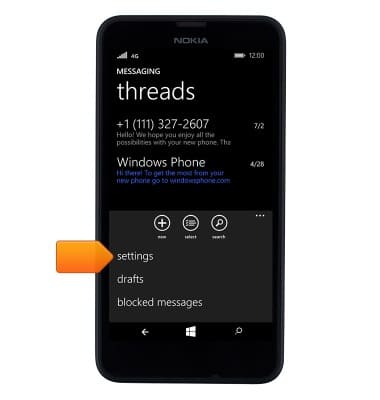
- Tap settings.
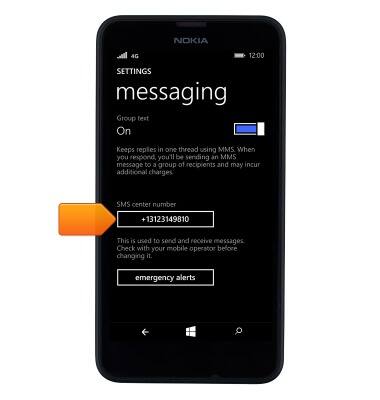
- The message center number is visible in the SMS center number field.
- To edit the emergency alert settings, tap emergency alerts.
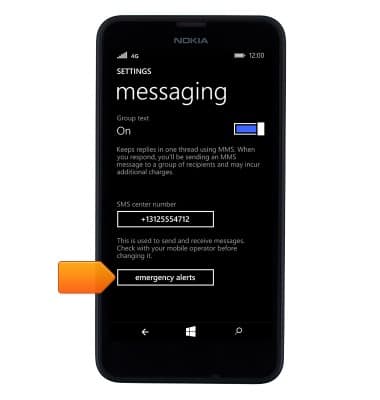
- Change the settings as desired.

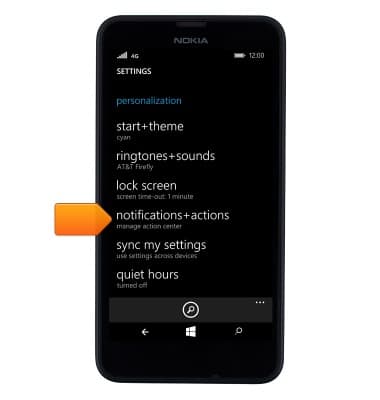
- To change the messaging notification settings, tap notifications+actions for the settings menu.
- Tap Messaging.
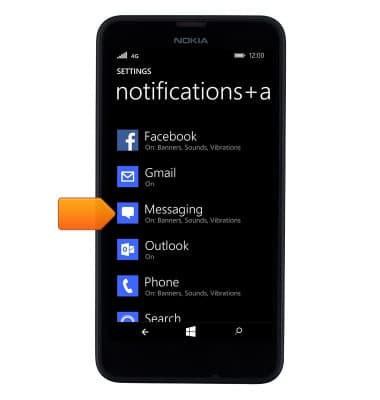
- Change the settings as desired.
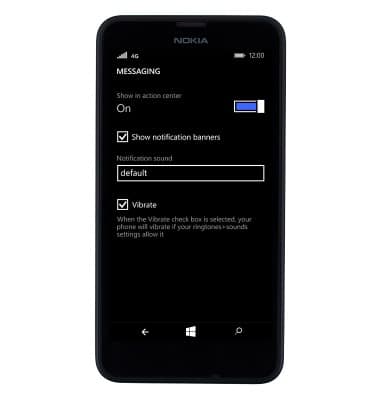
Messaging settings
Nokia Lumia 635
Messaging settings
Set text (SMS) and picture (MMS) message alerts, limits, display options and more.
INSTRUCTIONS & INFO