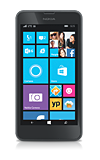
- From the home screen, swipe left to access the Apps list.
Note: To check your current month's data usage dial *data# (*3282#) on your mobile phone to receive a text message with the current bill cycle's usage.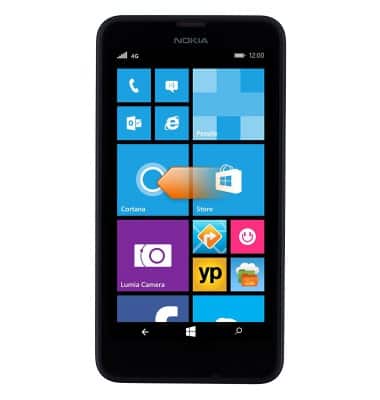
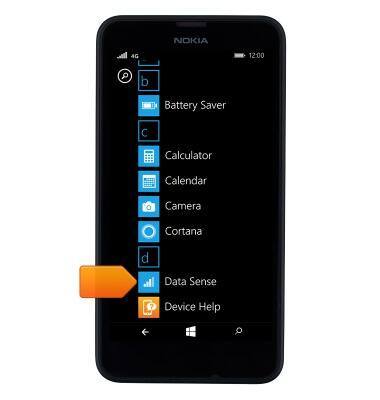
- Scroll to, then tap Data Sense.
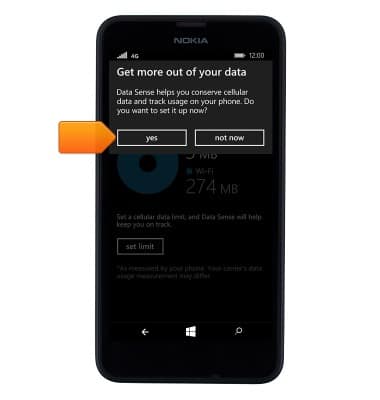
- Tap yes.
- To set a data limit, tap set limit.
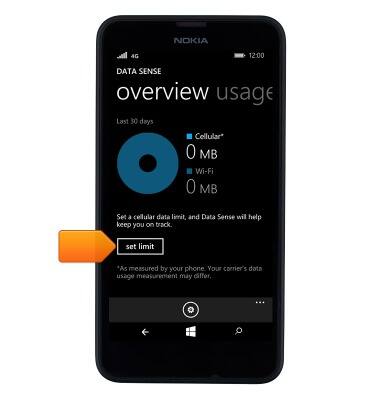
- Tap the Limit type field.
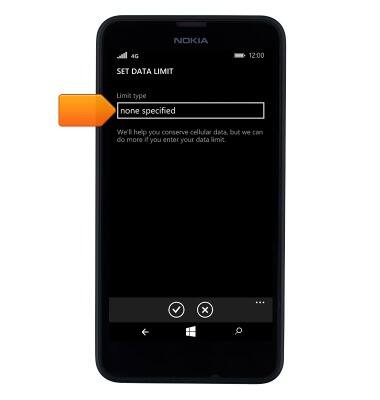
- Tap the desired option.
Note: For this demonstration, 'monthly' was selected.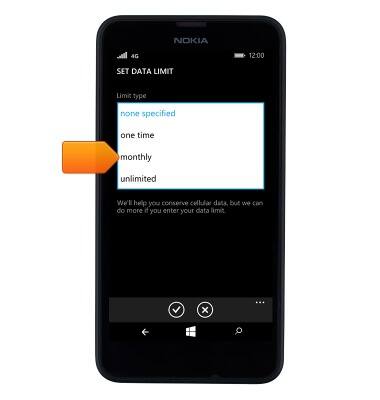
- Tap the Monthly reset date field.

- Tap the desired day.
Note: For this demonstration, '1' was selected.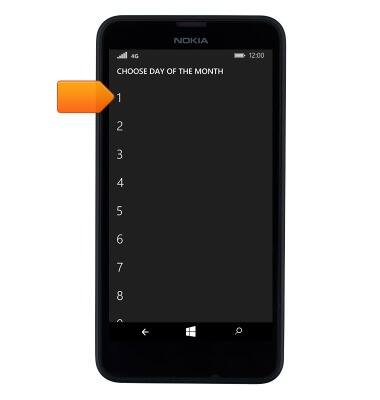
- Tap the Units field.
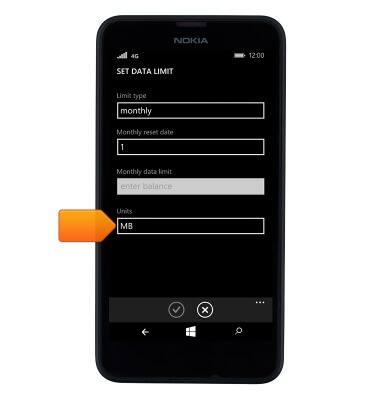
- Tap the desired unit type.
Note: For this demonstration, 'GB' was selected.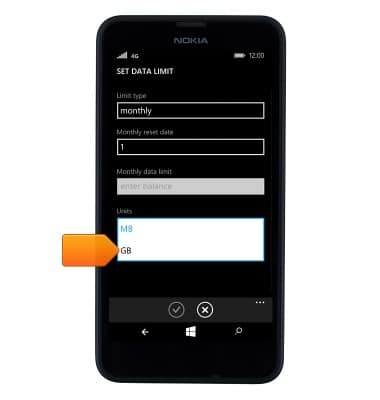
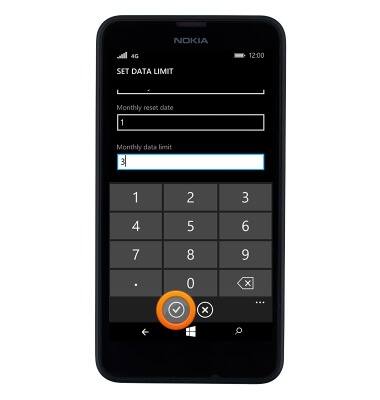
- Tap the Monthly data limit field.
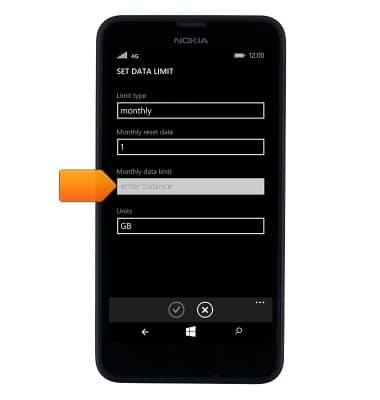
- Enter the desired data limit amount.
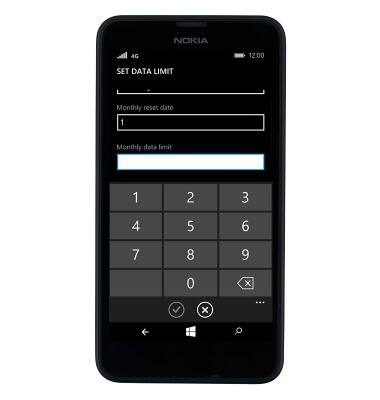
- Tap the Save icon.
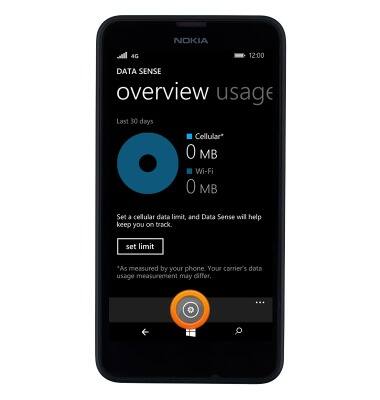
- Tap the Settings icon to adjust additional settings.
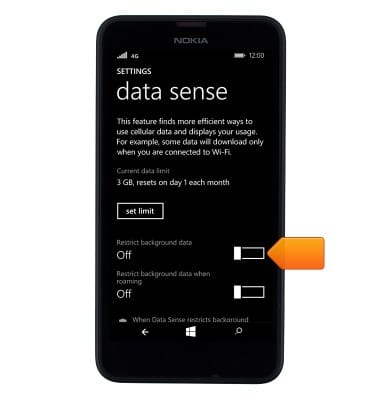
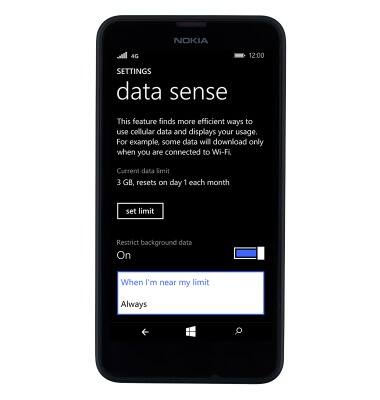
- Tap the Restrict background data toggle.
- Tap the Restrict background data field.
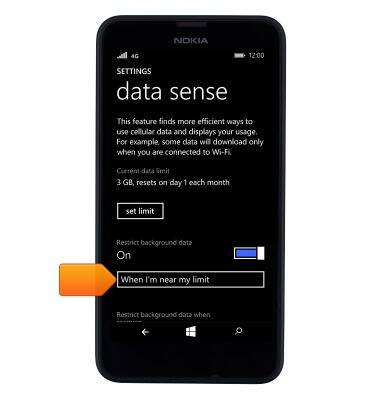
- Tap the desired option.
View & manage data
Nokia Lumia 635
View & manage data
Access Usage Manager to view data usage, set data limits, & see the apps using the most data.
INSTRUCTIONS & INFO