- Charge the battery until full before the first use to extend battery life.
Note: Use the original charger to maintain optimal battery performance over the life of your device.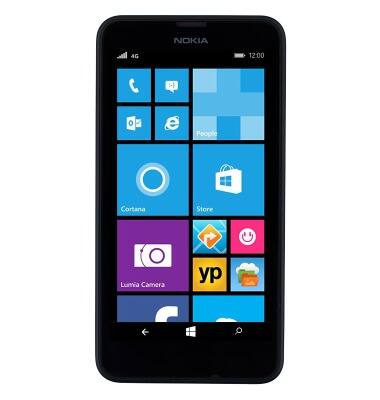
- To extend the life of the battery, avoid letting the battery reach zero. Additionally, charging the battery over one session is preferable to multiple short charging sessions.
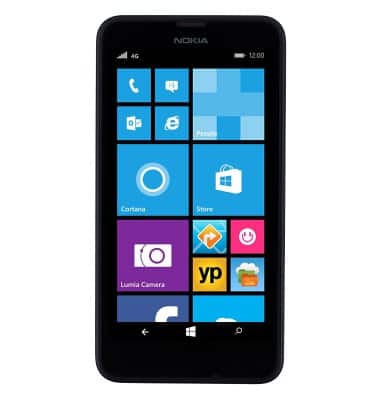
- Insert the microUSB end of the microUSB cable into the microUSB port at the base of the device.
Note: This device supports USB 2.0 cables.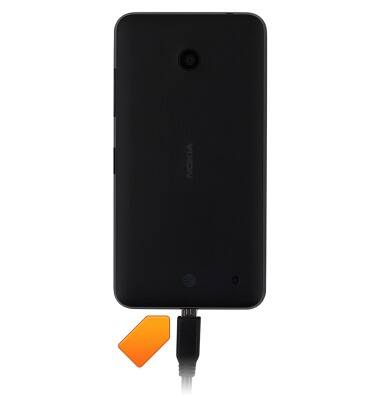
- Insert the Power adapter into a power source to begin charging.
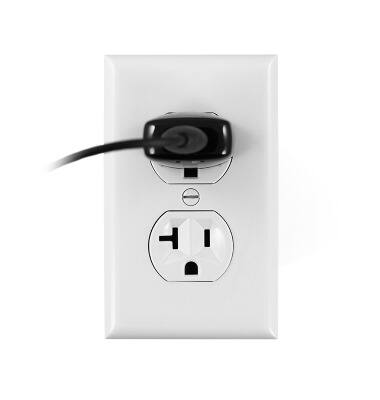
- Alternatively, the device can be charged with a laptop using USB. Insert the USB end of the microUSB cable into an available USB port on a Mac or PC.
Note: Your device charges quicker using a power outlet then when connected to a laptop or other power source.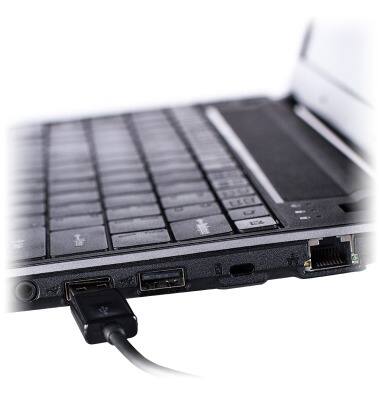
- While charging, the Battery charging icon will be displayed in the status bar.
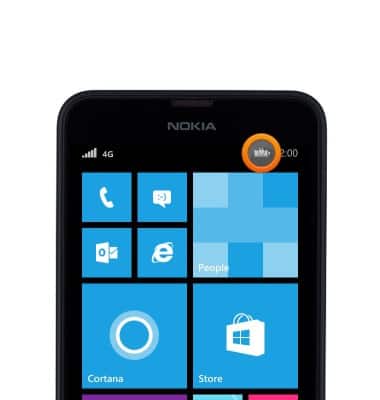
- Once the battery is fully charged, the Battery icon will be displayed as full.
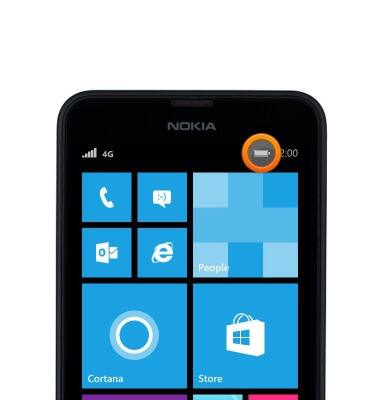
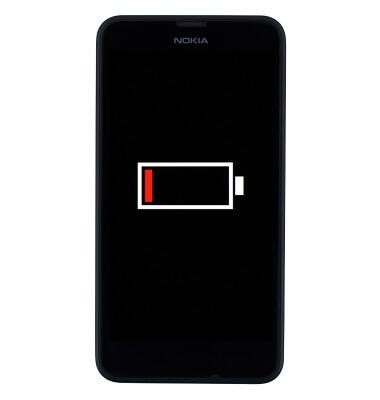
- If the battery dies completely, this image will be displayed until the device has charged enough to power on.
- To learn more about charging your battery, from a computer, download the user manual at www.att.com/devicehowto.
Note: For information about extending your battery performance, see the 'Battery life' tutorial.
Charge the battery
Nokia Lumia 635
Charge the battery
How to charge your battery.
INSTRUCTIONS & INFO