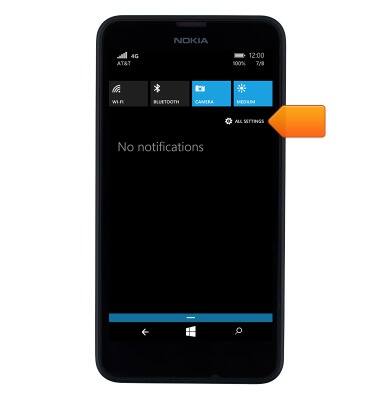
- To check the storage space available on the device, swipe down from the top of the screen, then tap ALL SETTINGS.
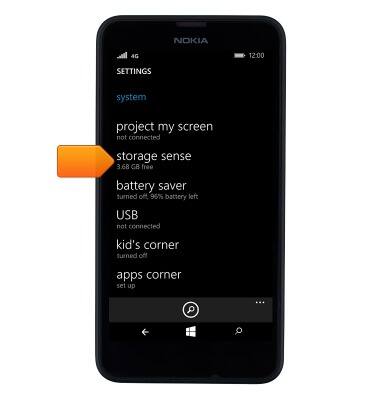
- Scroll to, then tap storage sense.
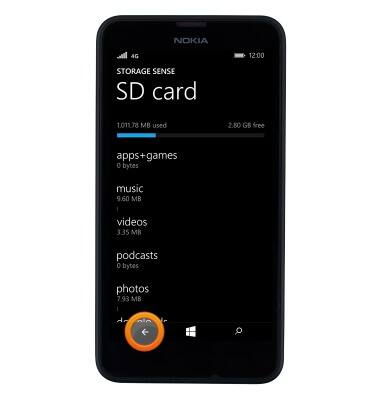
- You can view the Available storage on the device and the SD card. To view more detail about the memory card storage, tap SD card.
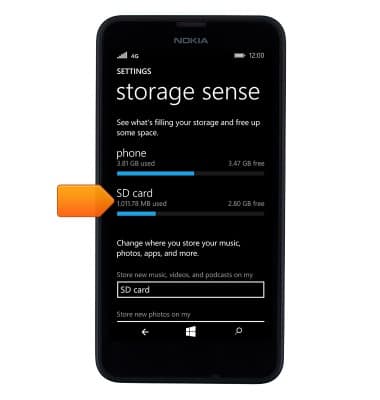
- You will see the exact breakdown of the content. To go back to the storage sense menu to change storage location for items, tap the Back icon.
- Tap on the Desired file types where you want to change the storage location.
Note: In this demonstration, “Music, videos, and podcasts” was selected.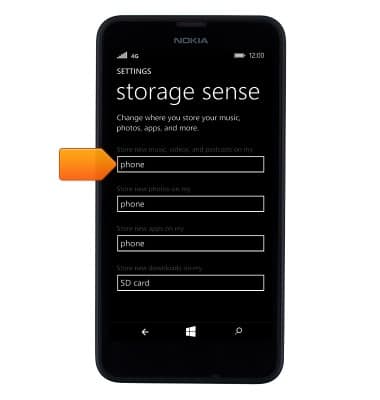
- Tap the Desired location.
Note: In this demonstration, the storage location is changed to the phone.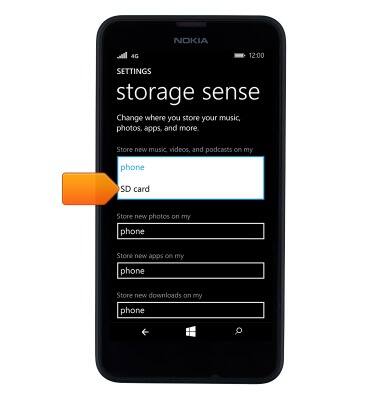
- The storage location is now changed.
Note: This also applies to change storage location for new photos, apps, and downloads.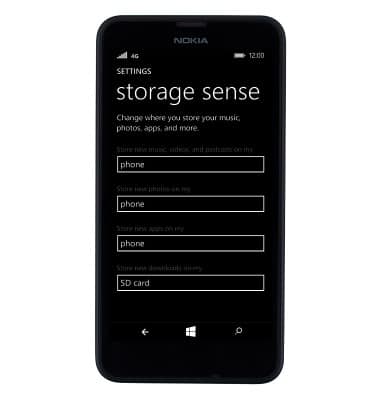
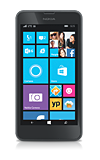
- The Nokia Lumia 635 is available with 8GB of internal memory and the option to add a MicroSD card (sold separately) up to 128GB.
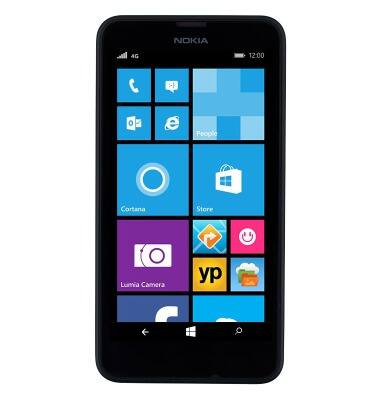
Available memory
Nokia Lumia 635
Available memory
Check the available device storage.
INSTRUCTIONS & INFO