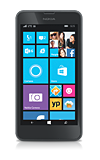
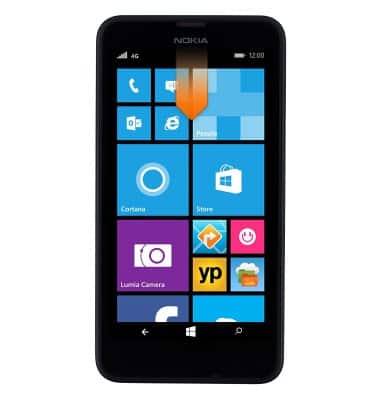
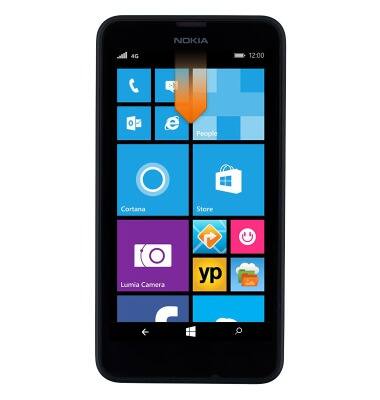
- From the home screen, swipe down from the top of the screen to reveal the Action center.
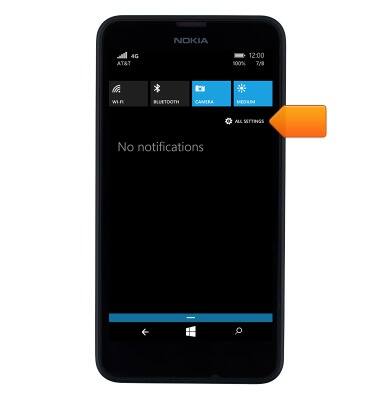
- Tap ALL SETTINGS.
- Tap Bluetooth.
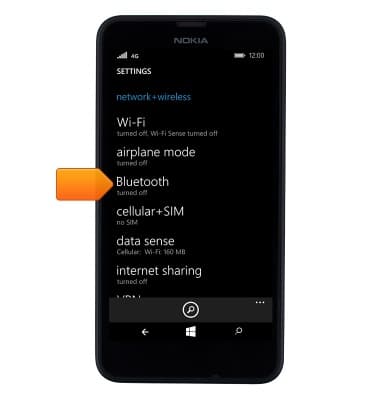
- Tap the Bluetooth switch to turn Bluetooth on and off.
Note: Turn Bluetooth off when not in use to preserve battery life.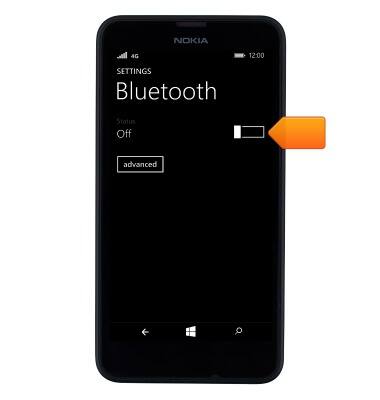
- Tap the desired device to pair.
Note: You may be prompted to enter a passcode (common default passcode is 0000).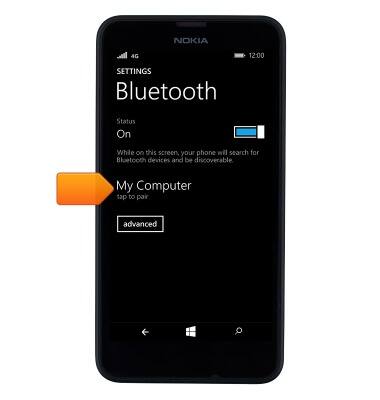
- Tap ok.

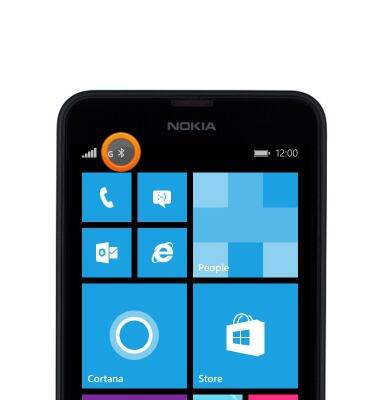
- When Bluetooth is active and paired, the Bluetooth Paired icon will display in the notification bar.
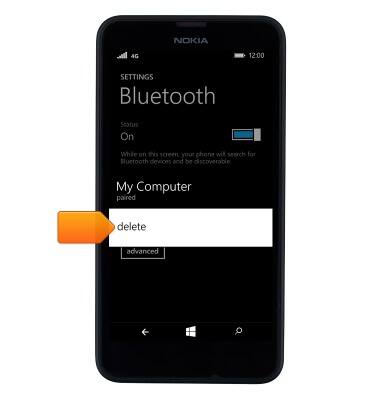
- To unpair a device, touch and hold the desired device.
Note: If having trouble pairing/unpairing your device with your vehicle, please refer to your vehicle's user manual for additional information.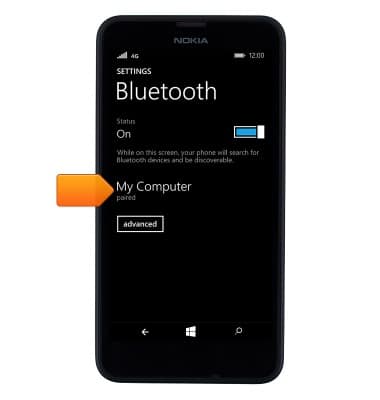
- Tap delete to unpair the device.
- To quickly turn Bluetooth on and off, swipe down from the top of the screen.
- Tap BLUETOOTH to toggle bluetooth on and off.
Note: For more information about myAT&T click here.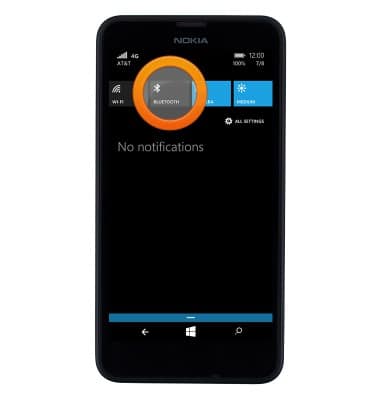
Bluetooth
Nokia Lumia 635
Bluetooth
Turn Bluetooth on or off, scan and connect to other Bluetooth devices, and unpair a connected device.
INSTRUCTIONS & INFO