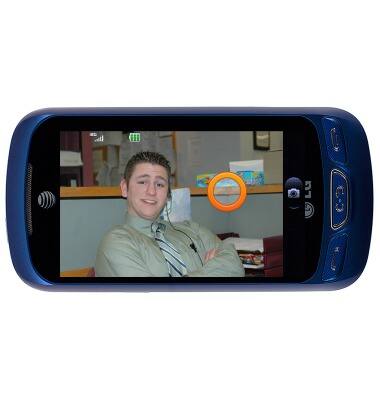
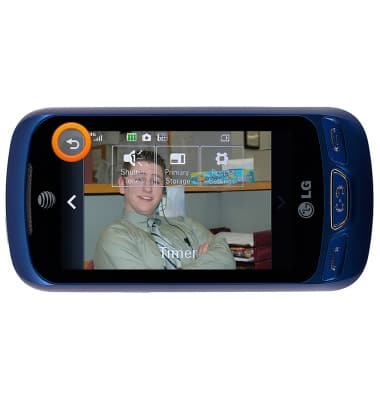
- While in the camera, tap the screen to open the camera options.
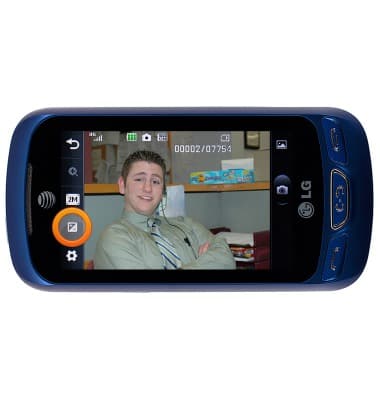
- Tap the Brightness icon to bring up the brightness settings.
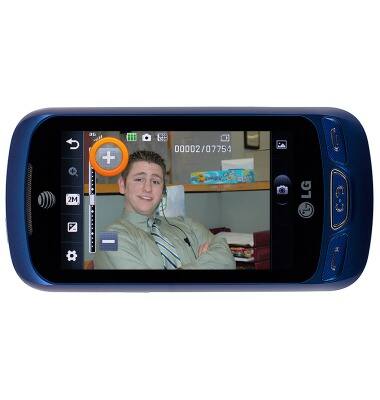
- Touch and drag the Adjustment slider or, tap the + and - icons to adjust the brightness.
- Tap the Settings icon to adjust general settings.
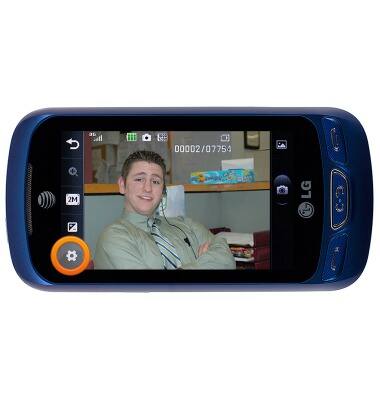
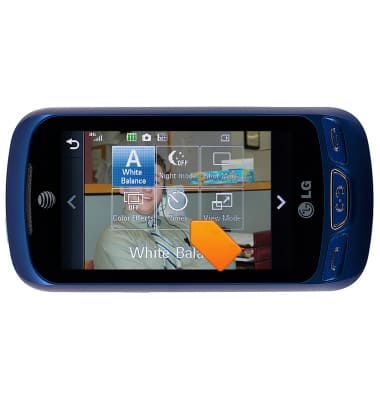
- To turn the timer on or off, tap Timer.
- To set the desired storage, navigate to, then tap Primary Storage.
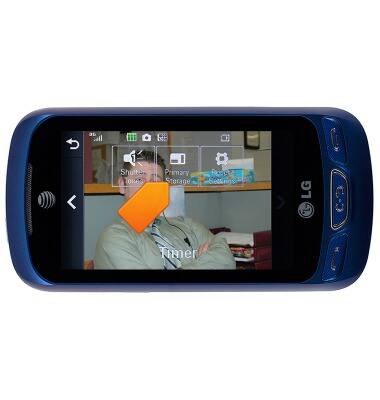
- To set the audio response to capture images, tap Shutter tones.
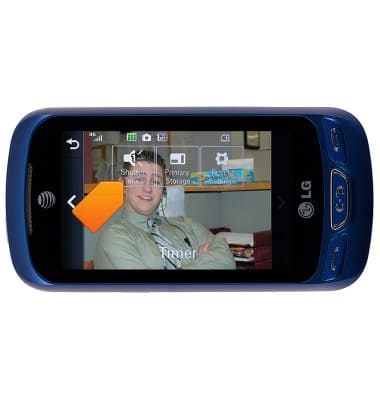
- Tap the Back icon to return to shooting mode.
Camera & video settings
LG Xpression 2 (C410)
Camera & video settings
Manage camera and video settings including flash, timer, voice control, recording mode, storage location, and more.
INSTRUCTIONS & INFO