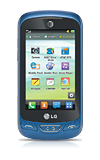
- The LG Xpression 2 is available with 50MB internal memory models with the option to add a MicroSD card up to 32GB.
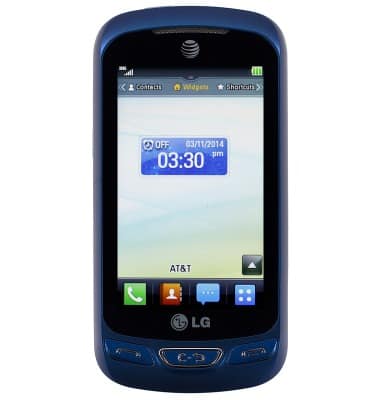
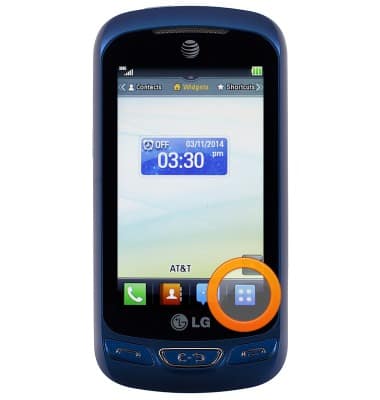
- From the Home screen, tap the Menu icon.
- Tap the Settings icon.
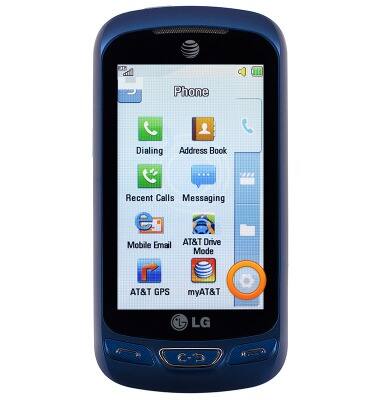
- Tap More.
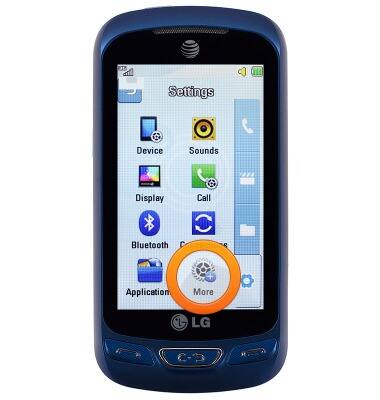
- Tap Memory.
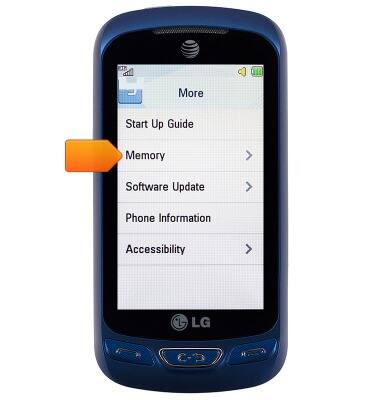
- Tap Used Space.
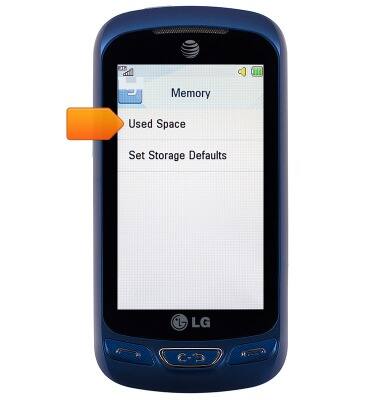
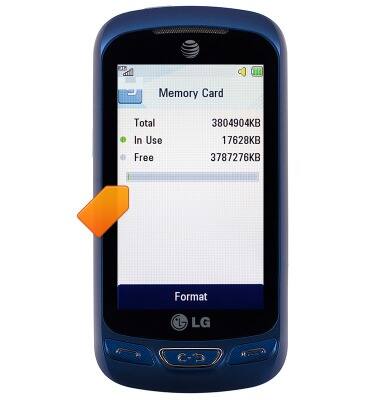
- To view the memory card storage, tap Memory Card.
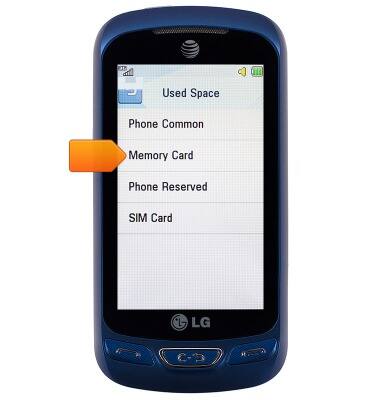
- The remaining memory card space will be displayed.
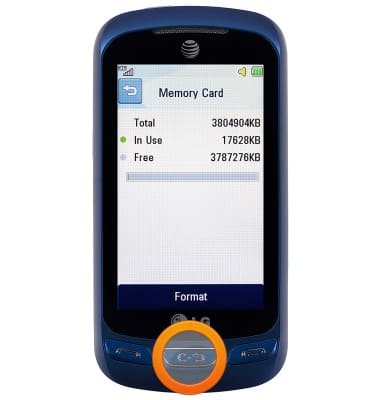
- To view the available space on the device, press the Back key.
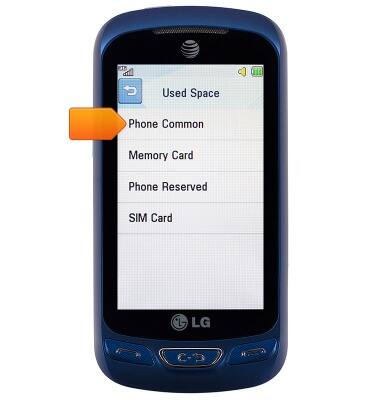
- Tap Phone Common.
- The remaining device storage space will be displayed.
Note: Store videos and images on a different device after capturing to free up memory space. Avoid downloading too many applications.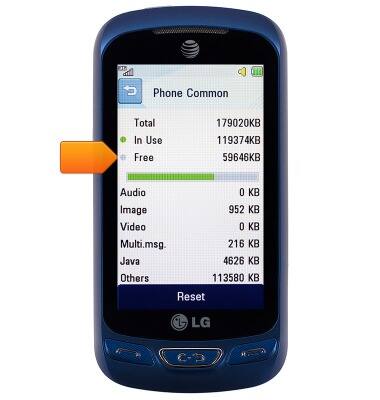
Available memory
LG Xpression 2 (C410)
Available memory
Check the available device storage.
INSTRUCTIONS & INFO