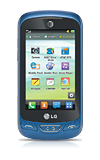
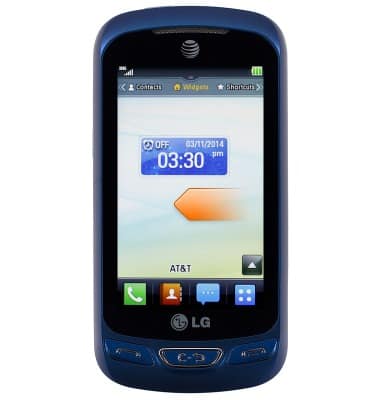
- From the home screen, swipe left.
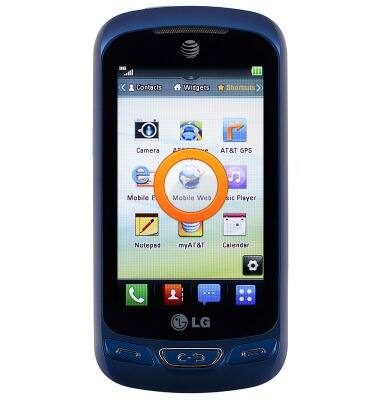
- Tap Mobile Web.
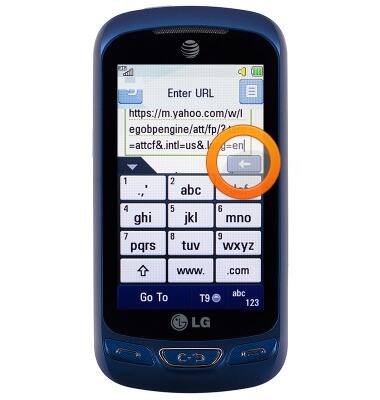
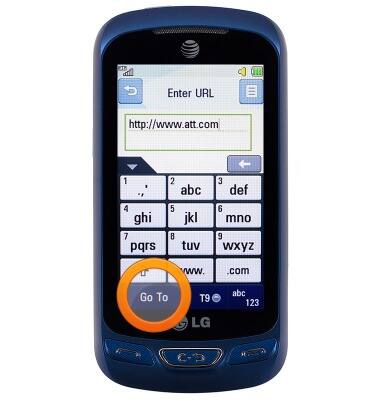
- To visit a specific site, tap the Web Address field.
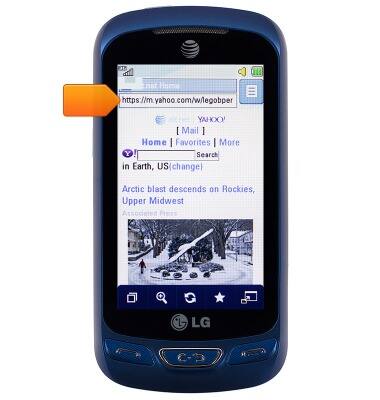
- Use the Delete key to erase the current address, then type in the desired address.
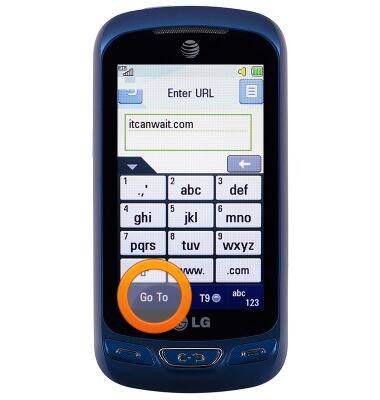
- Tap Go To.
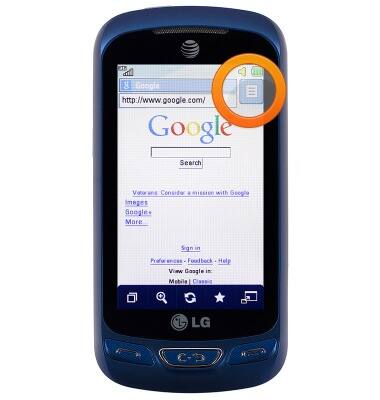
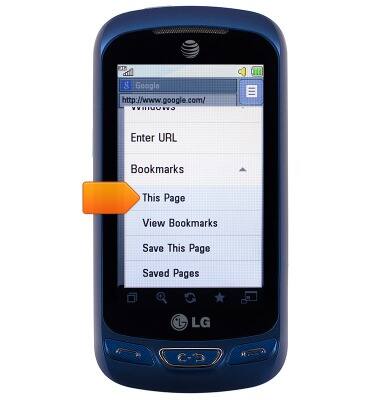
- To bookmark the web, tap the Menu icon.
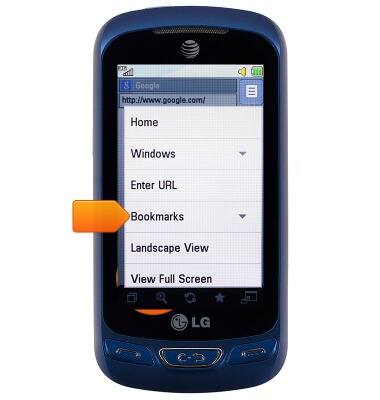
- Tap Bookmarks.
- Tap This page.
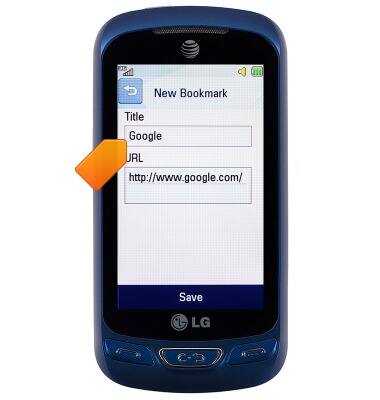
- Tap the Title field, then enter the desired title.
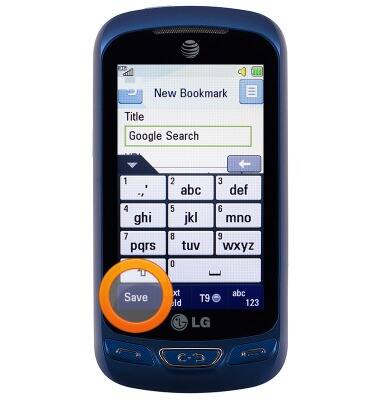
- Tap Save.
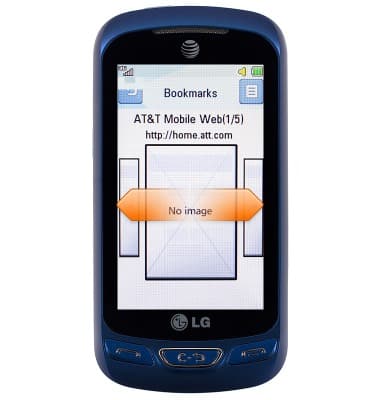
- To view the saved bookmarks, tap the Star icon.
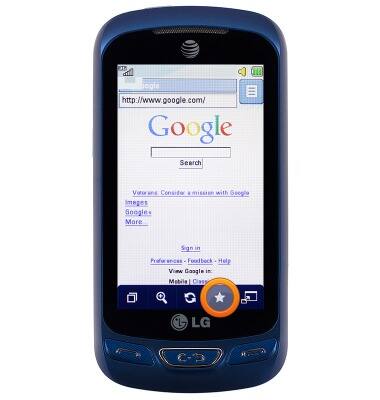
- Swipe right/left to view the desired bookmark.
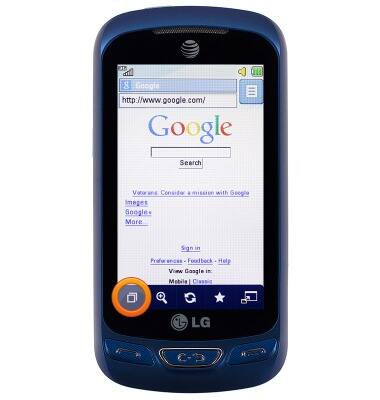
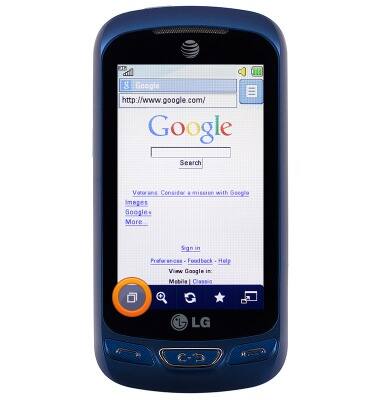
- To add a tab, tap the Tab icon.
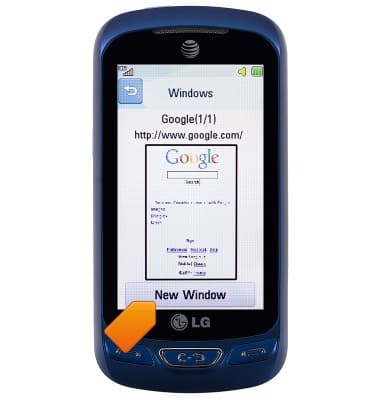
- Tap New Window.
- Enter the desired website.
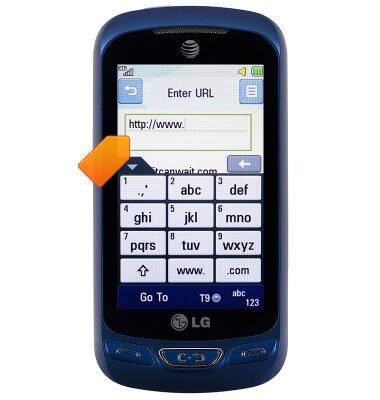
- Tap Go To.
- To close a tab, tap the Tab icon.
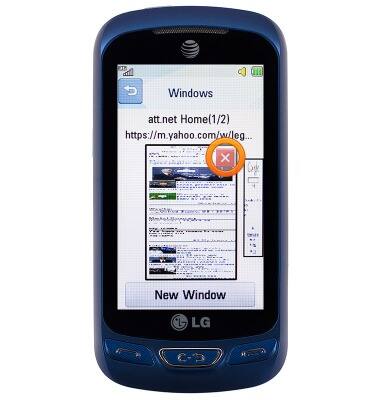
- Tap the Close icon.
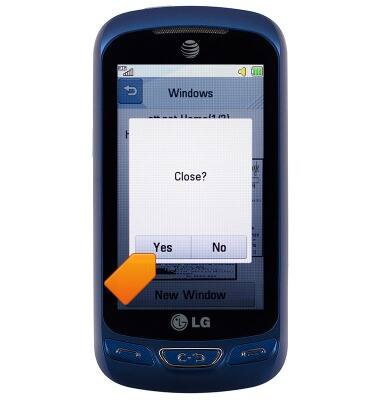
- Tap Yes.
Browse the web
LG Xpression 2 (C410)
Browse the web
Learn to browse the web and manage tabs and bookmarks.
INSTRUCTIONS & INFO