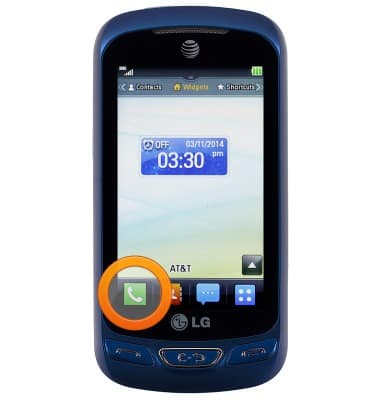
- Tap an icon on the screen to open. Touch and hold an icon to change its location, or view additional options, if available.
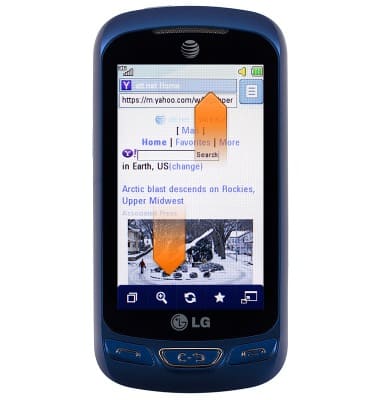
- Touch and drag vertically to scroll up or down on a screen.
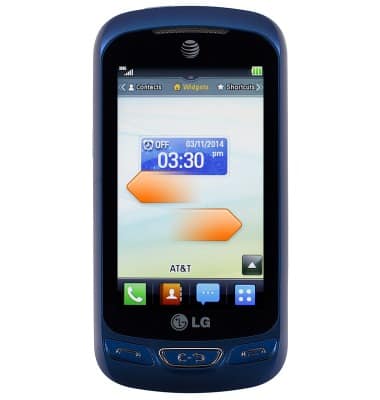
- Touch and drag horizontally to swipe left or right between screens.
Gestures & navigation
LG Xpression 2 (C410)
Gestures & navigation
Control your device by making specific movements with your hand.
INSTRUCTIONS & INFO