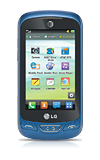
- To access the Music Player, swipe left.
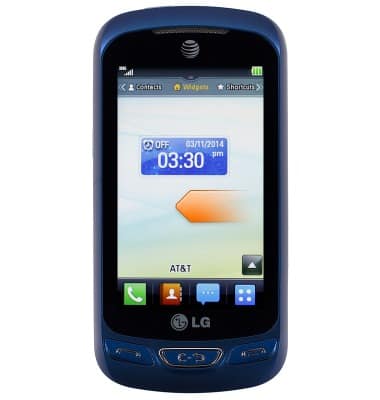
- Tap Music Player.
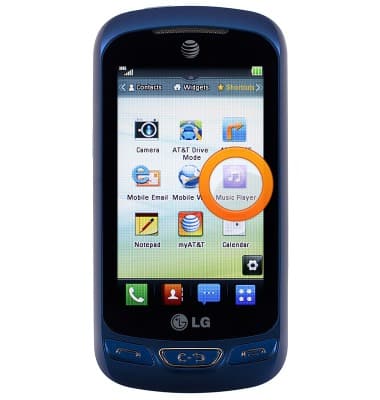
- Tap Music Player.
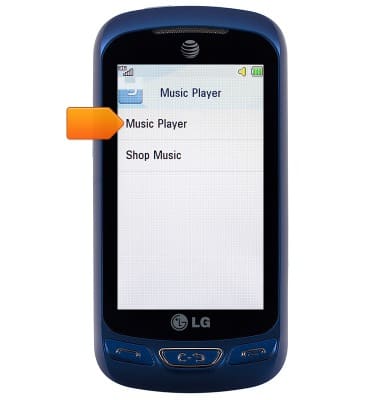
- To modify the listing order, tap All Songs.
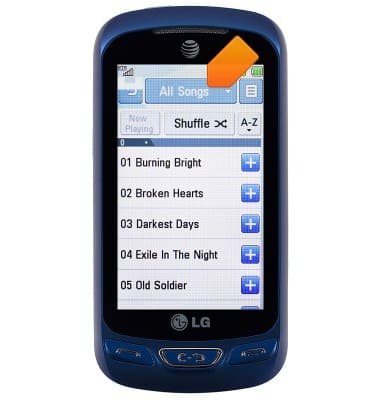
- Tap the desired option.
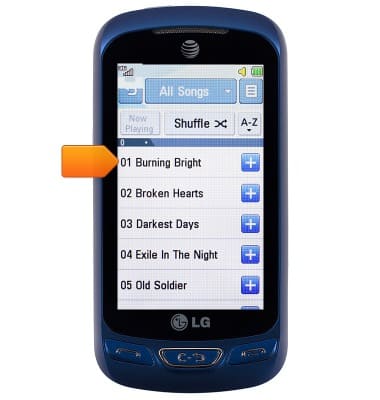
Note: For this demonstration, All Songs was selected.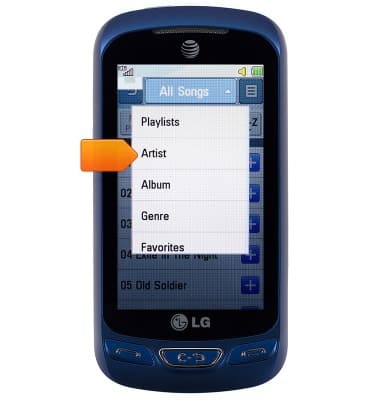
- Tap the desired track name to play.
- Tap the Pause icon to pause playback.
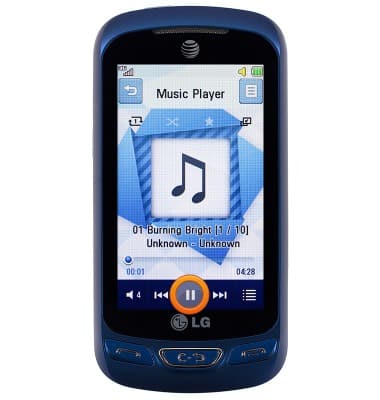
- Tap the Play icon to resume.
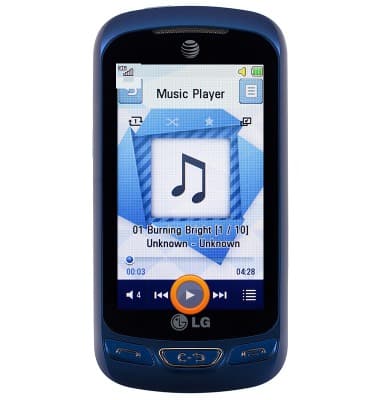
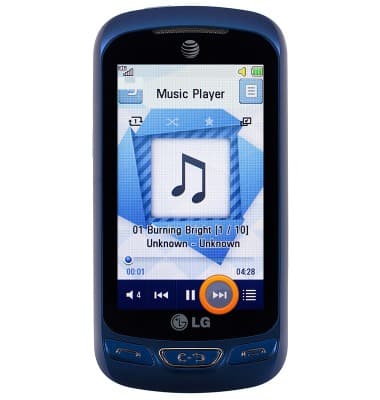
- Tap the Forward icon to skip to the next song on the playlist.
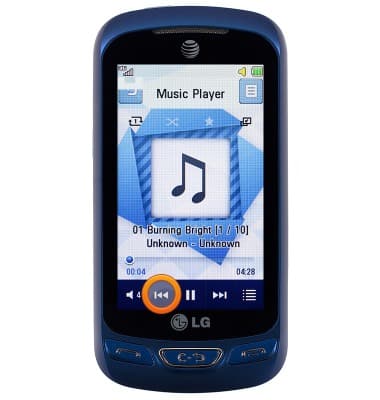
- Tap the Back icon to jump to the previous song on the playlist.
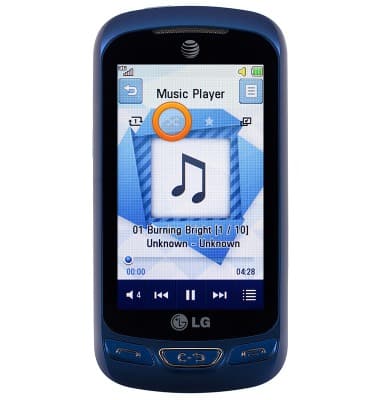
- Tap the Shuffle icon to shuffle the current playlist.
- Tap the Loop icon to loop the current playlist.
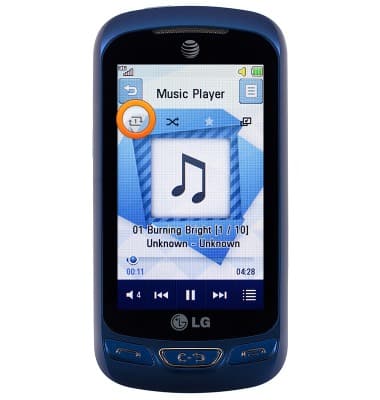
- To return to song listing, tap the Back icon.
Note: Tapping the 'Back icon' will stop playing the current song.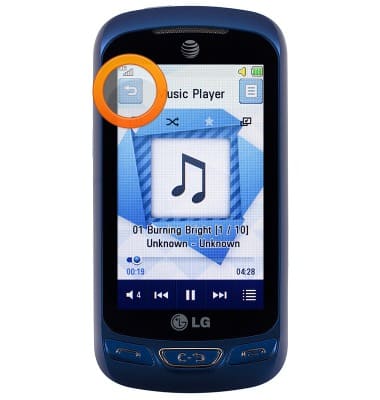
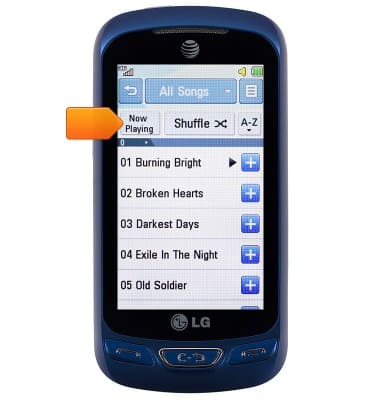
- To return to the current track, tap Now Playing.
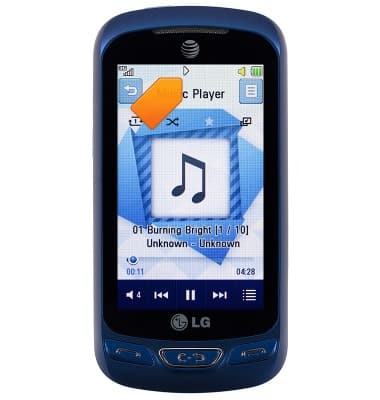
- When a song is playing, the Music icon will be displayed in the Notifications bar.
Play music
LG Xpression 2 (C410)
Play music
Play music, turn the music player off.
INSTRUCTIONS & INFO