- From the home screen, tap the Menu icon.
Note: The device will automatically attempt to set the date and time from the network. This tutorial demonstrates how to manually set the date and time on your device.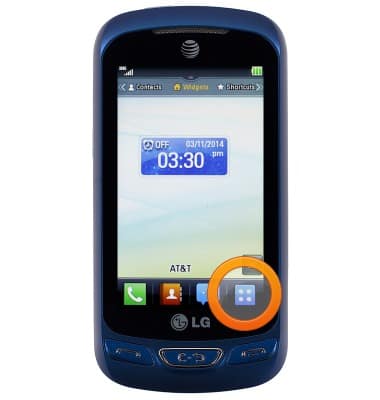
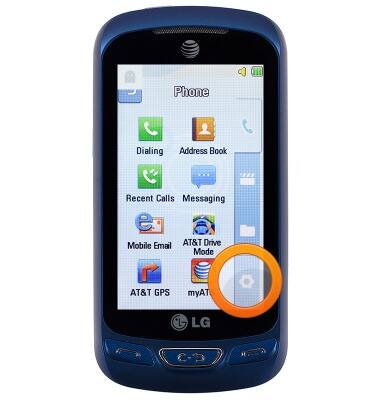
- Tap the Settings icon.
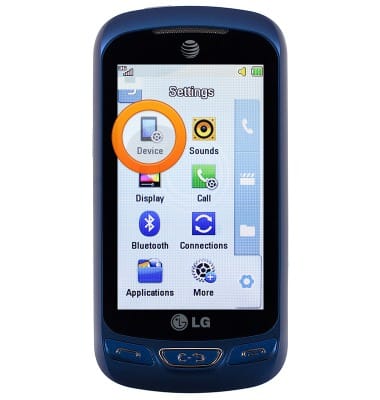
- Tap Device.
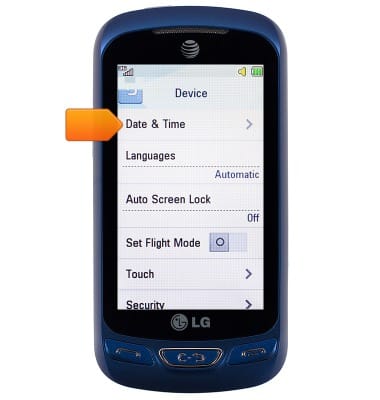
- Tap Date & Time.
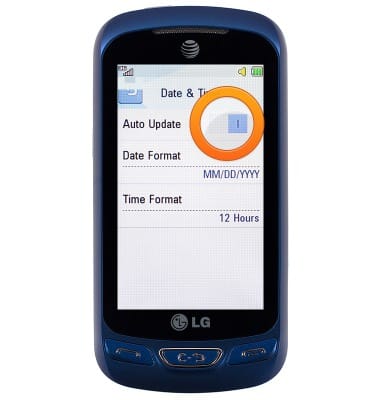
- Tap Auto Update to toggle on or off.
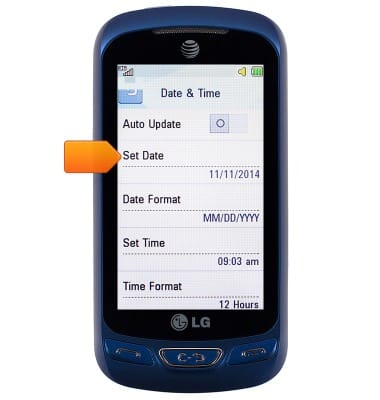
- With Auto Update off, tap Set Date.
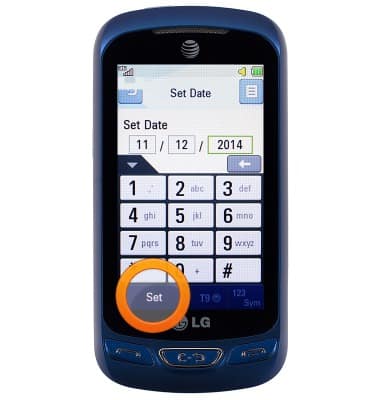
- Enter the desired date, then tap Set.
- Tap Set Time.
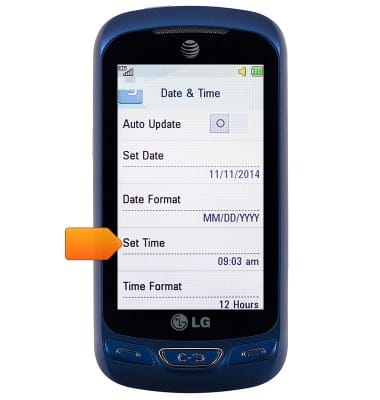
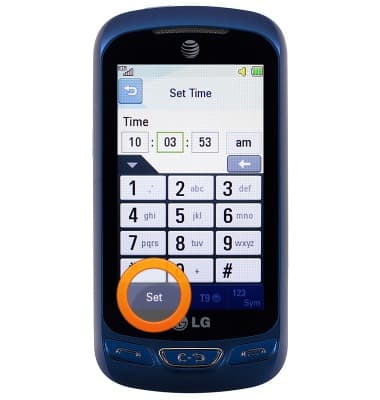
- Enter the desired time, then tap Set.
- To set an alarm, tap the Clock widget from the home screen.
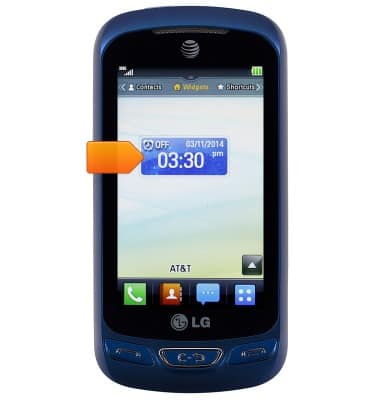
- Touch and drag the Alarm switch to ON.
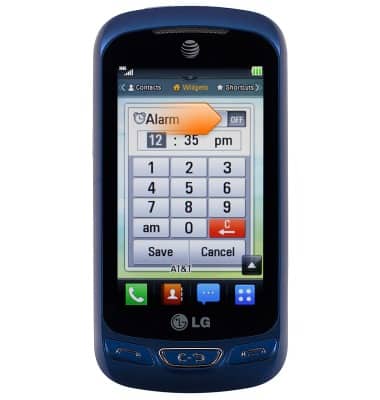
- Enter the desired alarm time.
Note: Tap the am/pm icon to switch the meridian.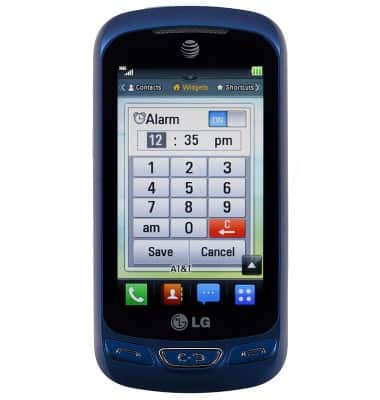
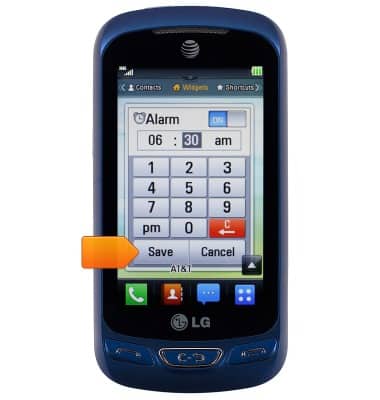
- Tap Save.
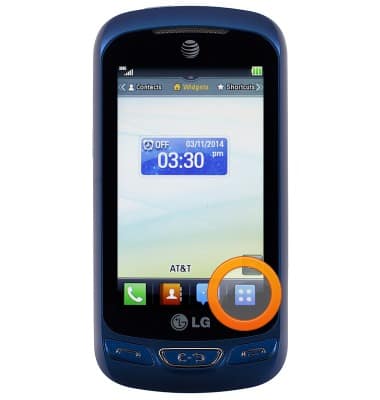
- To use the timer/stopwatch, from the home screen, tap the Menu icon.
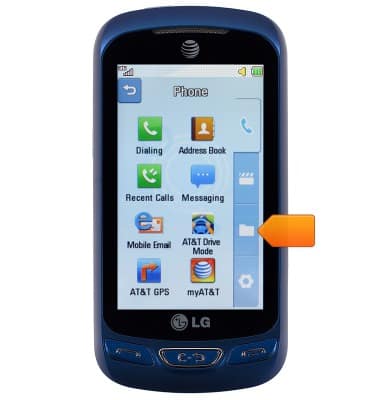
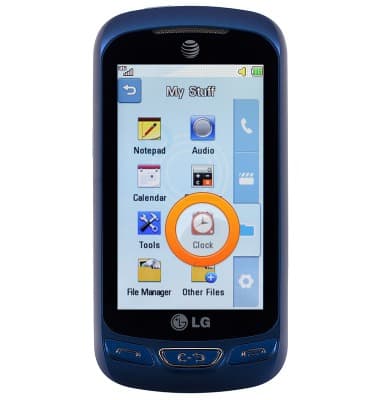
- Tap the Folder icon.
- Tap Clock.
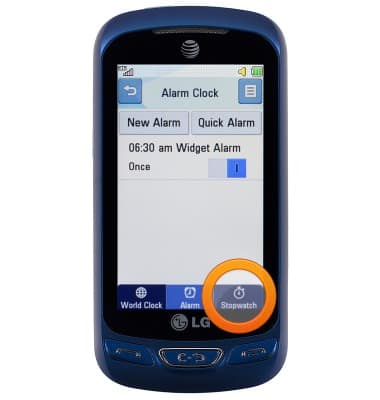
- Tap Stopwatch.
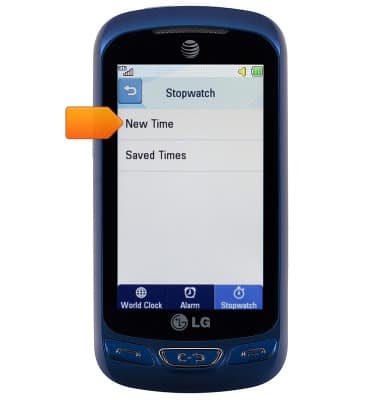
- Tap New Time.
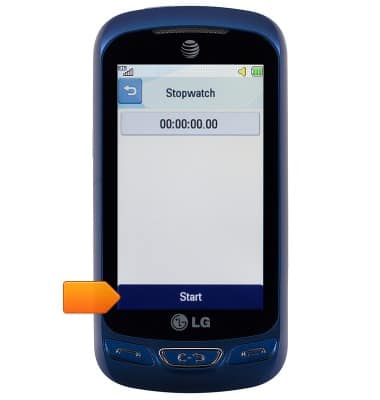
- Tap Start / Stop to use the stopwatch.
Date & time
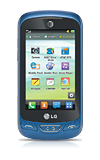
LG Xpression 2 (C410)
Date & time
Set the date & time.
INSTRUCTIONS & INFO