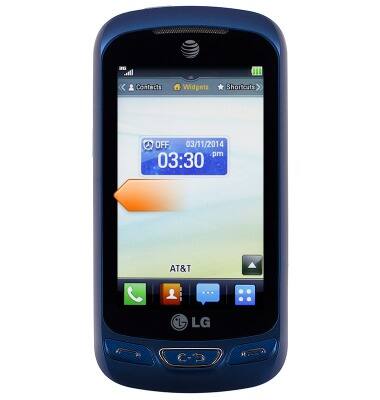
- From the home screen, swipe left.
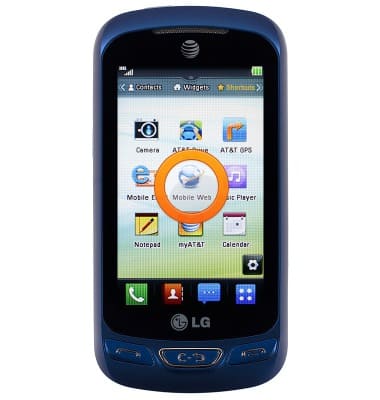
- Tap Mobile Web.
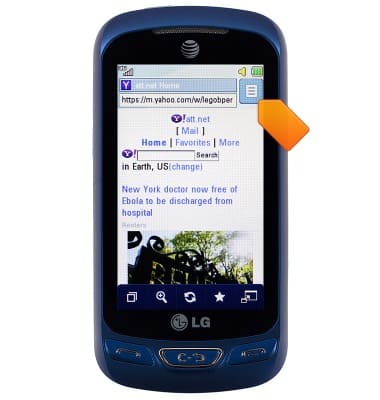
- To access browser settings, tap the Menu icon.
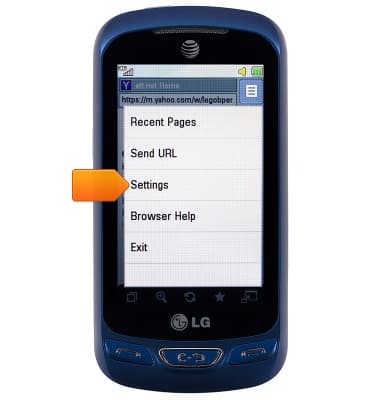
- Scroll to, then tap Settings.
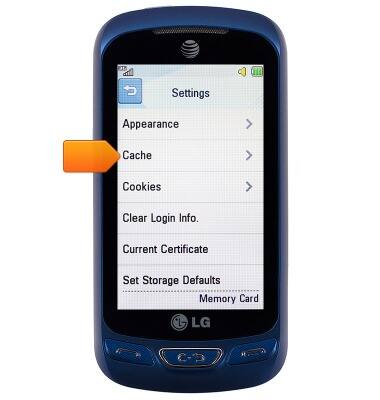
- To clear cache, tap Cache.
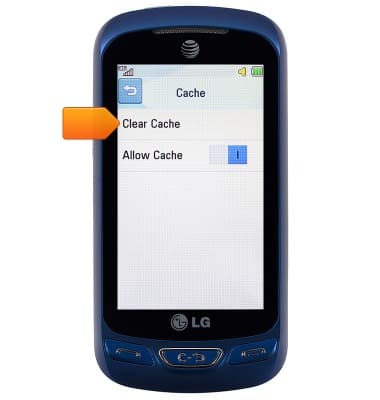
- Tap Clear Cache.
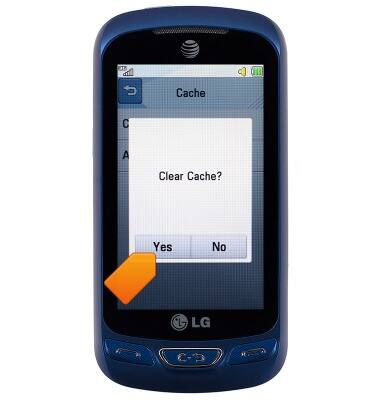
- Tap Yes.
- To clear cookies, from the settings screen, tap Cookies.

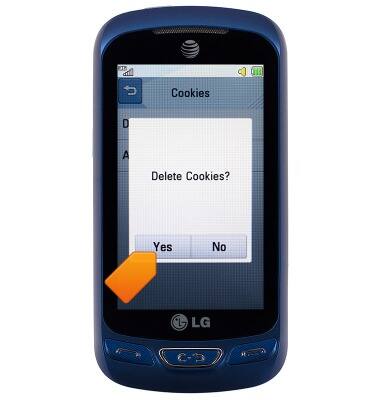
- Tap Delete Cookies.

- Tap Yes.
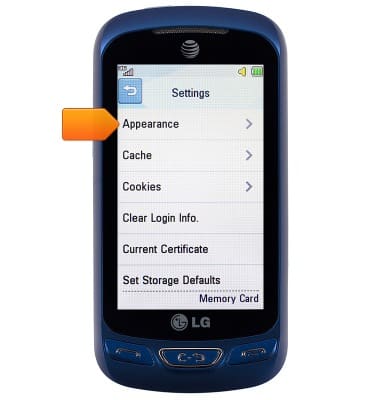
- To adjust the font size, from the settings screen, tap Appearance.
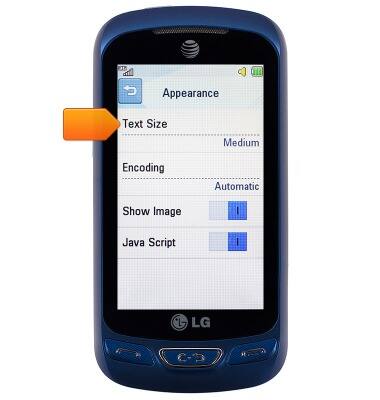
- Tap Text Size.
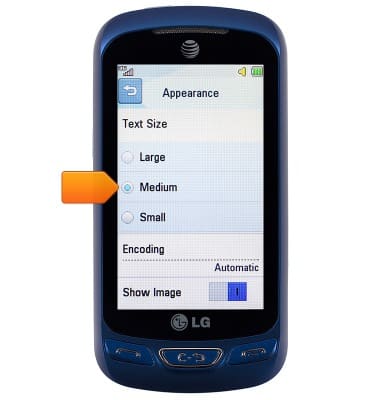
- Tap the desired option.
- To block/unblock pop-ups, from the settings screen, tap the Secure Popup switch to turn it on or off.
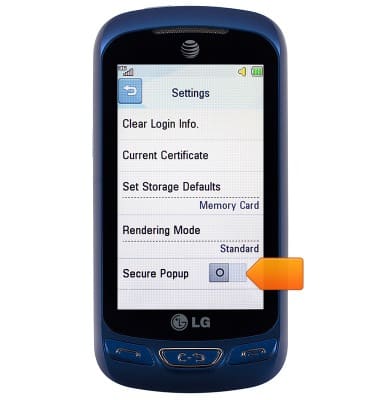
Browser options
LG Xpression 2 (C410)
Browser options
Access browser settings to delete browser history, set the home page, and more.
INSTRUCTIONS & INFO