- Press the Power/Lock key to lock the screen. Press and hold the key to turn the device on or off.
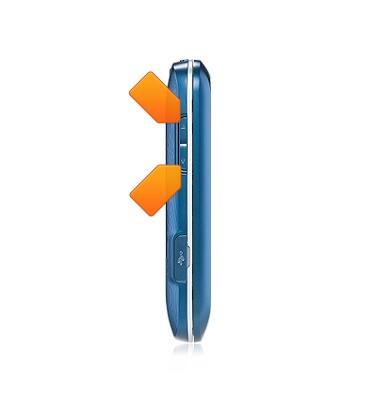
- Press the Volume keys to adjust the volume.
- Press the Camera key to activate the camera.
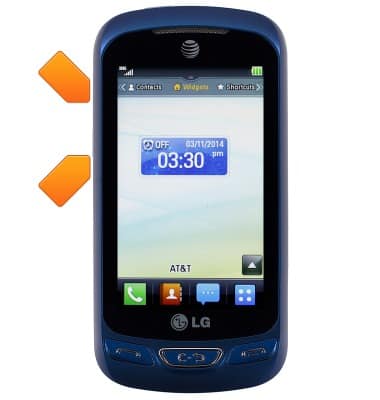
- Press the Call key to answer calls or to access call history.
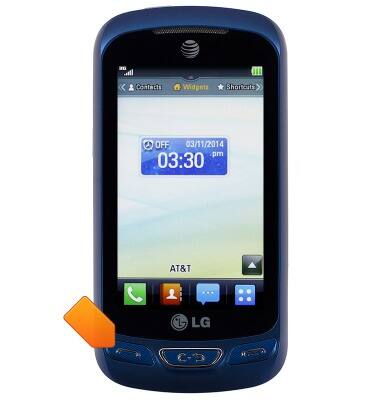
- Press the End Call key to ignore calls or to return to the home screen.
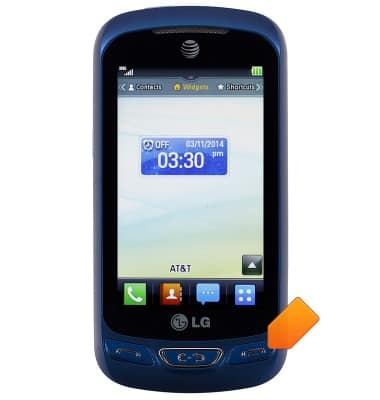
- Press the Clear/Back key to clear the last character or to return to the previous screen.
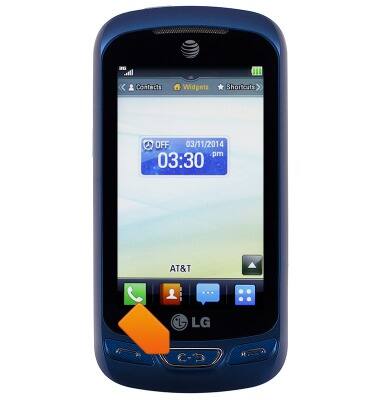
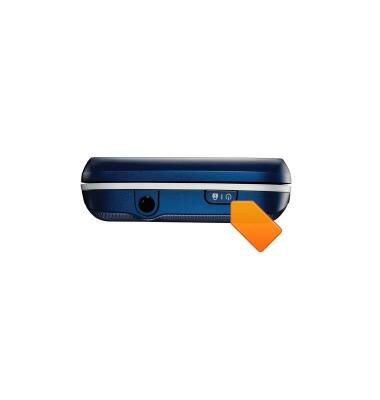
- This is the Headphone jack. Insert a headphones to listen to music or make calls.
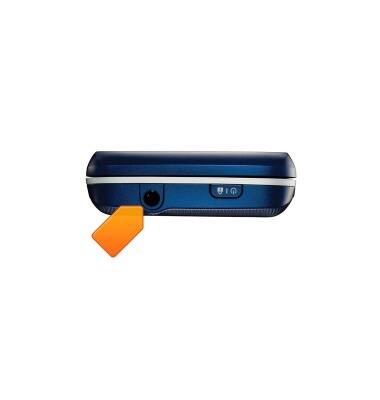
- This is the USB/Charger port. Insert the microUSB cable to transfer files or charge the device.
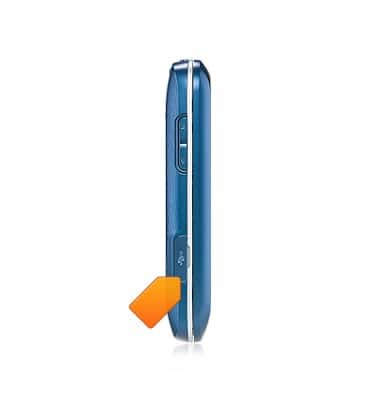
- This is the SIM card slot.
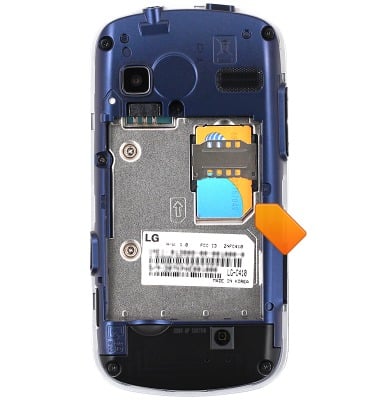
- This is the Memory card slot.
Note: SD memory cards are sold separately from the device.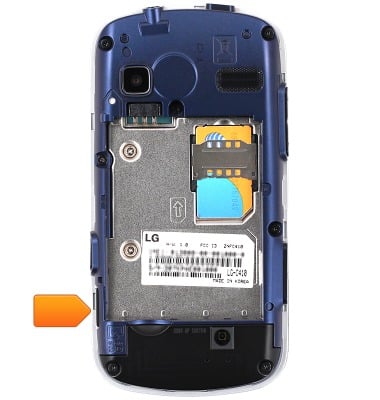
- The Rear camera is located on the back of the device.
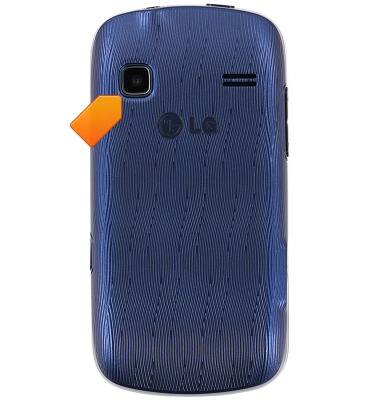
Device layout
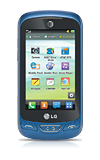
LG Xpression 2 (C410)
Device layout
Provides an overview of the device layout.
INSTRUCTIONS & INFO