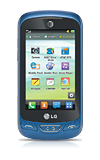
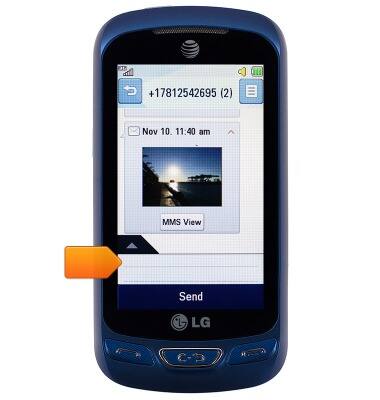
- Tap an open field to view the keyboard. You can also open the keyboard by composing a message or email.
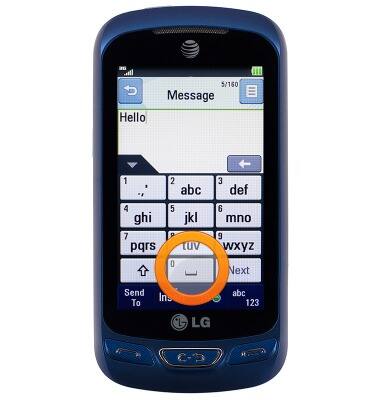
- Tap the Space key to insert a space.
- Press the Shift key to modify letter case.
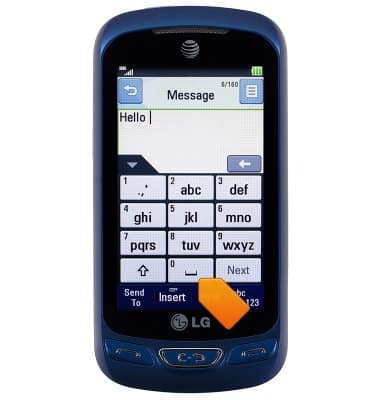
- Press the Alt key for special characters or numbers.
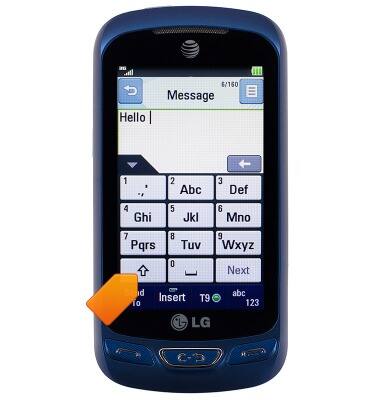
- Press the Delete key to delete the last character.
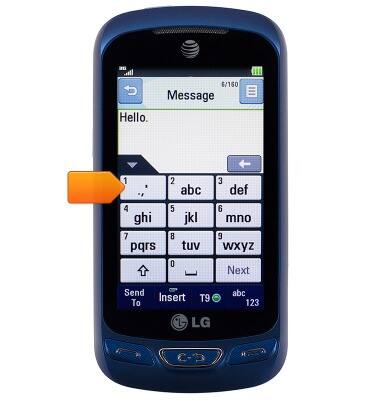
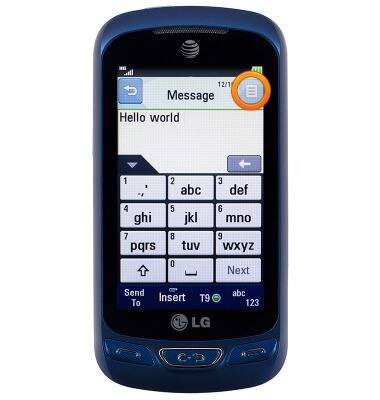
- To access, the keyboard settings, tap the Menu icon.
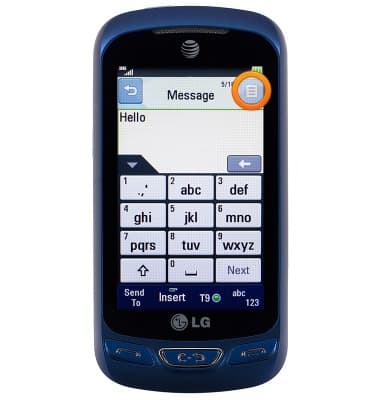
- Tap Text Entry Settings.
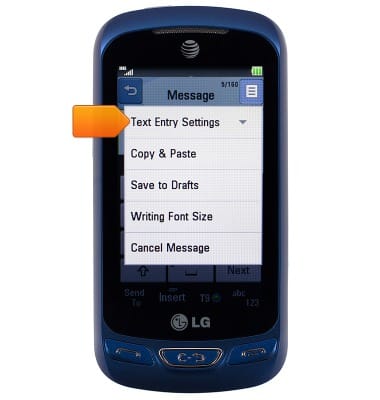
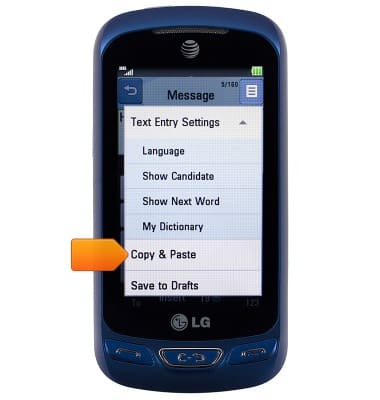
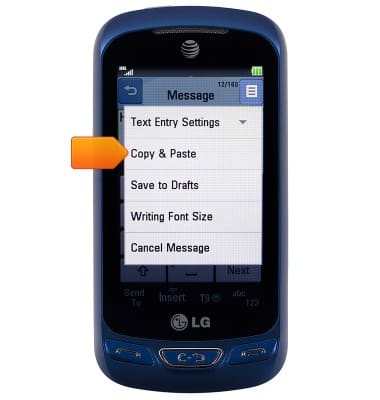
- To copy text, tap Copy & Paste.
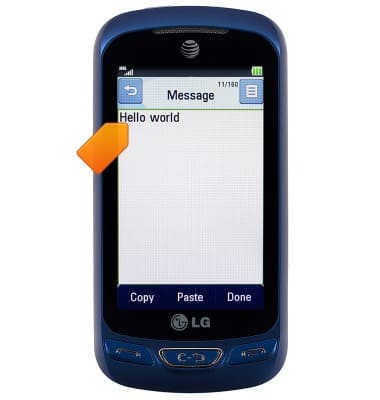
- Touch, hold and drag the desired text to highlight.
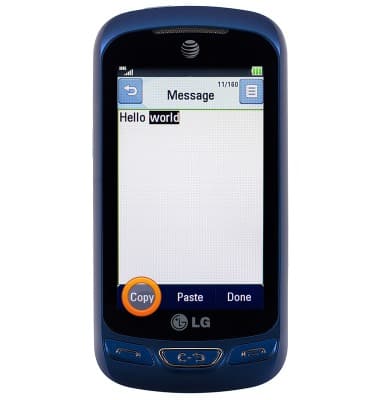
- Tap Copy.
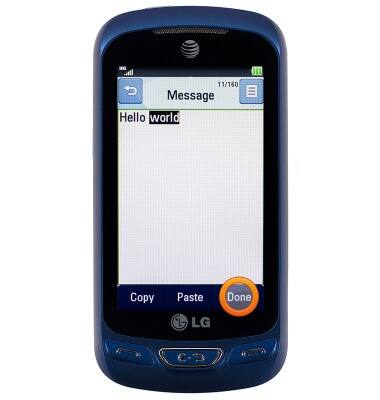
- Tap Done.
- To paste, from the desired text location, tap the Menu icon.
- Tap Copy & Paste.
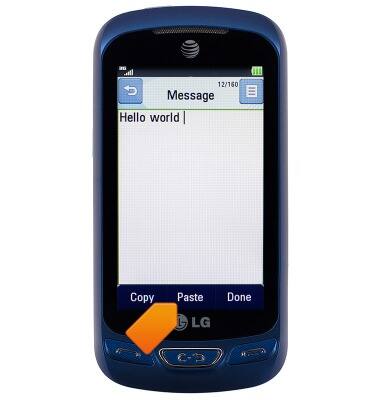
- Tap Paste.
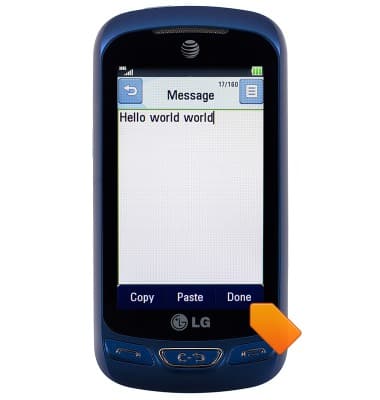
- Tap Done.
Keyboard & typing
LG Xpression 2 (C410)
Keyboard & typing
How to use the keyboard, use speech-to-text, access keyboard settings, and more.
Multi-tasking
This video explains how to use the Multi-tasking features on the device.

Multi-tasking
0:43
INSTRUCTIONS & INFO