- From the home screen, tap the Menu icon.
Note: Learn about the importance of adding a password on your device to protect your privacy as well as how to report a lost or stolen phone: www.att.com/stolenphone.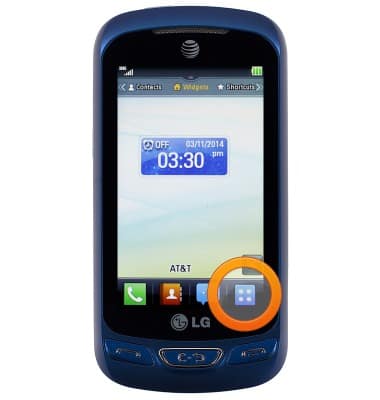
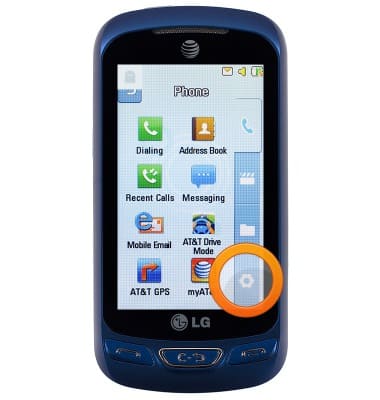
- Tap the Settings icon.
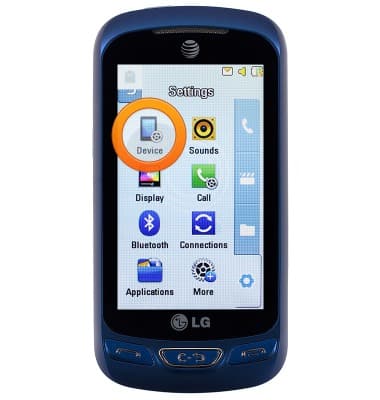
- Tap Device.
- Scroll down, then tap Security.
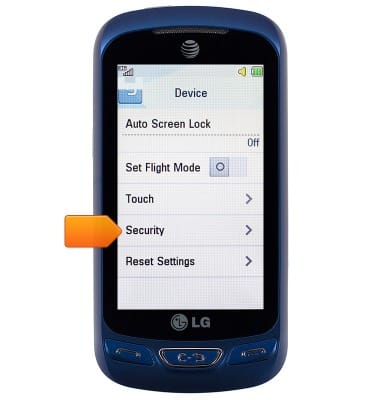
- Tap Phone Lock.
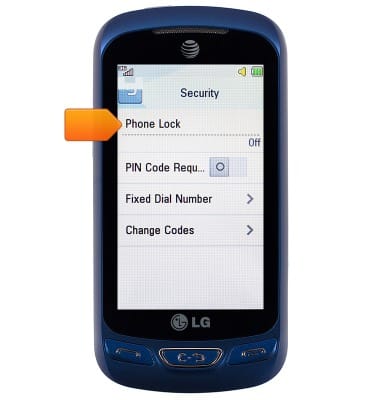
- Tap the desired option.
Note: For this demonstration, 'Lock Phone Now' is selected.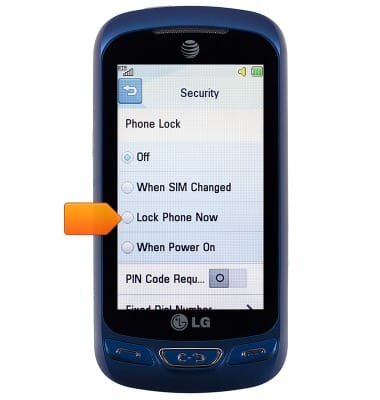
- Enter the required security code, then tap OK.
Note: The default security code is '0000.'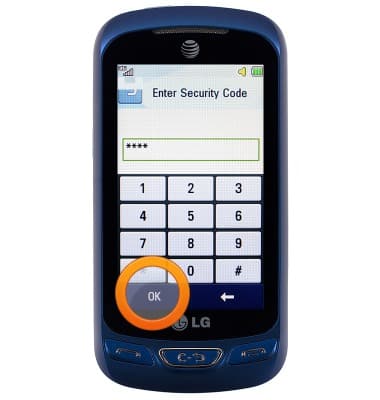
Set or change password security
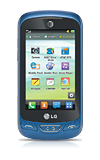
LG Xpression 2 (C410)
Set or change password security
Enable or change the password on your device.
INSTRUCTIONS & INFO