- From the home screen, tap the Menu icon.
Note: The call blocking feature may not affect phone calls made or received via third-party apps installed on your device. Please contact third party app developers for assistance with such applications.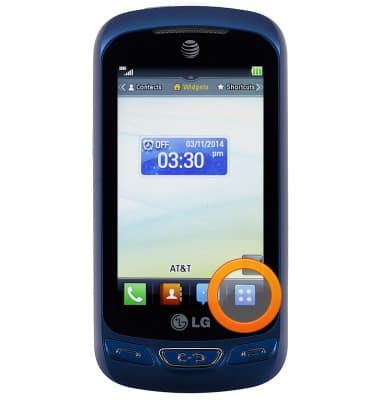
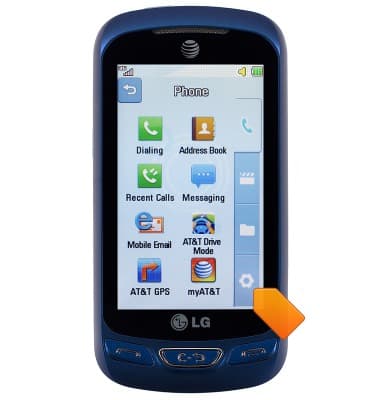
- Tap the Settings icon.
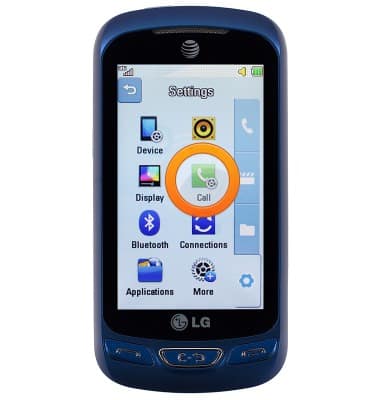
- Tap Call.
- Scroll to, then tap Call Reject.
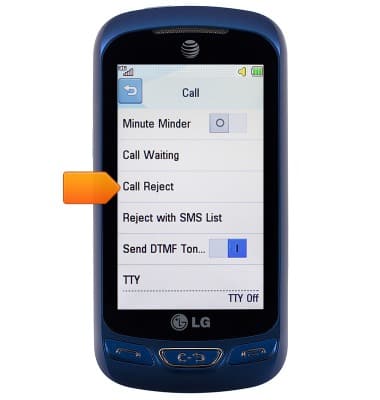
- Tap Call Reject On/Off.
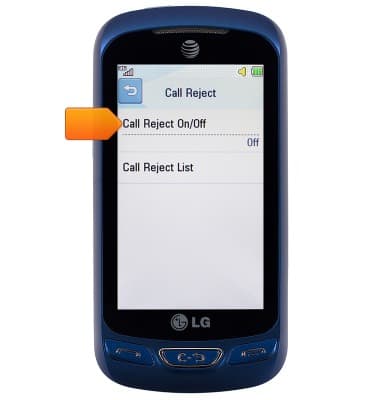
- Tap the desired option.
Note: For this demonstration, 'Reject on List' is selected.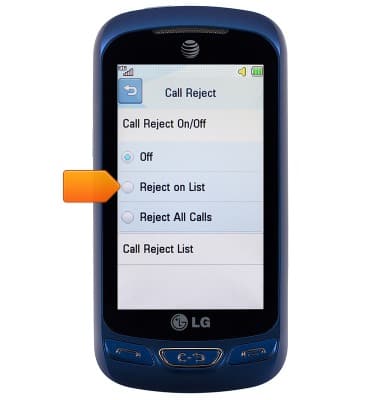
- Tap Call Reject List.
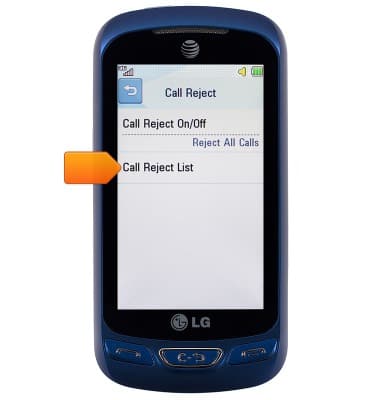
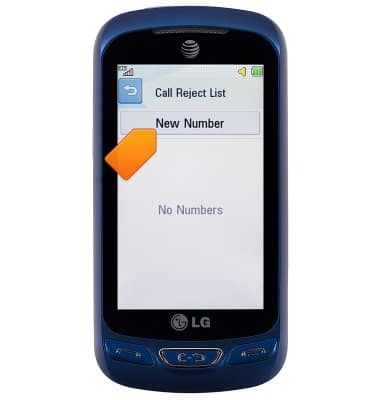
- Tap New Number.
- Tap the desired option.
Note: For this demonstration, 'New Number' is selected.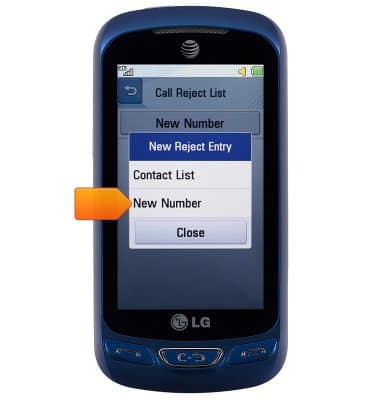
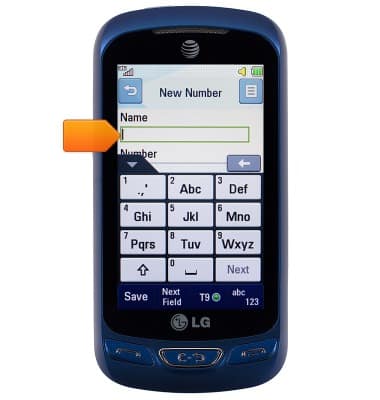
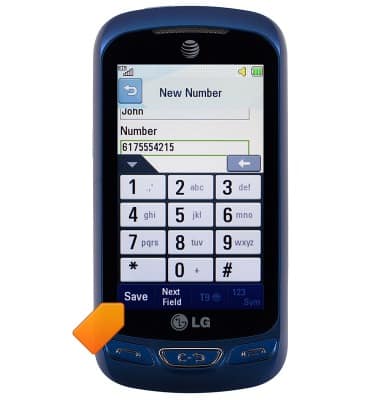
- If desired, tap the Name field, then enter the desired name.
- Scroll to, then tap the Number field, then enter the desired number.
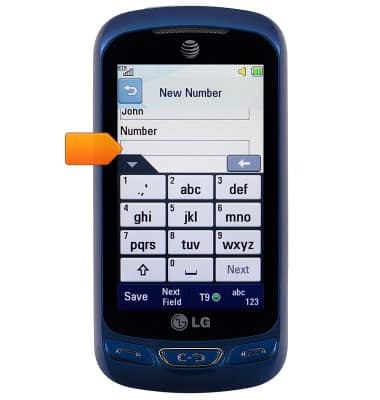
- Tap Save.
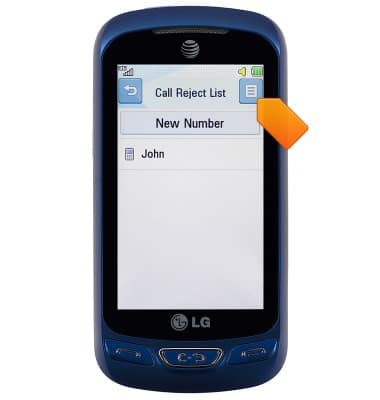
- To remove from the reject list, tap the Menu icon.
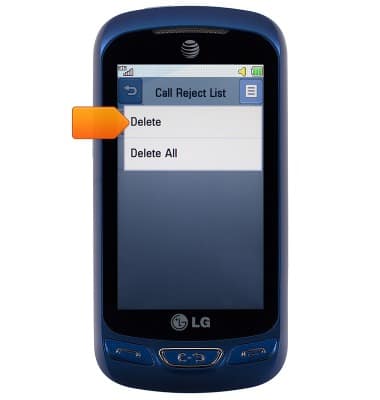
- Tap Delete.
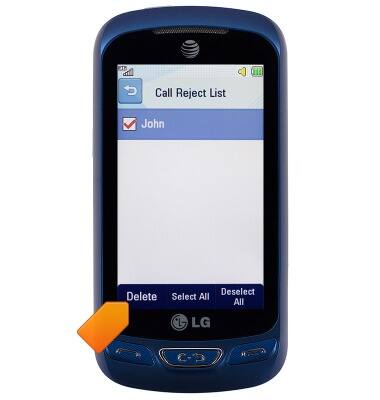
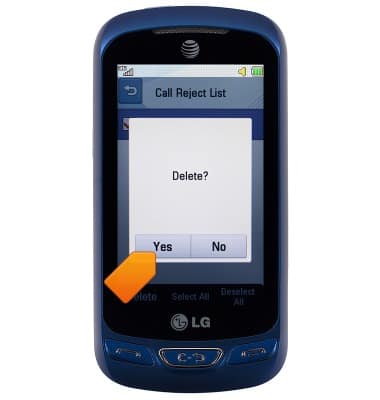
- Select the desired number, then tap Delete.
- Tap Yes.
Block or Unblock Calls
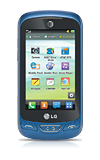
LG Xpression 2 (C410)
Block or Unblock Calls
Block or unblock calls from your device.
INSTRUCTIONS & INFO