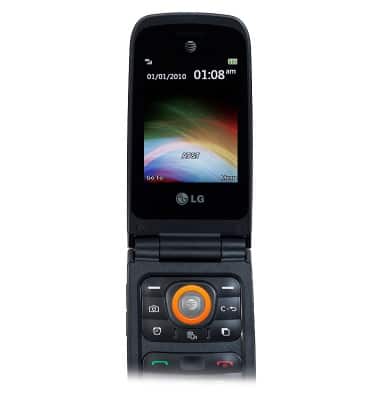
- From the home screen, press the Center Nav key.
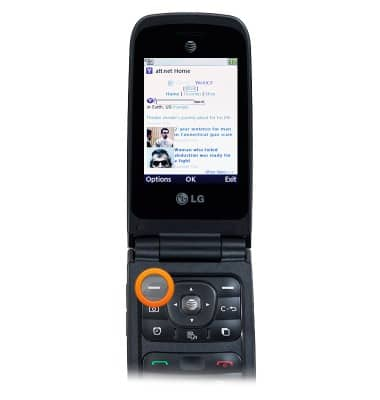
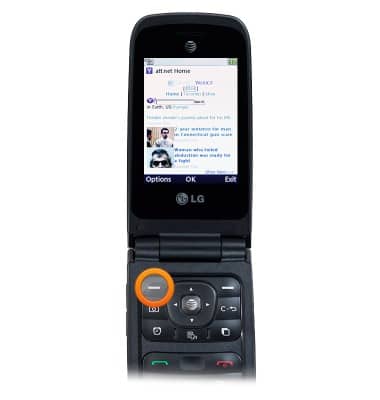
- Press the Left Soft key.
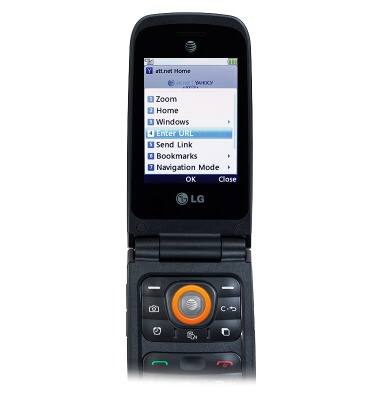
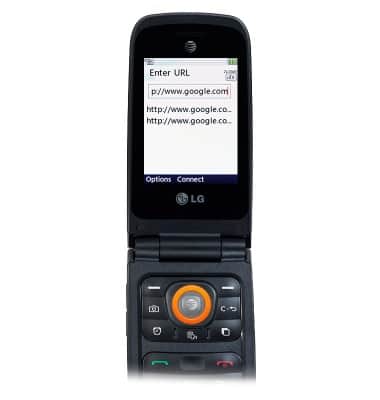
- Scroll to Enter URL, then press the Center Nav key.
- Enter the desired URL, then press the Center Nav key.
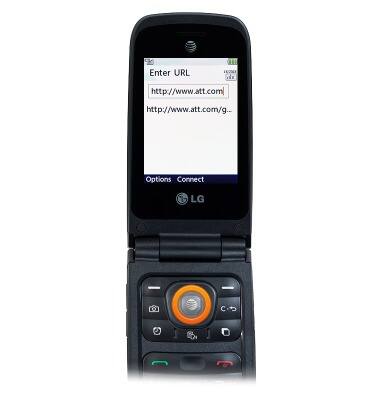
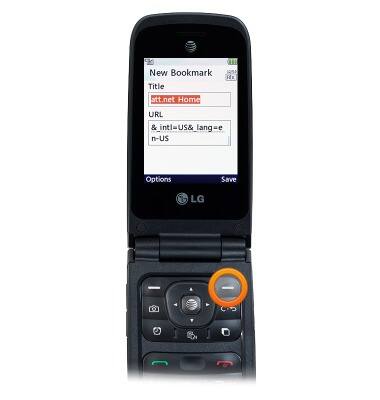
- To bookmark a page, press the Left Soft key.
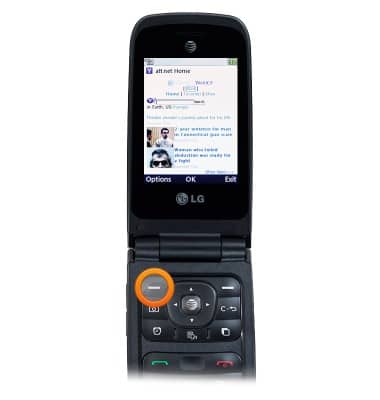
- Scroll to Bookmarks, then press the Center Nav key.
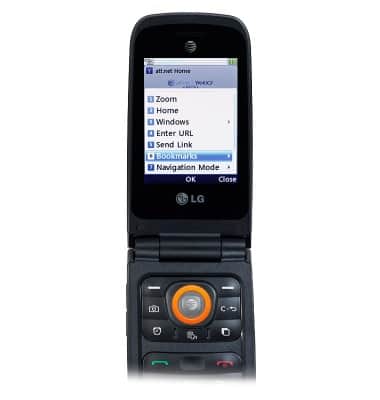
- With This Page selected, press the Center Nav key.
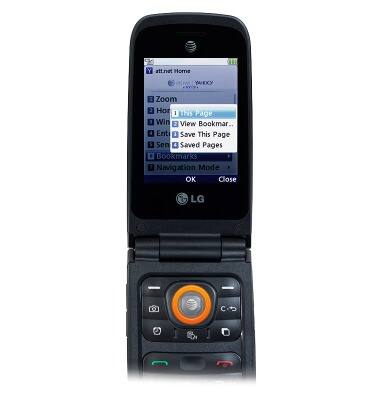
- Enter the desired title, then press the Right Soft key.
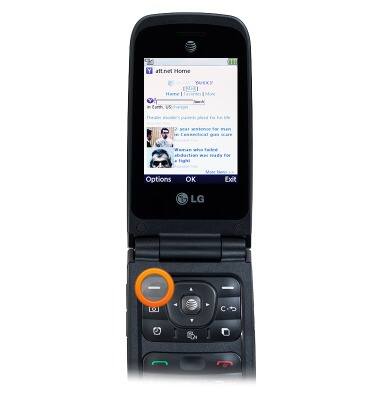
- To view bookmarks, press the Left Soft key.
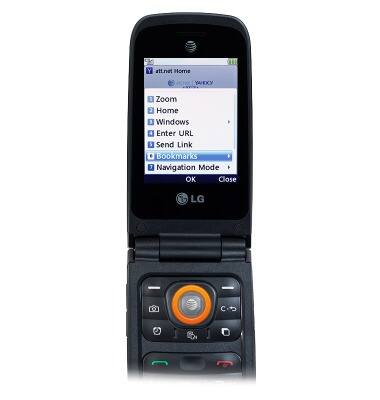
- Scroll to Bookmarks, then press the Center Nav key.
- Scroll to View Bookmarks, then press the Center Nav key.
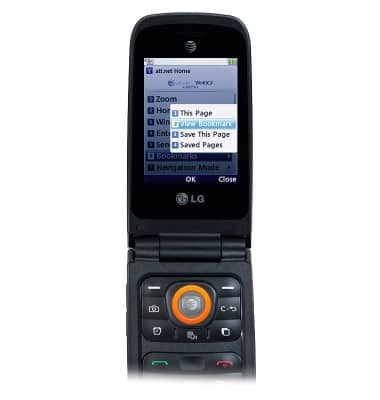
- Scroll to the desired bookmark, then press the Center Nav key to open.
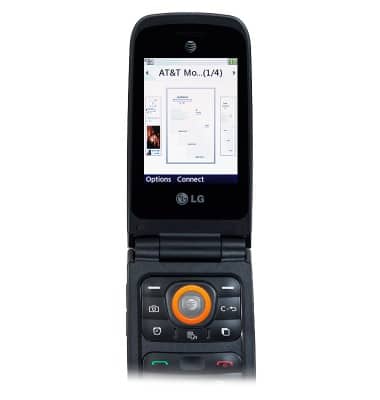
- To open a new window, press the Left Soft key.
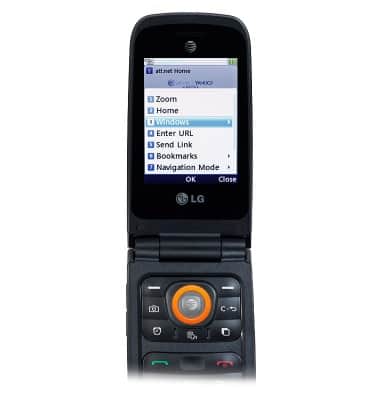
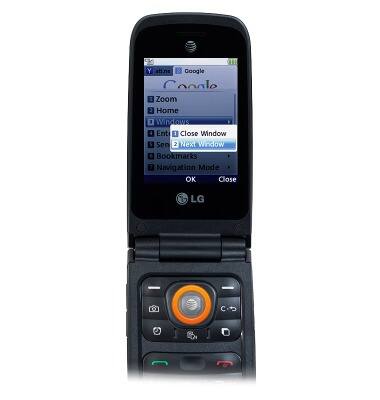
- Scroll to Windows, then press the Center Nav key.
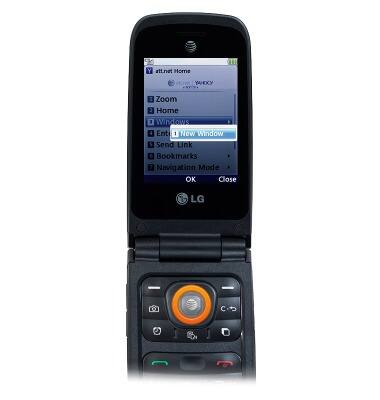
- With New Window selected, press the Center Nav key.
- Enter or scroll to the desired URL, then press the Center Nav key.
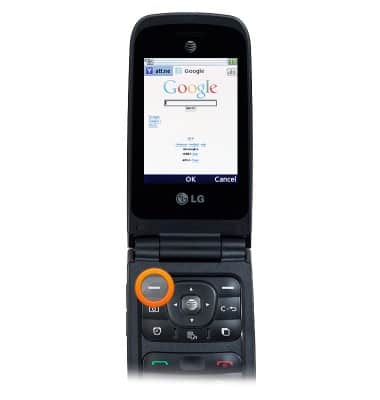
- To close a window, press the Left Soft key.
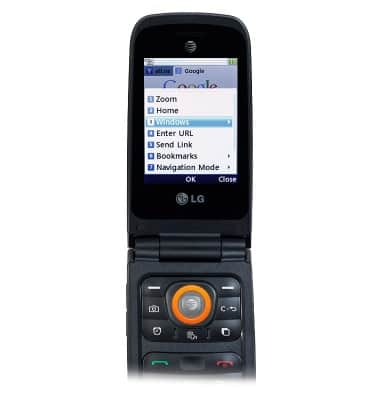
- Scroll to Windows, then press the Center Nav key.
- With Close Window selected, press the Center Nav key.
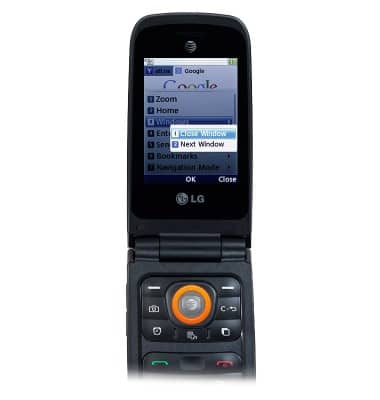
- To switch windows, scroll to select Next Window, then press the Center Nav key.
Browse the web
LG A380
Browse the web
Learn to browse the web and manage tabs and bookmarks.
INSTRUCTIONS & INFO