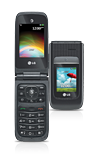
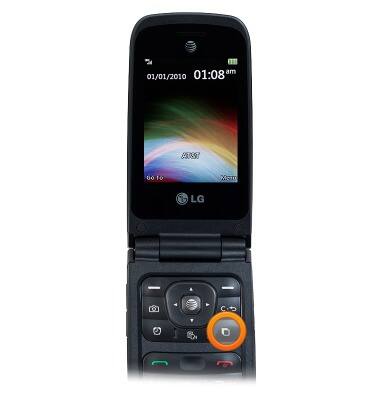
- From any screen, press the Task key.
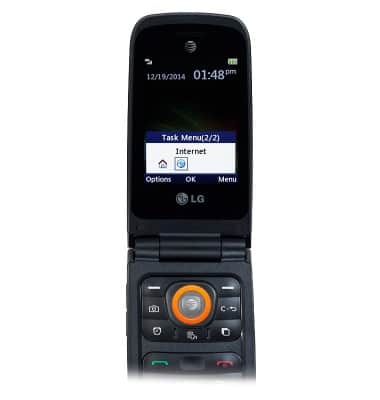
- To switch to a task, scroll to the desired task, then press the Center Nav key.
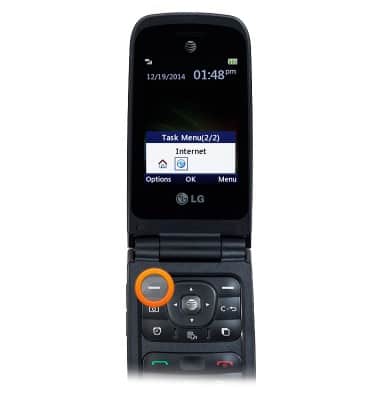
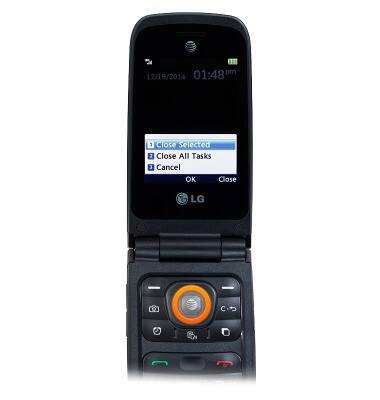
- To close a task, scroll to the desired task, then press the Left Soft key.
- With Close Selected selected, press the Center Nav key.
View or close running apps
LG A380
View or close running apps
How to view, switch between, and close running applications
INSTRUCTIONS & INFO