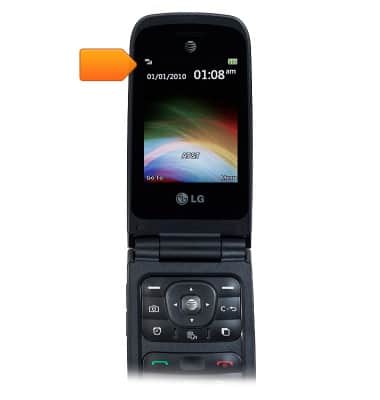
- The Status bar displays notification icons and the signal strength, network and battery level.
- The current date and time is displayed.
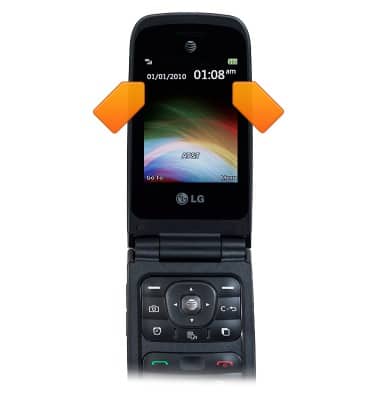
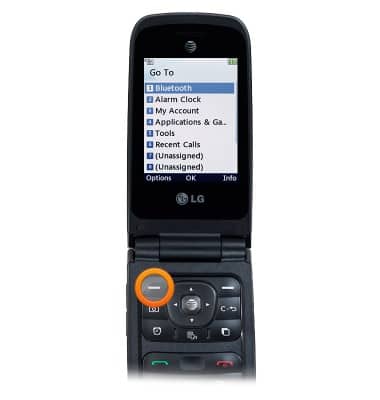
- Press the Left Soft key to open a menu of shortcuts.
- Press the Right Soft key to open the menu.
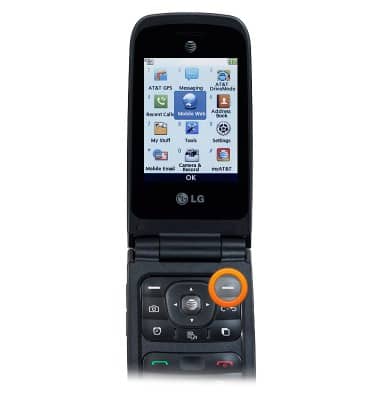
- Press the Left Nav key to open My Stuff.
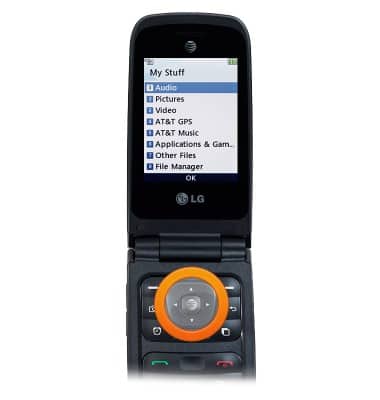
- Press the Up Nav key to compose a new message.
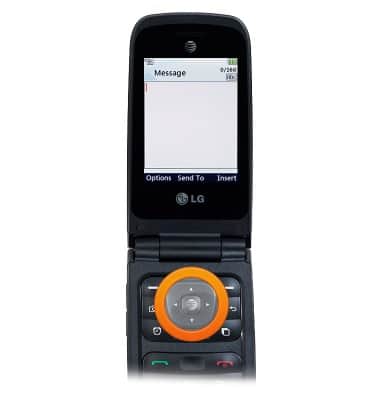
- Press the Right Nav key to open the calendar.
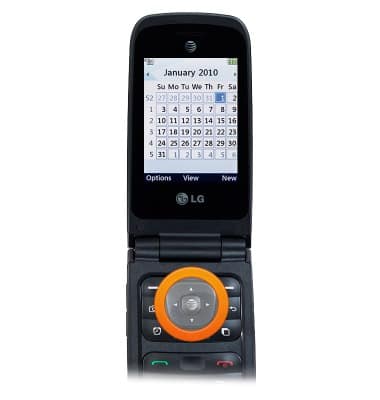
- Press the Down Nav key to open the address book.
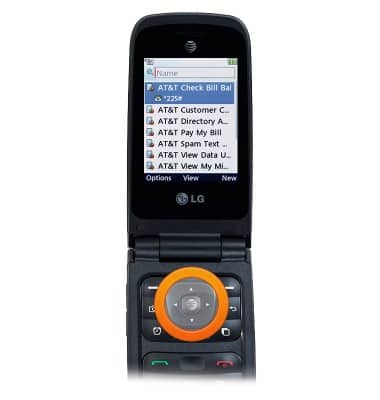
- Press the Center Nav key to open the browser.
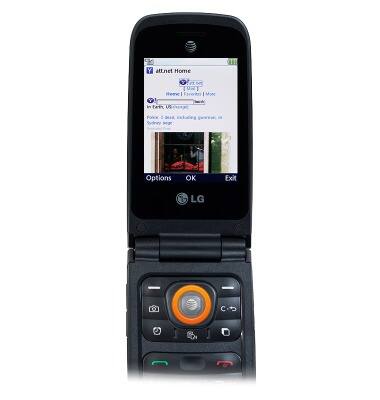
- To change the wallpaper, from the home screen, press the Right Soft key.
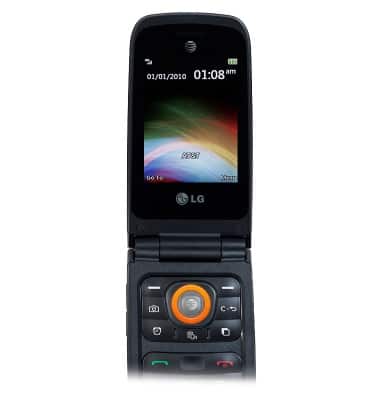
- Scroll to Settings, then press the Center Nav key.
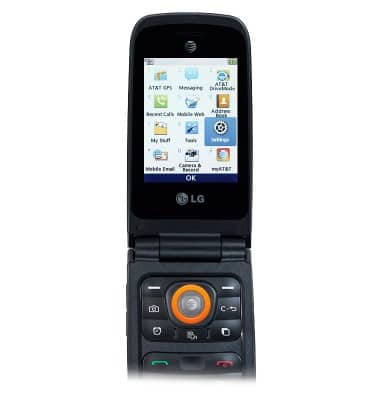
- Scroll to Display, then press the Center Nav key.
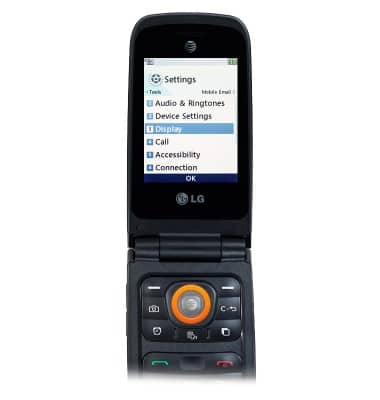
- With Wallpapers selected, press the Center Nav key.
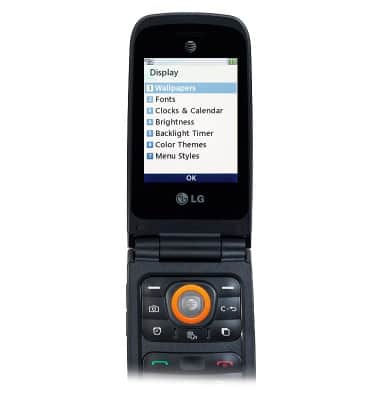
- Scroll to the desired option, then press the Center Nav key.
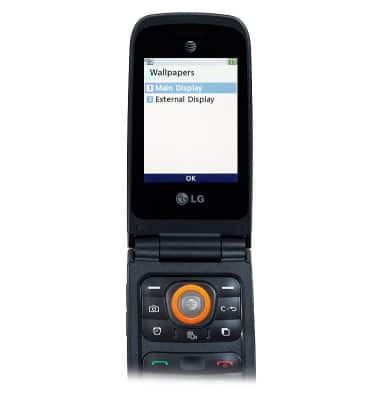
- Scroll to the desired option, then press the Center Nav key.
Note: For this demonstration, select 'Pictures'.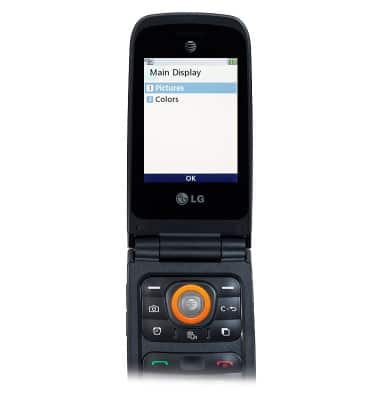
- Scroll to the desired option, then press the Center Nav key.
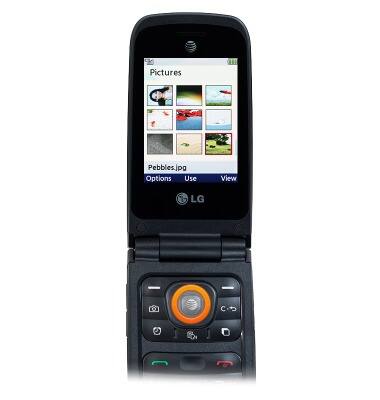
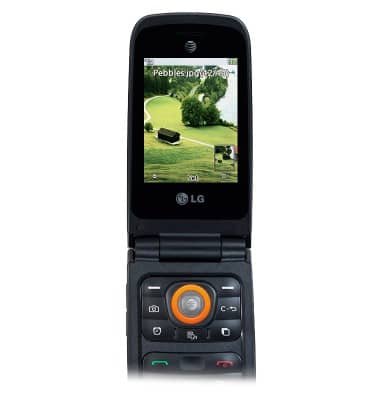
- Adjust the image as desired, then press the Center Nav key.
Learn & customize the home screen
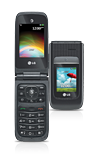
LG A380
Learn & customize the home screen
Add shortcuts and widgets, access the notification panel, changing wallpaper, and more.
Use the home screen
This video describes how to navigate and customize the home screen on your device.
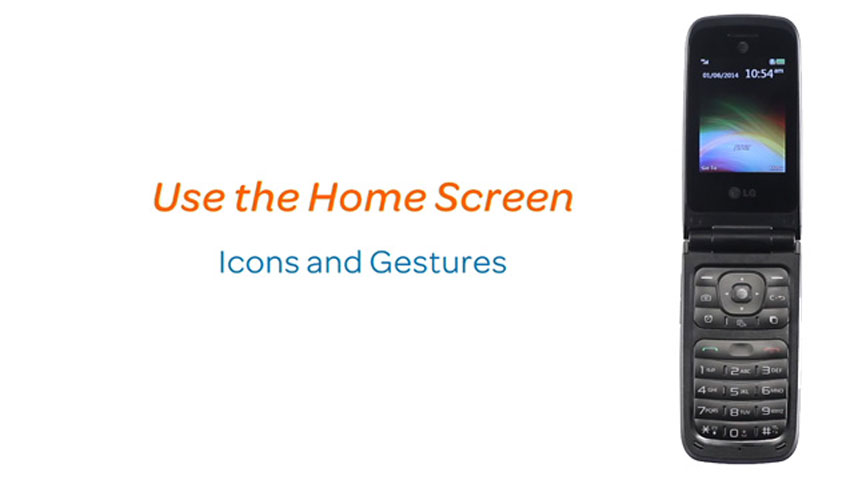
Use the home screen
0:50
INSTRUCTIONS & INFO