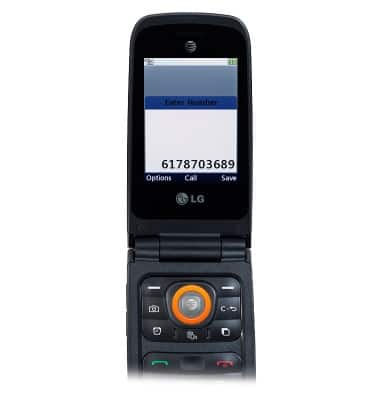
- While on a call, to add a call, enter the desired number and then press the Center Nav key.
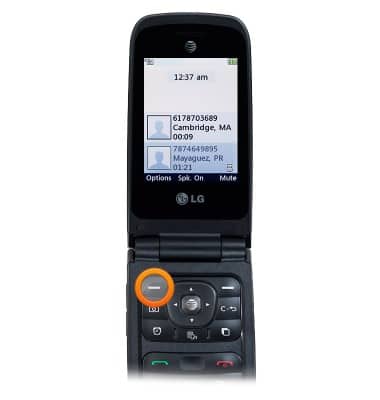
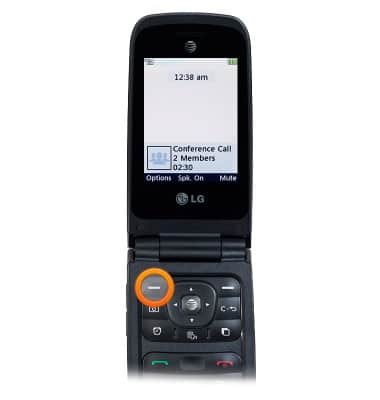
- To merge calls, press the Left Soft key.
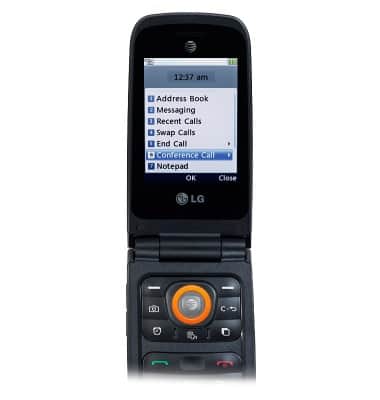
- Scroll to Conference Call, then press the Center Nav key.
- Press the Center Nav key.
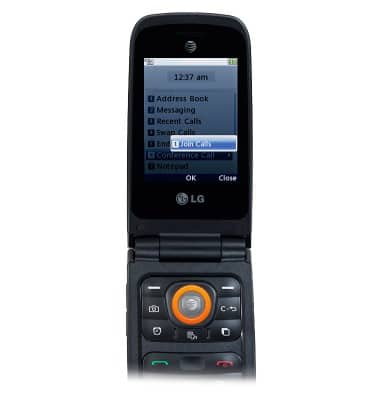
- To separate the calls, press the Left Soft key.
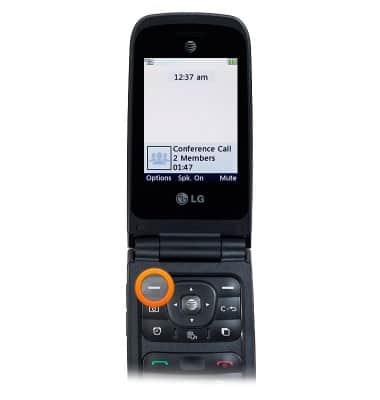
- Scroll to Conference, then press the Center Nav key.
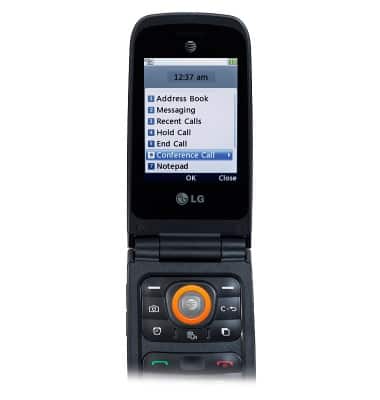
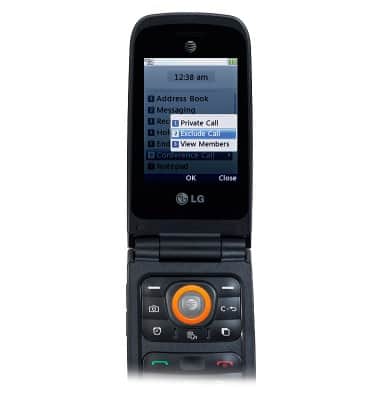
- With Private Call selected, press the Center Nav key.
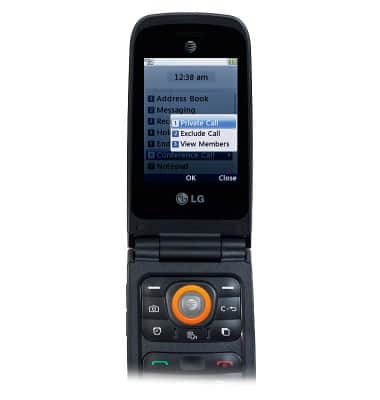
- To end one of the calls, scroll to Exclude Call and then press the Center Nav key.
- To end the conference call, press the Left Soft key.
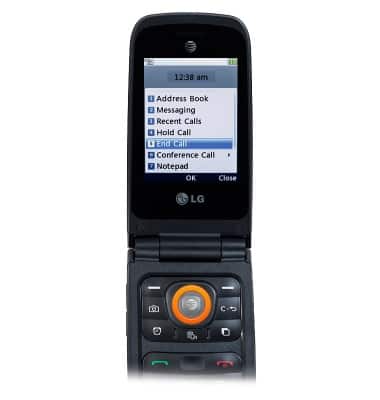
- Scroll to End Call, then press the Center Nav key.
Conference calling
LG A380
Conference calling
Add another person to your call, merge calls, place someone on hold and more.
INSTRUCTIONS & INFO