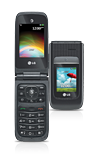
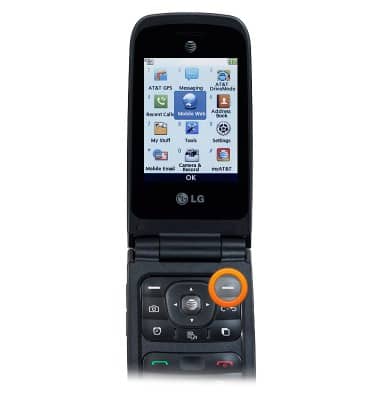
- From the home screen, press the Right Soft key.
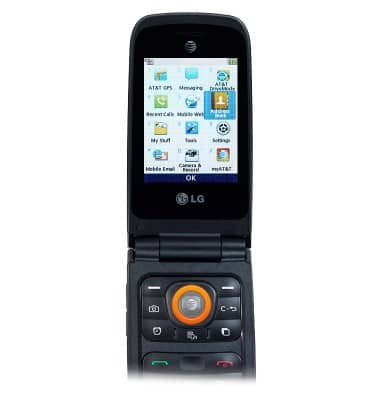
- Scroll to Address Book, then press the Center Nav key.
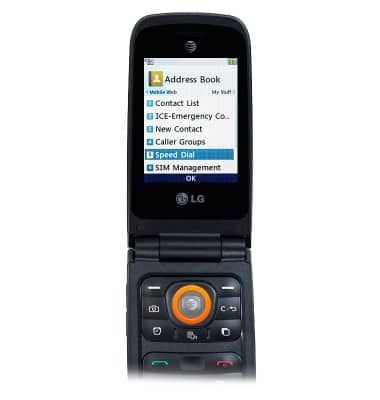
- Scroll to Speed Dial, then press the Center Nav key.
- Scroll to the desired number slot, then press the Center Nav key.
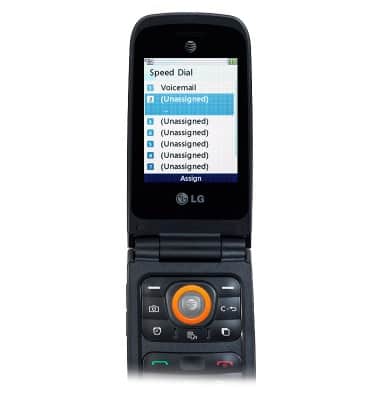
- Scroll to the desired contact, then press the Center Nav key.
Note: To access additional numbers for a contact, scroll left or right with the desired contact selected.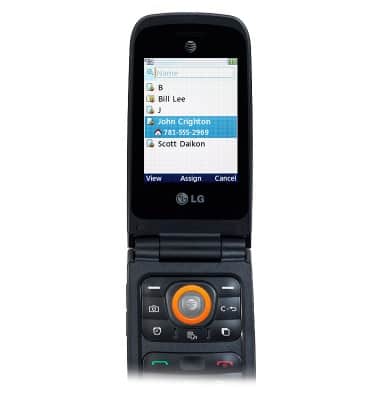
- To change a speed dial number, with the desired occupied slot selected, press the Right Soft key.
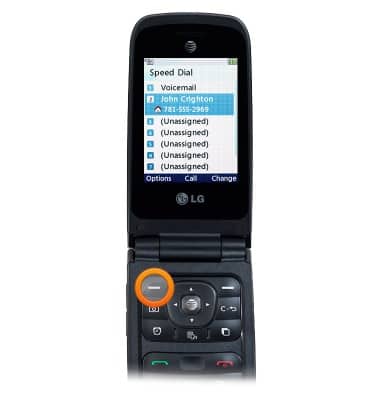
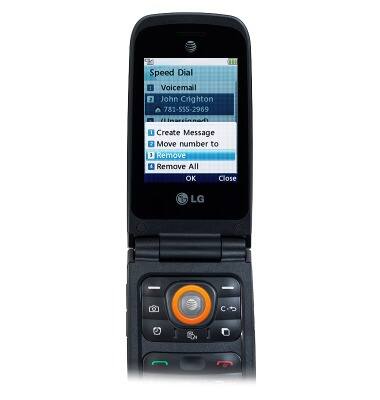
- To remove a speed dial assignment, with the desired occupied slot selected, press the Right Soft key.
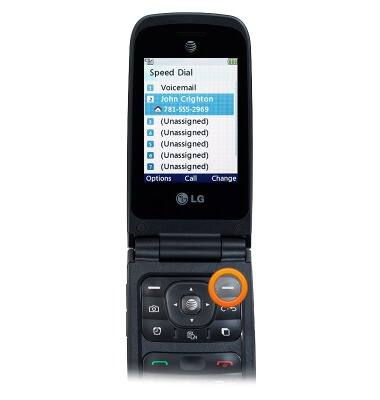
- Scroll to Remove, then press the Center Nav key.
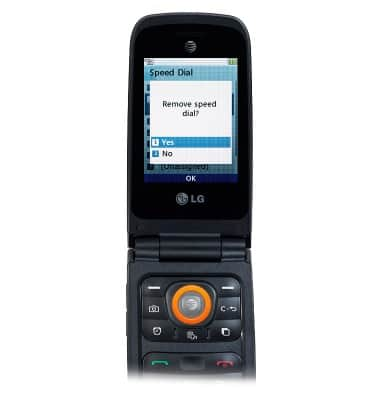
- With Yes selected, press the Center Nav key.
- To use speed dial, from the home screen, press and hold the appropriate key on the keypad.
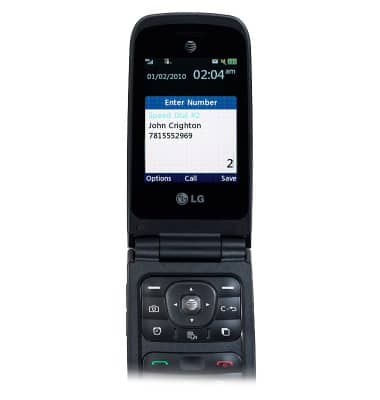
Speed dial
LG A380
Speed dial
Learn how to use speed dial and manage speed dial contacts.
INSTRUCTIONS & INFO