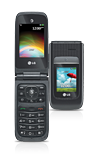
- The LG A380 is available with 256MB of internal usable memory and the option to add a MicroSD card (sold separately) up to 32GB.
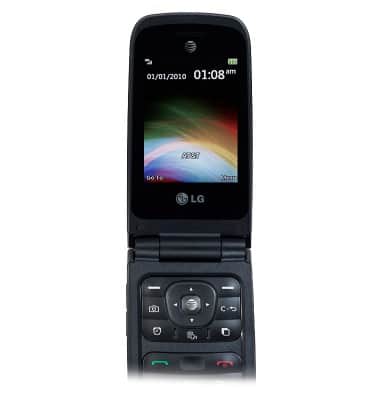
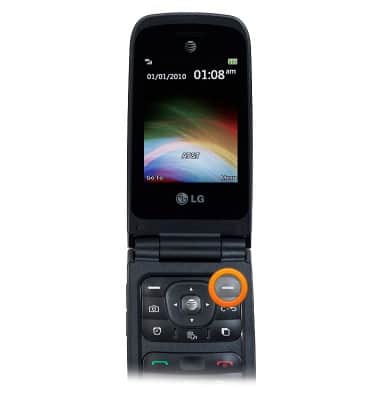
- From the home screen, press the Right Soft key.
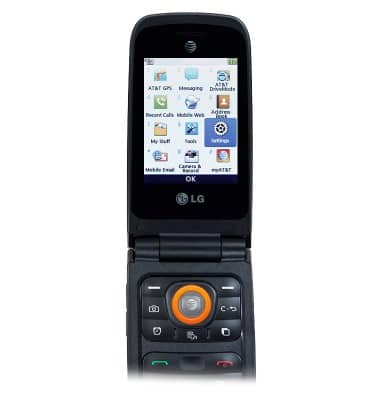
- Scroll to Settings, then press the Center Nav key.
- Scroll to Memory, then press the Center Nav key.
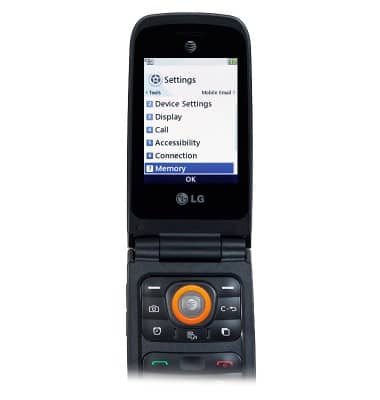
- With Used Space selected, press the Center Nav key.
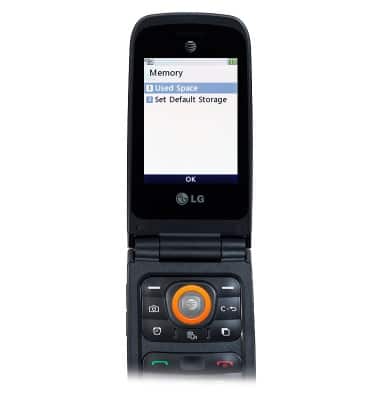
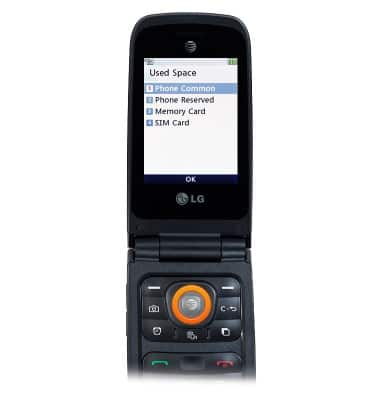
- Scroll to the desired option, then press the Center Nav key.
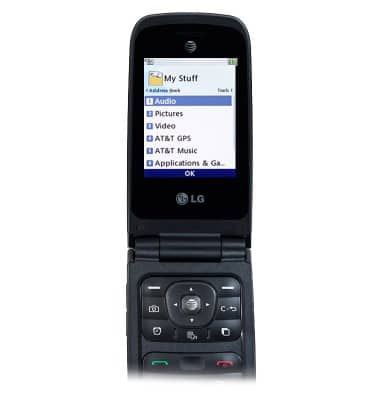
- To free up memory on your device, delete unwanted pictures, music, and videos by pressing the Right Soft key >My stuff > Select the desired folder > Press the Left Soft key to select options > Delete.
- Purchase an SD memory card to expand your device memory.
Available memory
LG A380
Available memory
Check the available device storage.
INSTRUCTIONS & INFO