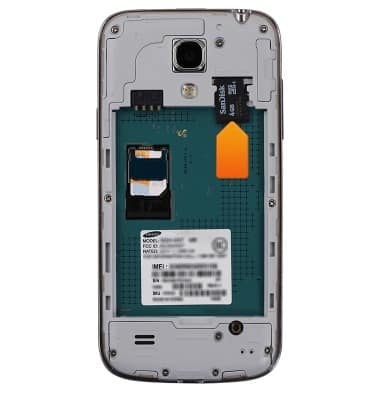
- This device is available with 8GB or 16GB internal memory, with the option to add a MicroSD card (sold separately) up to 64GB.
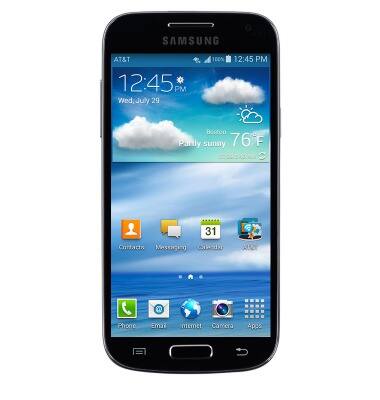
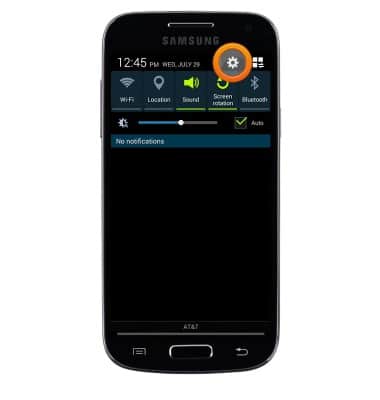
- Swipe down from the Notification bar, then tap the Settings icon.
- Tap the More tab, then tap Storage.
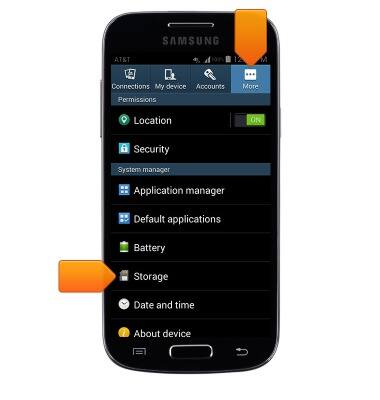
- The device storage summary will be displayed beneath Device memory.
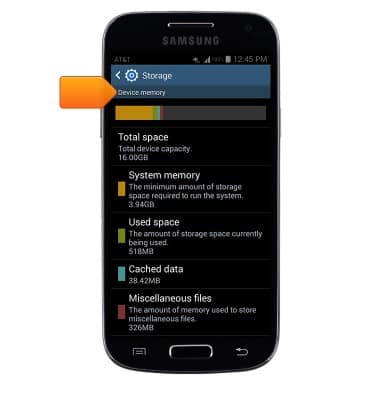
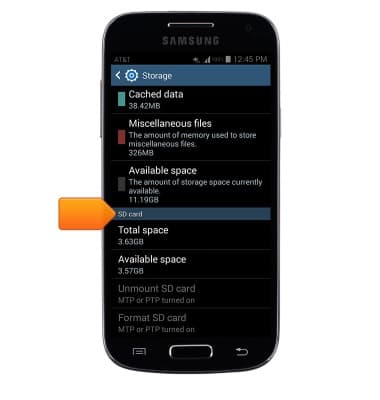
- Scroll down to SD card to view memory card storage info.
- To free up memory on your device, delete unwanted pictures, music, and videos by tapping Apps > My Files > Navigate to the desired files > Tap to select the desired files > Trash icon > OK.
Note: Photos and videos can also be deleted through the Gallery.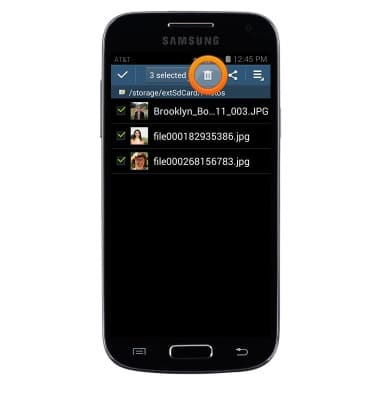
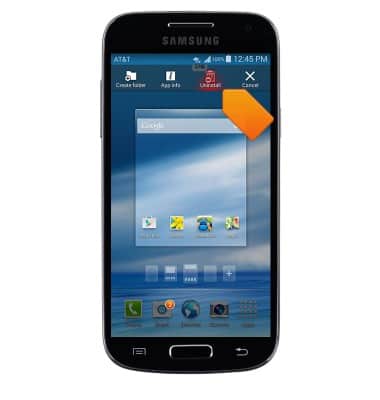
- Remove unused apps by tapping Apps > Touch and hold the desired app > Drag the app to Uninstall > Release the app > Tap OK.
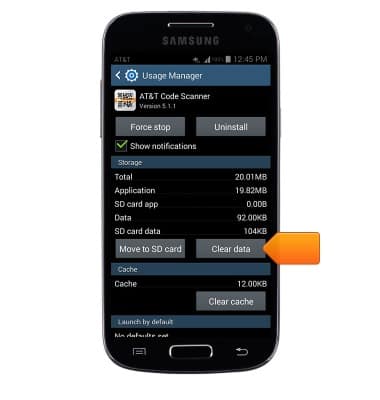
- Clear app data by tapping the AT&T folder > Usage Manager > Apps tab > Swipe left > Tap the desired app > Clear data > OK.
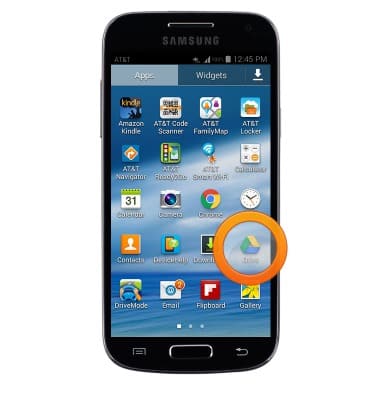
- Store your files on the cloud by tapping Apps > Drive.
- Purchase an SD memory card to expand your device memory.
Available memory
Samsung Galaxy S4 mini (I257)
Available memory
Check the available device storage.
INSTRUCTIONS & INFO