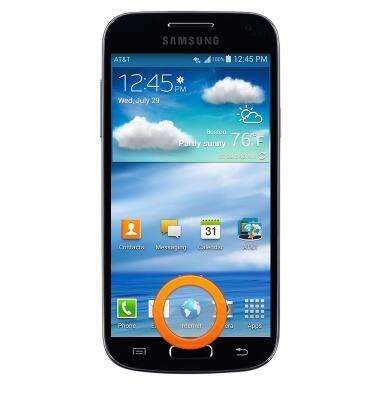
- From the home screen, tap Internet.
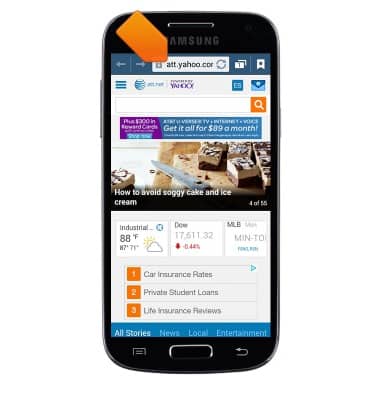
- Tap the URL field.
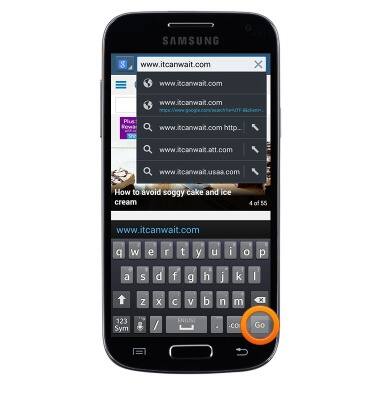
- Enter the desired URL, then tap Go.
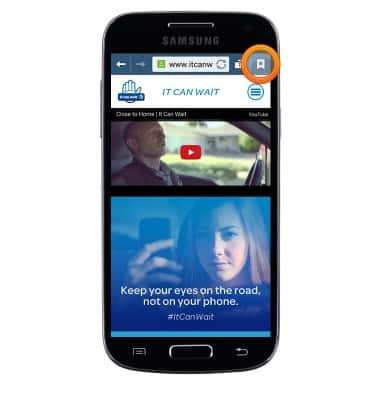
- To view and manage bookmarks, tap the Bookmark icon.
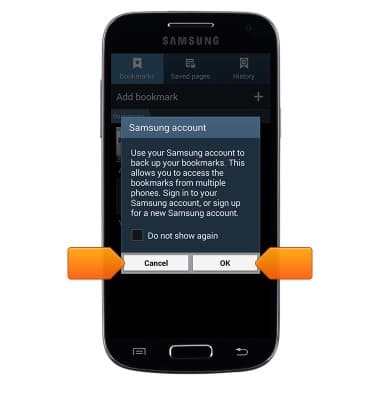
- If prompted, tap the desired option.
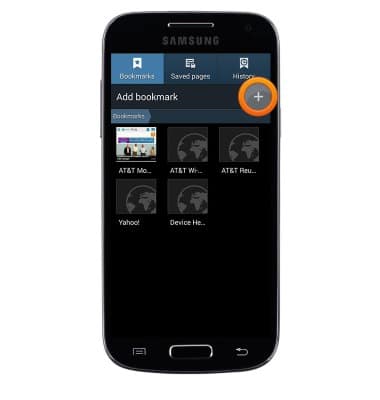
- To bookmark the current page, tap the Add icon.
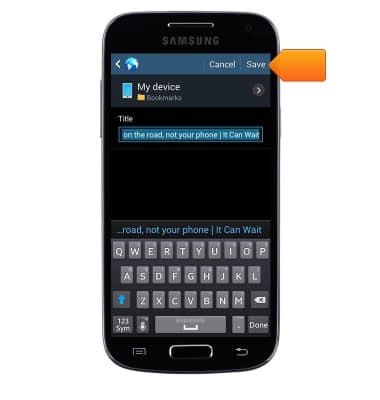
- Edit bookmark settings if desired, then tap SAVE.
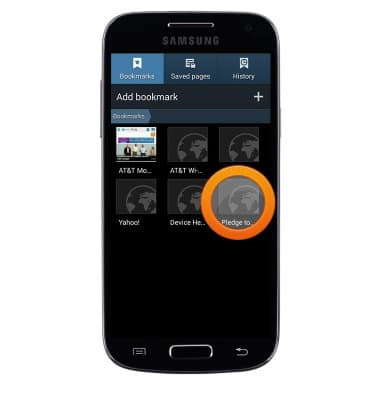
- The page will be added to your bookmarks. Tap to visit the desired bookmark.
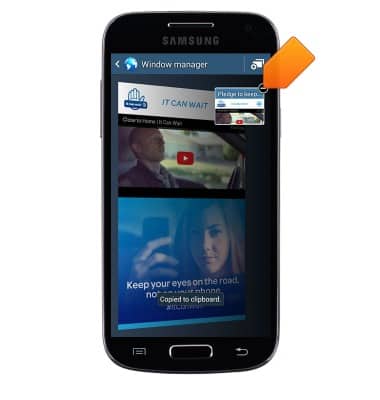
- To manage browser tabs, tap the Tabs icon.
Note: The number of open browser tabs is displayed on the Tabs icon.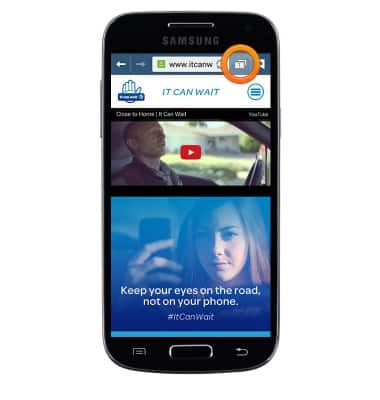
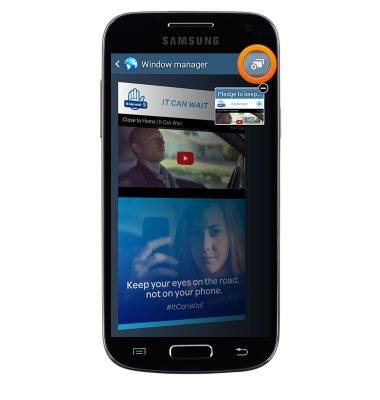
- To open a new tab, tap the New tab icon.
- Tap a tab to open it.
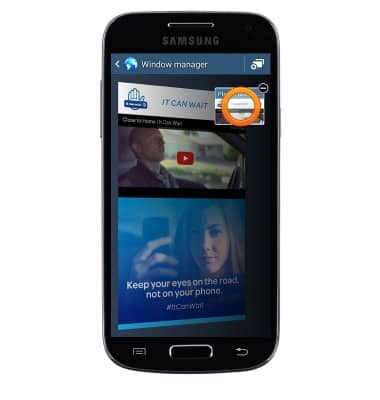
- To close a tab, tap the Close tab icon.
Browse the web
Samsung Galaxy S4 mini (I257)
Browse the web
Learn to browse the web and manage tabs and bookmarks.
INSTRUCTIONS & INFO