- NFC is a wireless technology that allows your device to communicate by touching, or being in close proximity to, other NFC devices or tags.
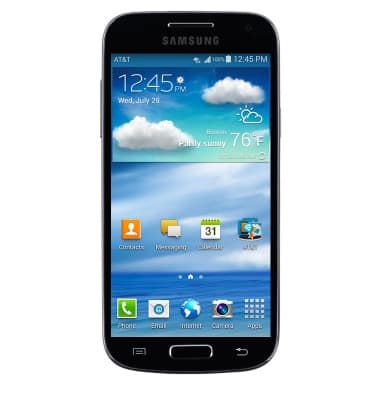
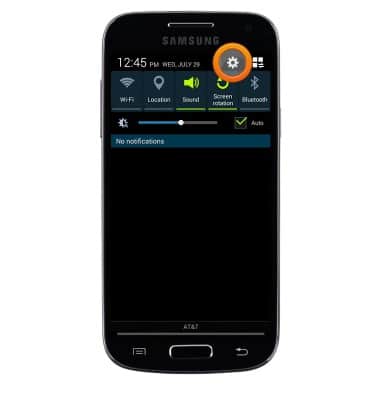
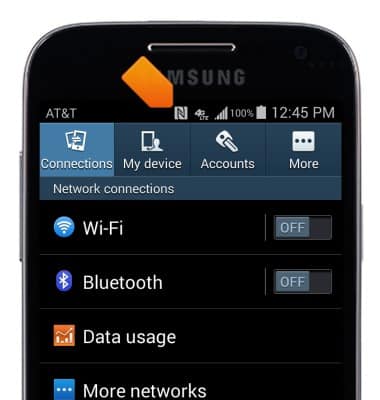
- Swipe down from the Notification bar, then tap the Settings icon.
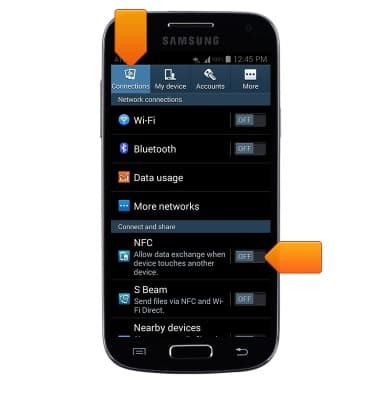
- Tap the Connections tab, then tap the NFC switch to toggle on/off.
- When NFC is enabled, the NFC icon will display in the notification bar.
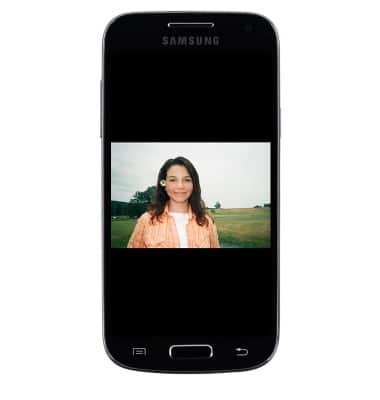
- To share content via NFC, navigate to the desired content.
Note: For this demonstration, navigate to a photo. From the Home screen > Swipe to then tap 'Gallery' > Tap the desired album > Tap the desired photo.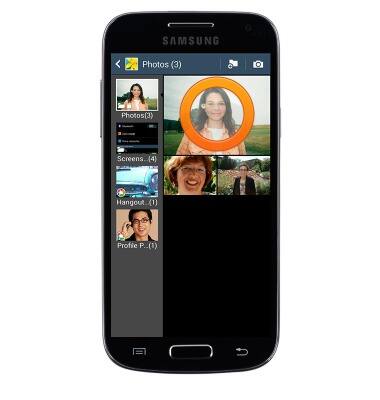
- Touch the back of the device to another NFC-enabled device.
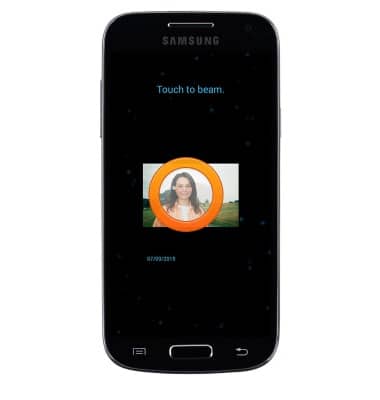
- When the Touch to beam prompt displays, tap the screen to begin transferring content.
NFC
Samsung Galaxy S4 mini (I257)
NFC
Use NFC to share content such as photos and contacts between compatible devices.
INSTRUCTIONS & INFO