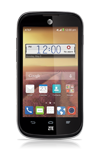
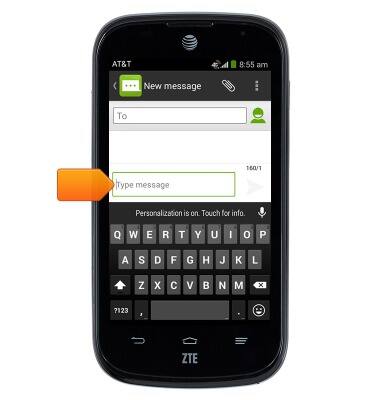
- Tap within any Text field to access the keyboard.
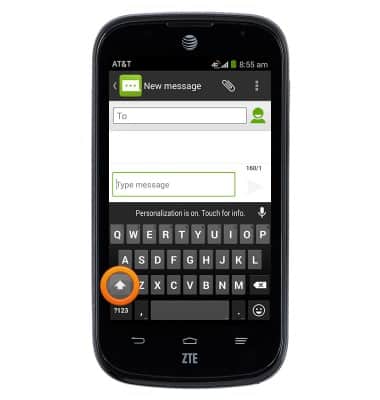
- Tap the Shift icon to capitalize the next letter typed.
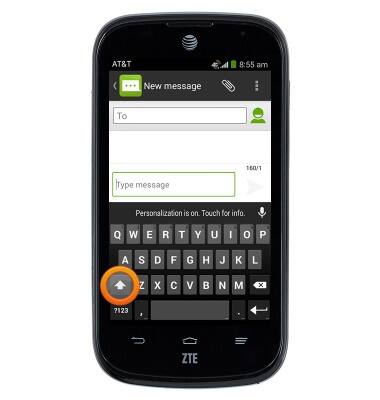
- Double tap the Shift icon to enable Caps lock.
- Tap the '?123' key to access numbers and symbols.
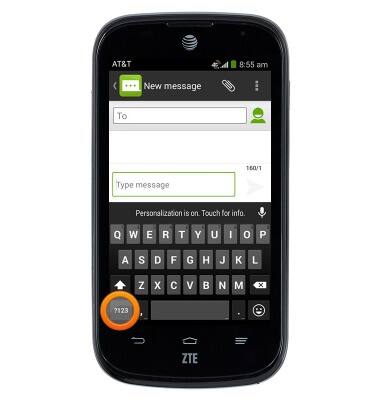
- Tap the '= / ' key to access additional symbols.
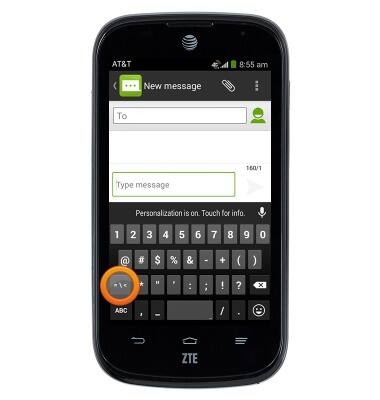
- Tap the 'ABC' key to return to the alphabet.
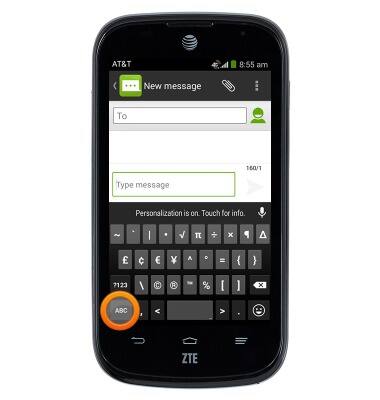
- To copy and paste, touch and hold the desired text.
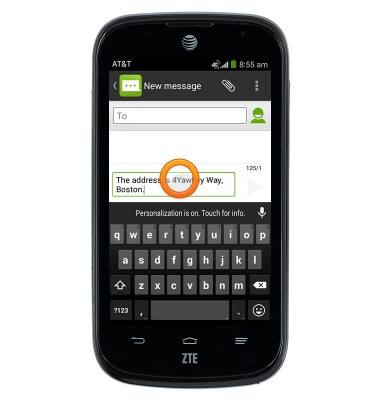
- Touch and drag the Green marker icons to select the desired text to copy.
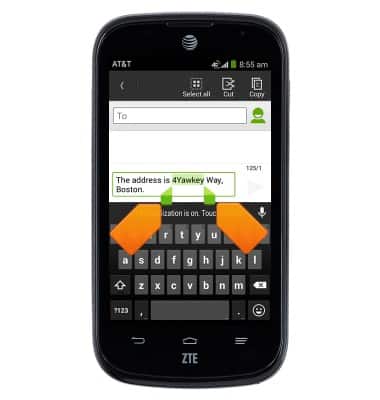
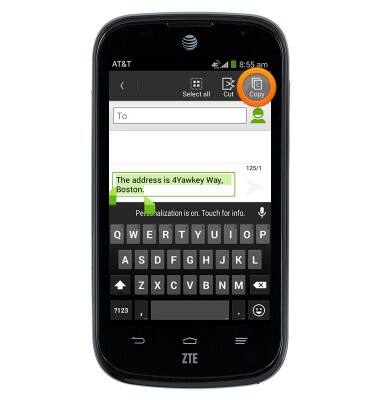
- Tap Copy.
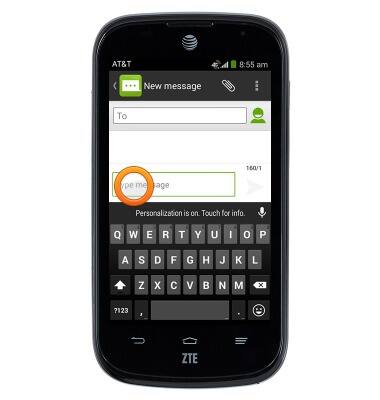
- Touch and hold the desired text field.
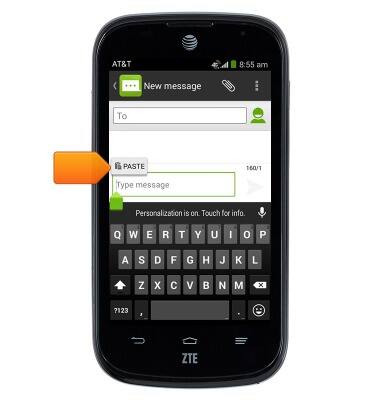
- Tap PASTE.
- To access the keyboard settings menu, touch and hold the Comma key.
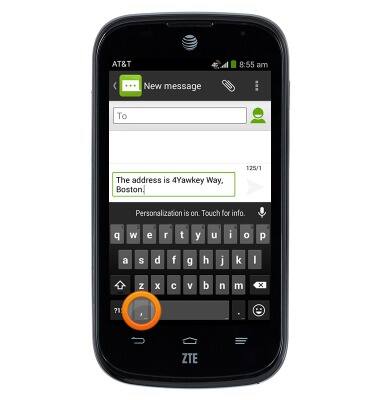
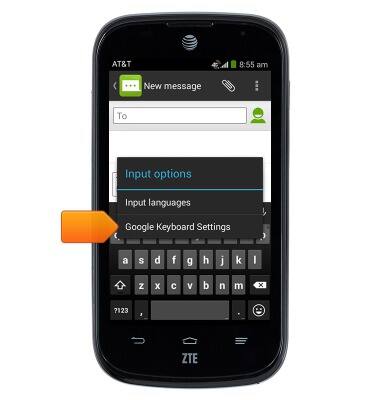
- Tap Google Keyboard Settings.
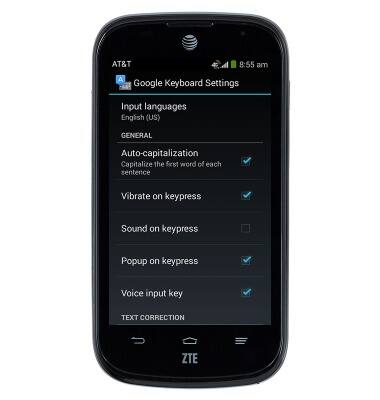
- Scroll to adjust the desired settings.
- Press the Back key to return to the previous screen.
Note: To access keyboard settings from the home screen, swipe down from the Notification bar with two fingers > Tap SETTINGS > Tap Language & input > Tap the Settings icon to the right of 'Google Keyboard' > Edit settings as desired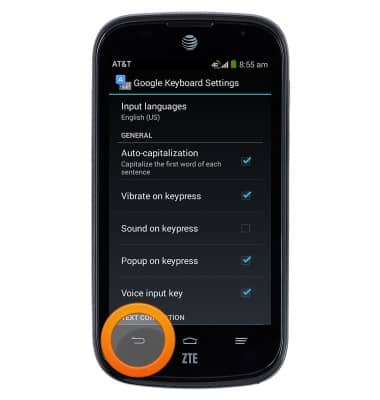
Keyboard & typing
ZTE Compel (Z830)
Keyboard & typing
How to use the keyboard, use speech-to-text, access keyboard settings, and more.
INSTRUCTIONS & INFO