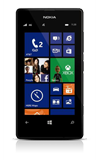
- From the home screen, tap the Messaging tile.
Note: When a new message is available, the new message icon will be displayed in the notification bar.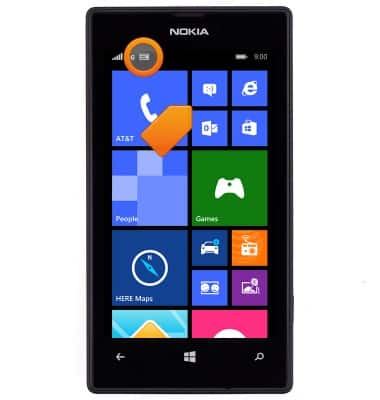
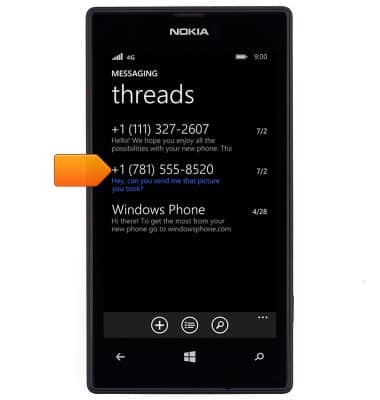
- Unread messages are highlighted in blue. Tap the desired message.
- To add more recipients to create a group message, tap the Recipient field, then enter the desired recipients.
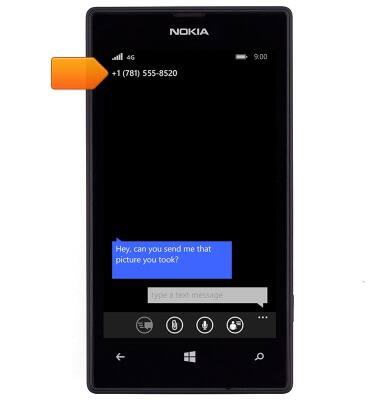
- Tap the Text field, then enter the desired message.
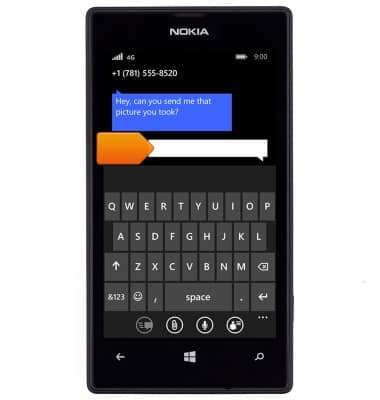
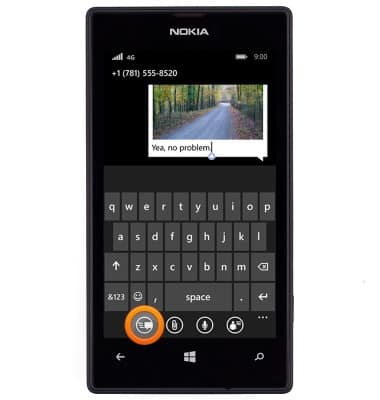
- To send an MMS, tap the Paper clip icon, then navigate to the desired file.

- Tap the Send icon.
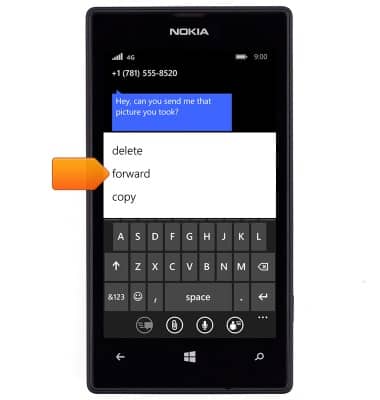
- To delete or forward a message, touch and hold the desired message.
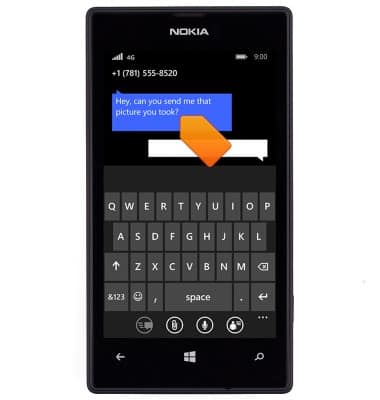
- To delete, tap delete > delete.
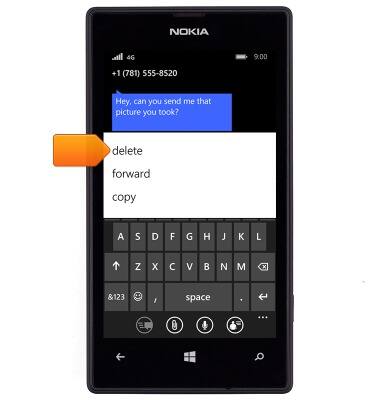
- To forward, tap forward > Enter the desired recipient > Send icon.
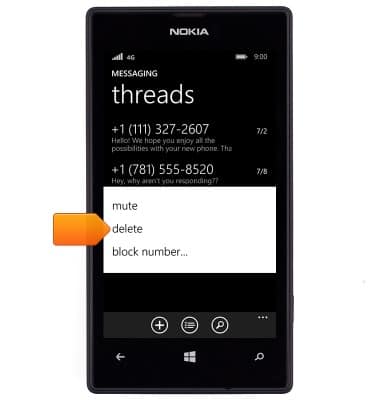
- To delete a message thread, touch and hold the desired conversation.

- Tap delete > delete.
Send & receive messages
Nokia Lumia 520
Send & receive messages
How to send, receive, and delete picture (MMS) and text (SMS) messages.
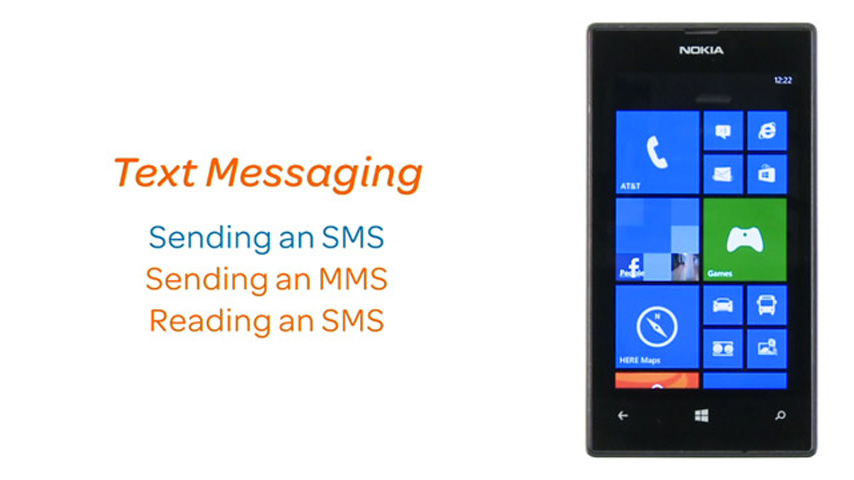
Text Messaging
This video explains the text messaging features of the device.
Text Messaging
1:21
INSTRUCTIONS & INFO