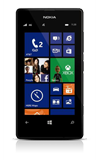
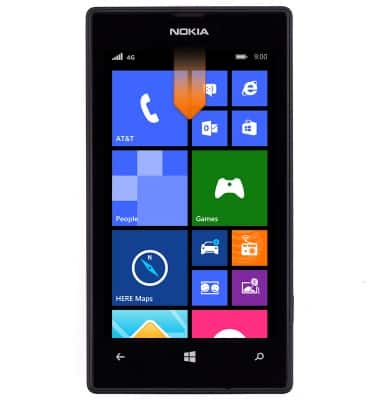
- From the home screen, swipe down from the top of the screen to reveal the Action center.
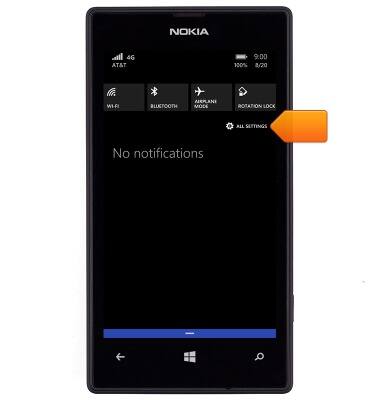
- Tap ALL SETTINGS.
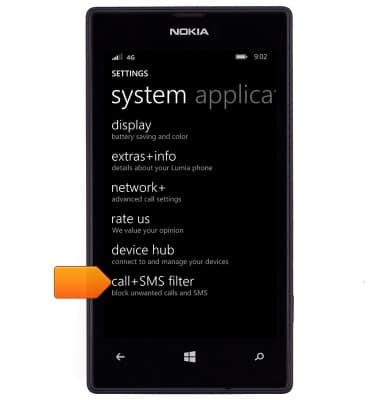
- Scroll to, then tap call+SMS filter.
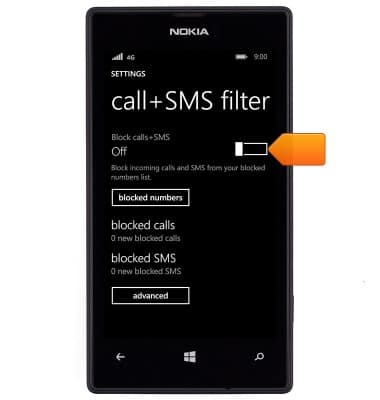
- To enable or disable the call and SMS filter, tap the Block calls+SMS switch.
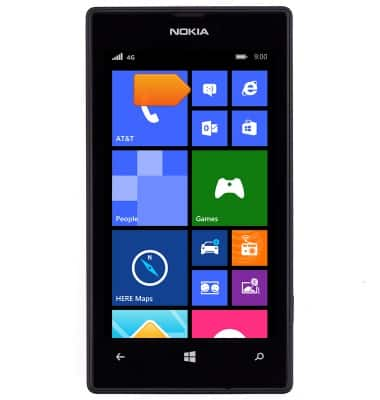
- To block a number, tap the Messaging icon from the home screen.
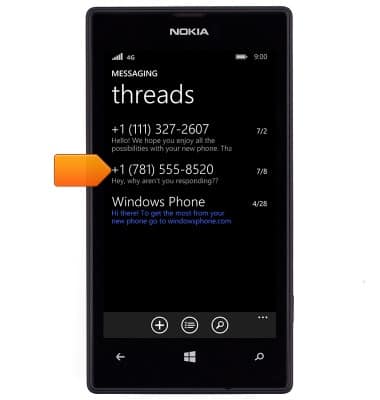
- Touch and hold the desired entry.
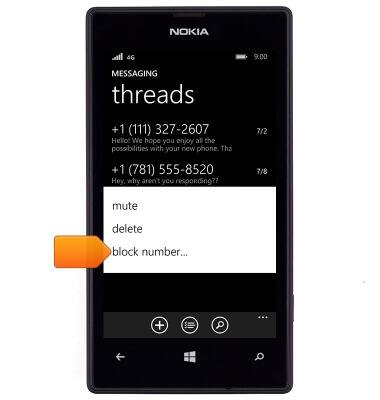
- Tap block number.
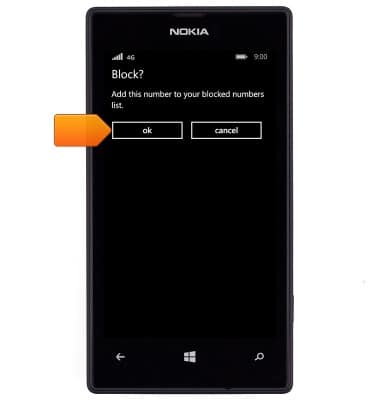
- Tap ok.
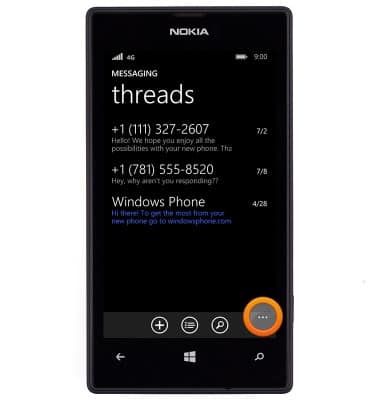
- To remove a phone number from the blocked list, tap the menu icon.
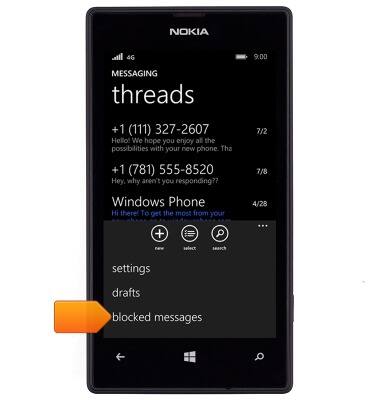
- Tap blocked messages.
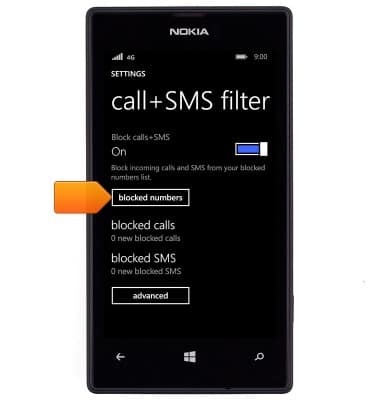
- Tap blocked numbers.
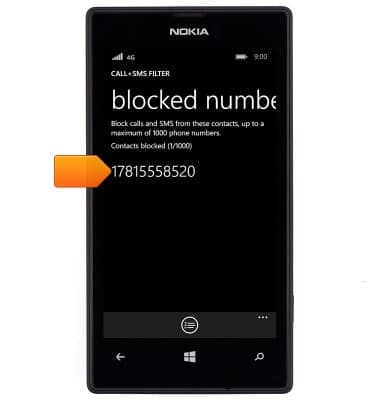
- Touch and hold the desired number.
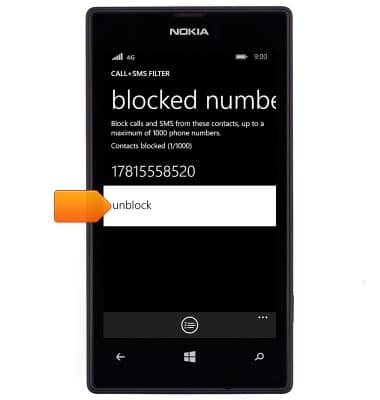
- Tap unblock.
Block messages
Nokia Lumia 520
Block messages
Learn how to block messages from your device.
INSTRUCTIONS & INFO