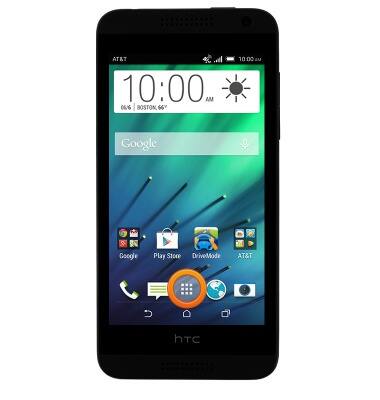
- From the home screen, tap the Apps icon.
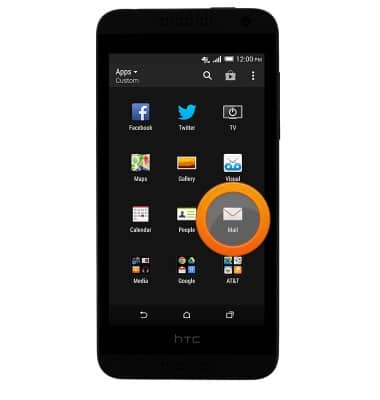
- Tap Mail.
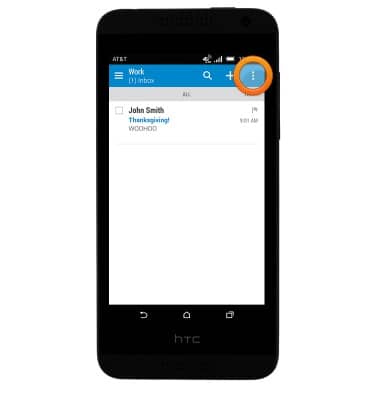
- Tap the Menu icon.
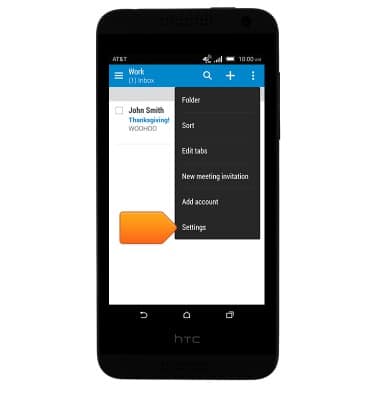
- Tap Settings.
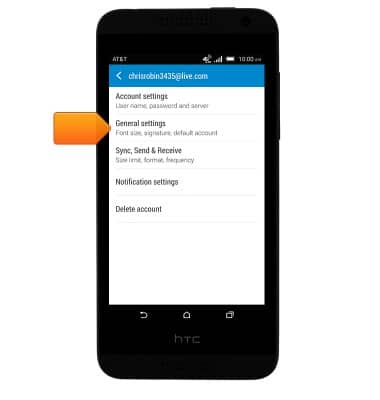
- Tap General settings.
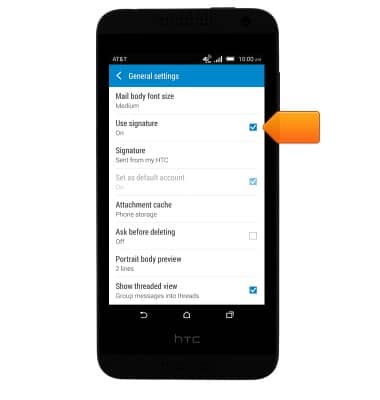
- To enable or disable the signature, tap Use signature.
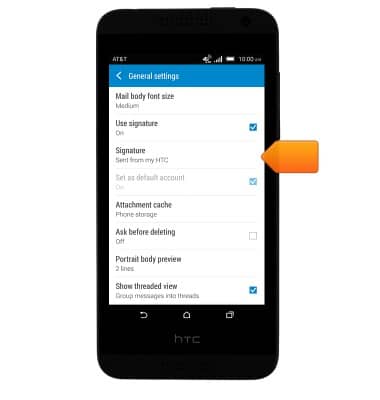
- To edit the signature, tap Signature and then enter the desired signature.
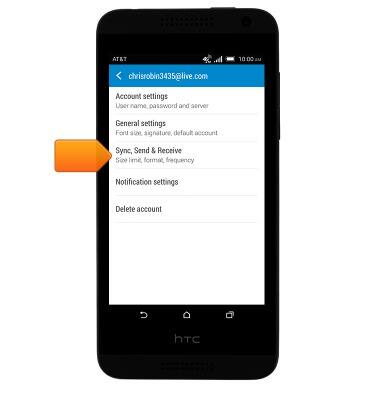
- To adjust the email sync frequency, tap the Back key then tap Sync, Send & Receive.
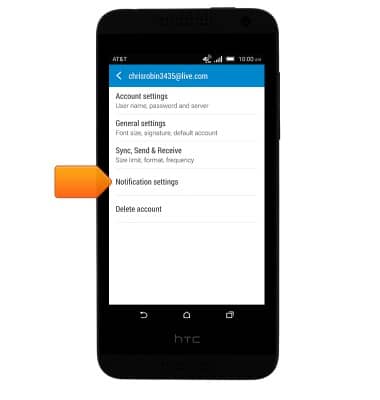
- To adjust the email notification settings, tap Notification settings.
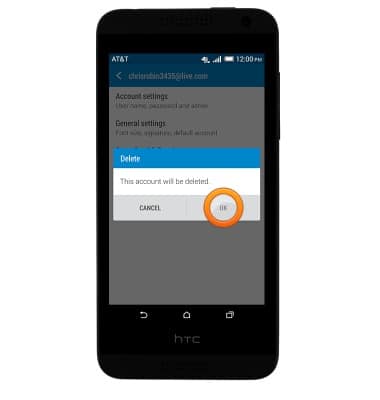
- To delete the account from the device, tap Delete account and then tap OK.
Email settings
HTC Desire 610 (0P9O110)
Email settings
Manage email settings such as sync frequency, server settings, signature, deleting an email account, and more.
INSTRUCTIONS & INFO