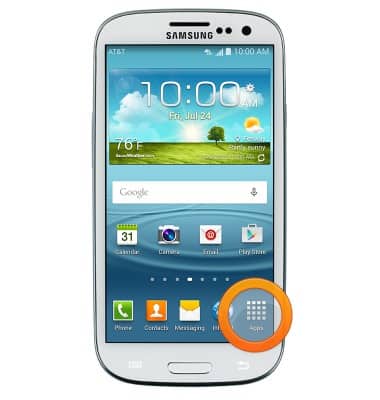
- From the home screen, tap Apps.
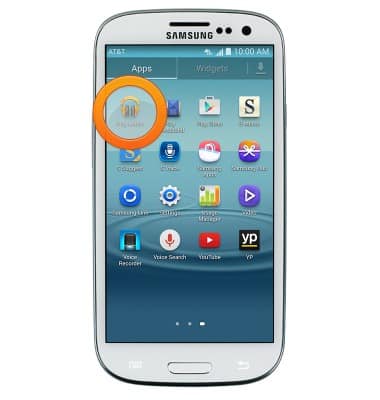
- Swipe to, then tap Play Music.
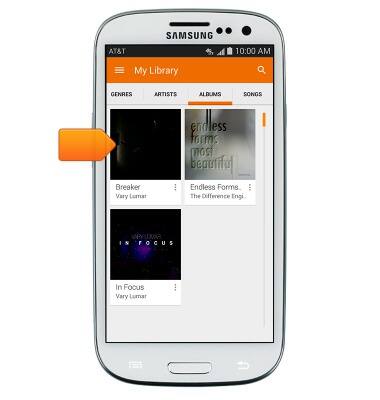
- Tap the desired album.
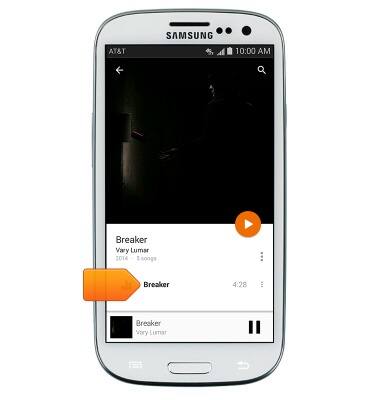
- Tap the desired song.
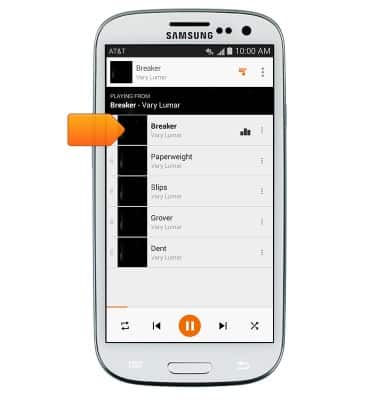
- Tap the song title.
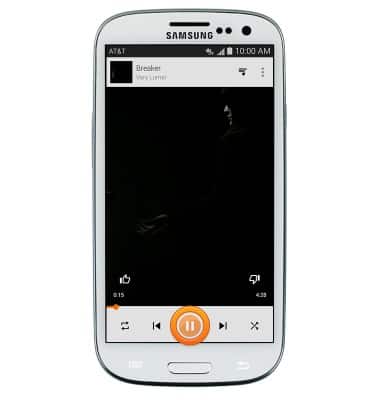
- Tap the Pause icon to pause.
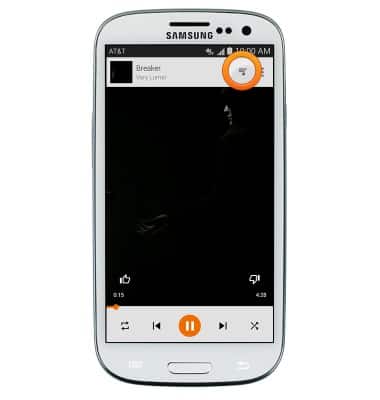
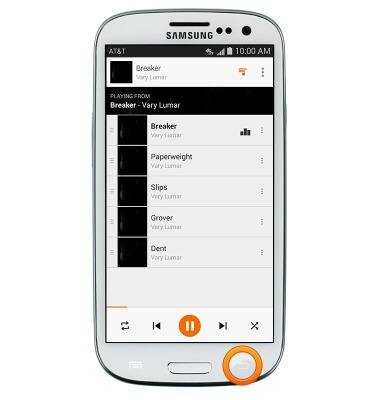
- Tap the Play lists icon to view the play lists.
- Tap the Back key to close the play lists.
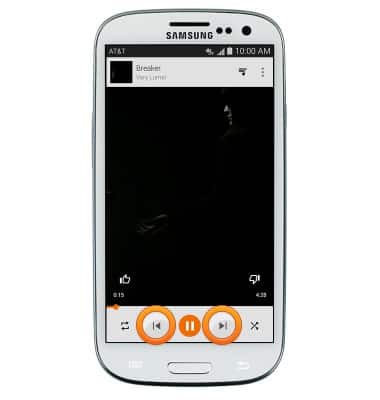
- Tap the Forward / Backward icons to skip to the previous or next song.
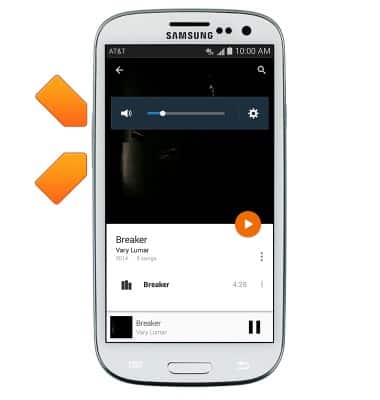
- Press the Volume keys to adjust playback volume.
Play music
Samsung Galaxy S III (I747)
Play music
Play music, turn the music player off.
INSTRUCTIONS & INFO