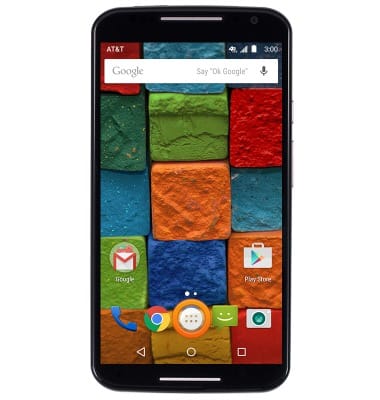
- From the home screen, tap the Apps icon.
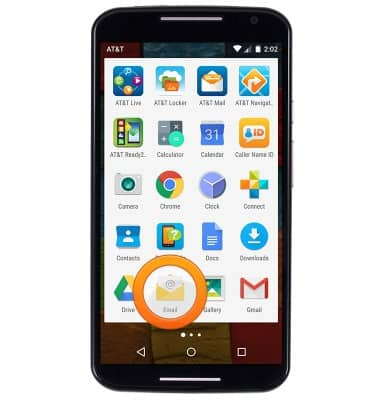
- Tap Email.
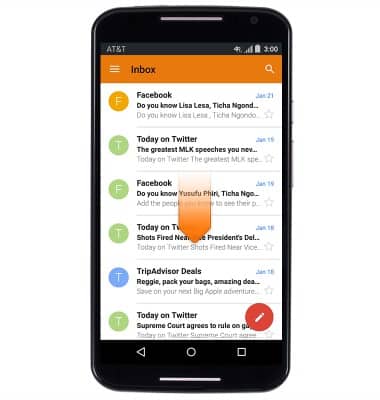
- To refresh your inbox, swipe down.
- Tap an email to view it.
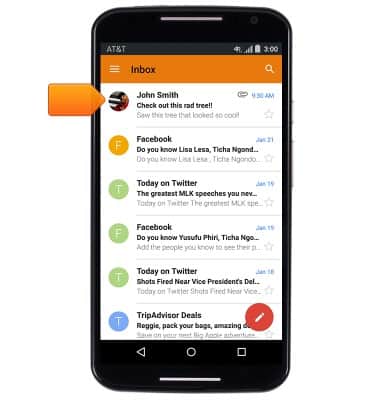
- Tap an attachment to view it; To add an attachment to an email: Tap the Attachment icon > tap Attach file > navigate to and tap the desired file.
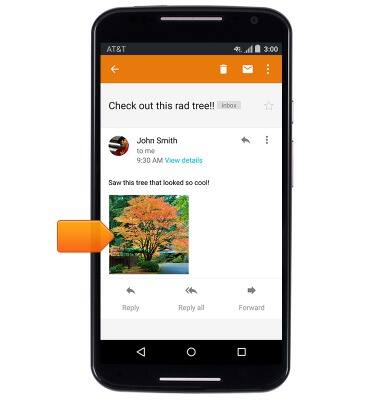
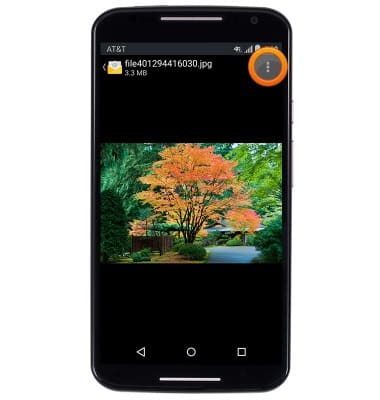
- The attachment will be displayed. To save the attachment, tap the Menu icon.
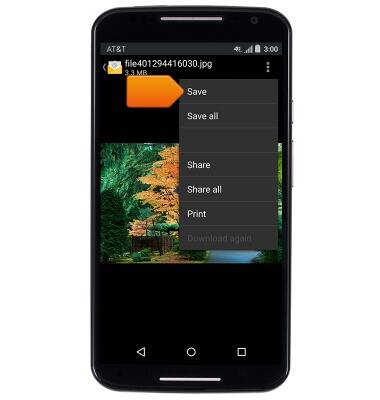
- Tap Save.
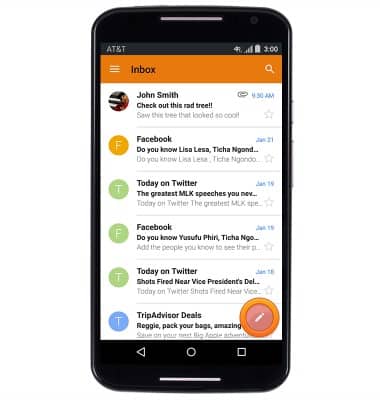
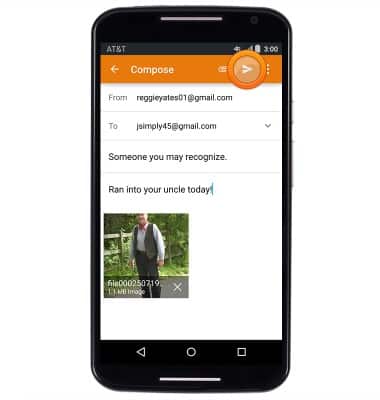
- To compose an email, tap the Compose icon.
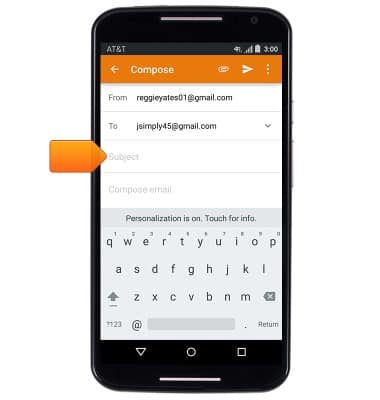
- Enter the desired recipient email address, then tap the Subject field.
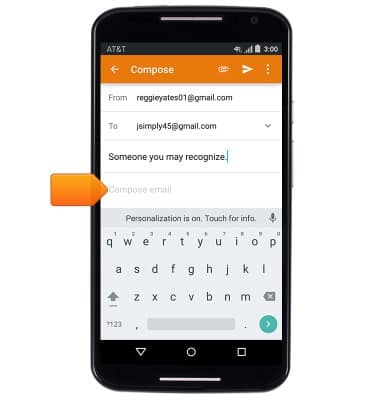
- Enter the desired subject text, then tap the Message field.
- Enter the desired message.
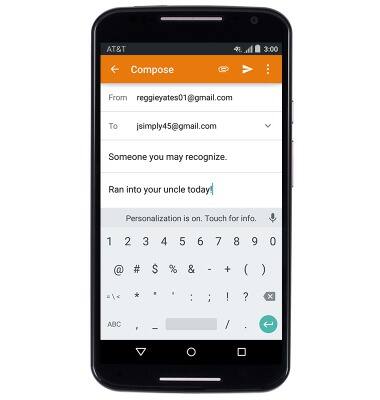
- Tap the Send icon to send the email.
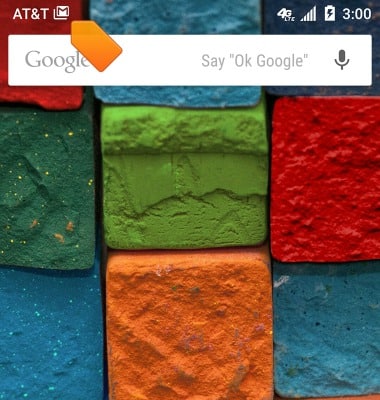
- When an Email is received, the Email icon will be displayed in the notifications bar.
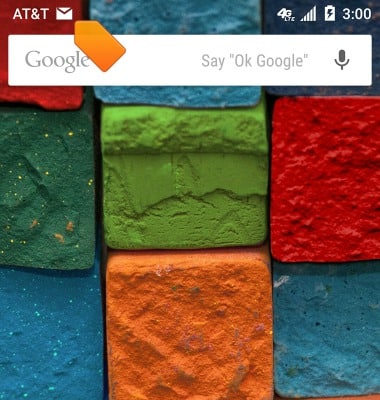
- When a Gmail Email is received, the Gmail icon will be displayed in the notifications bar.
Send & receive email
Motorola Moto X (XT1097)
Send & receive email
Add and download email attachments, respond to an email and more.
INSTRUCTIONS & INFO