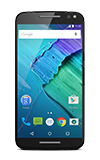
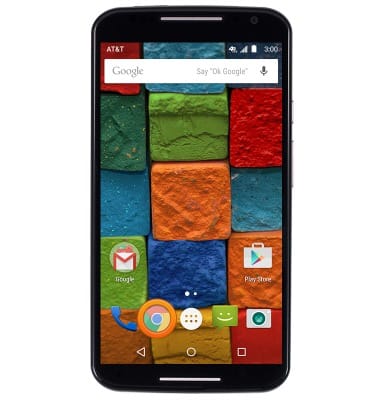
- From the home screen, tap the Google Chrome Browser icon.
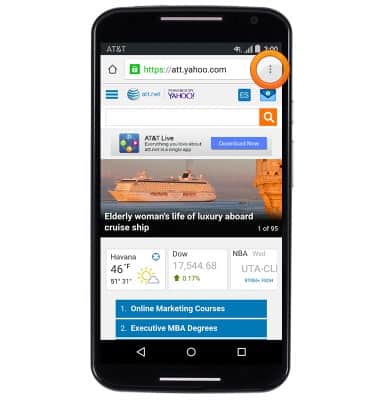
- Tap the Menu icon.
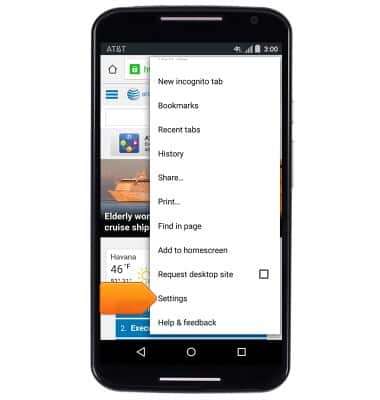
- Scroll to, then tap Settings.
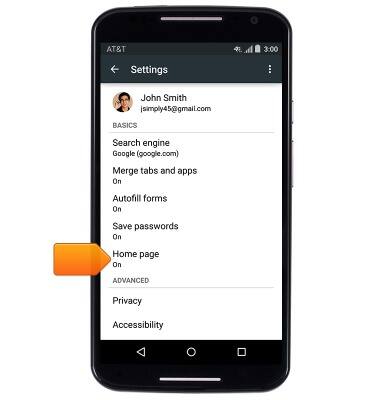
- To set a personalized home page, tap Home page.
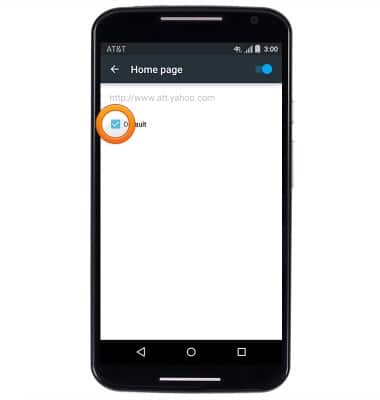
- Tap the Default checkbox.
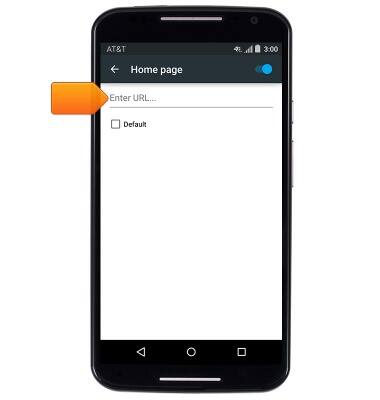
- Tap the Enter URL... field.
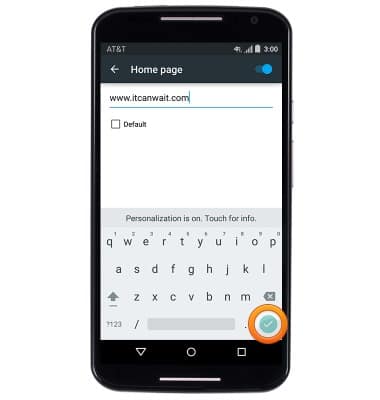
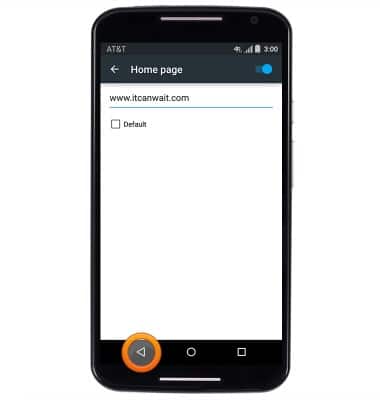
- Enter the desired website URL, then tap the Done key.
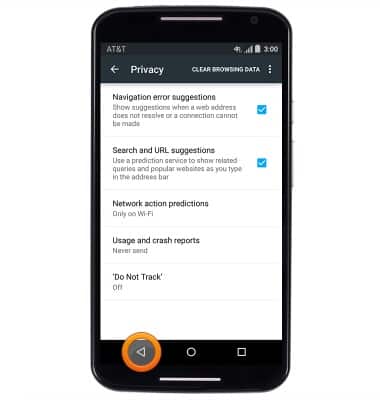
- Tap the Back key.
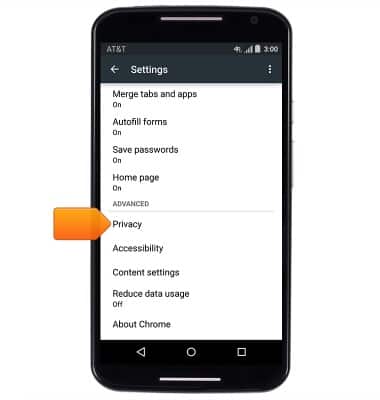
- To clear stored browsing data, tap Privacy.
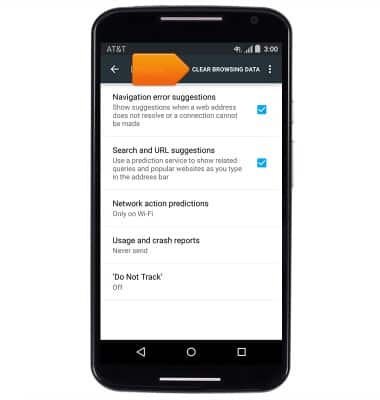
- Tap CLEAR BROWSING DATA.
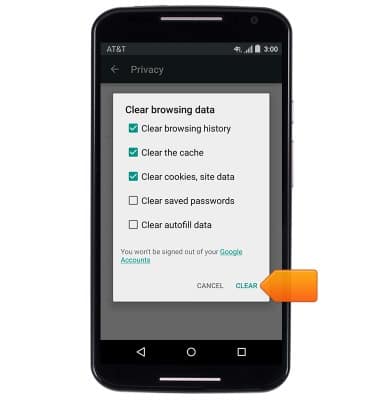
- Tap the desired options, then tap CLEAR.
- Tap the Back key.
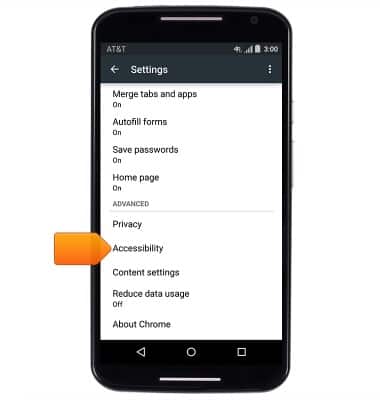
- To adjust text scaling, tap Accessibility.
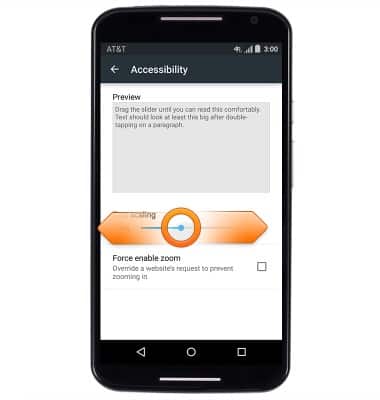
- Touch, then drag the Text scaling slider to adjust text scaling.
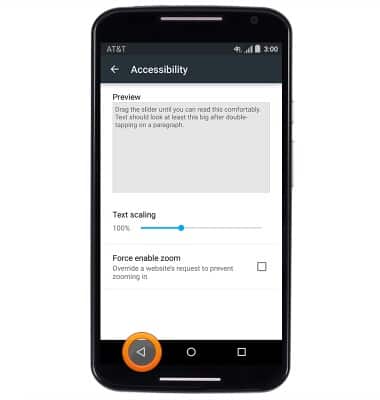
- Tap the Back key.
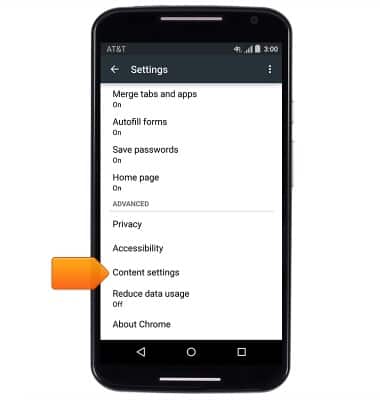
- To enable and disable pop-up blocking, tap Content settings.
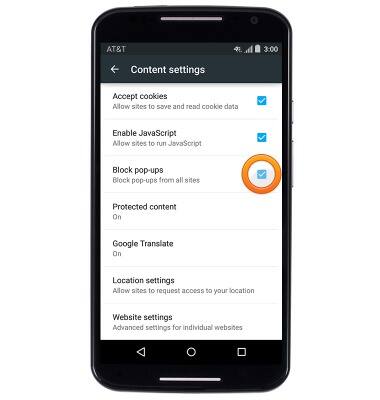
- Tap the Block pop-ups checkbox to enable and disable pop-up blocking.
Browser options
Motorola Moto X (XT1097)
Browser options
Access browser settings to delete browser history, set the home page, and more.
INSTRUCTIONS & INFO