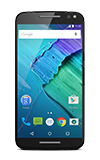
- Use the original charger to maintain optimal battery performance over the life of your device.
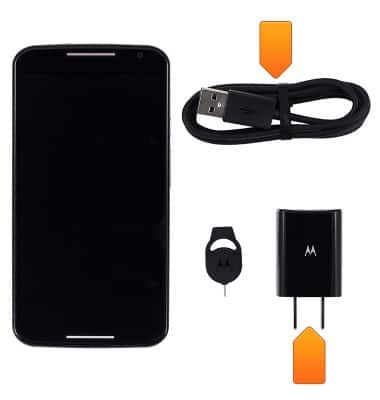
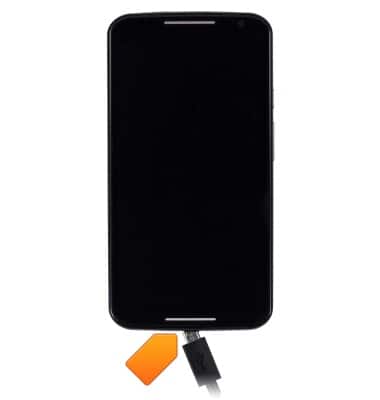
- Insert the microUSB cable into the microUSB port on the device.
- Plug the opposite end of the microUSB cable into the Charger adapter.
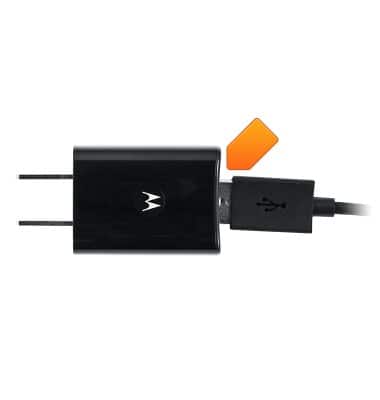
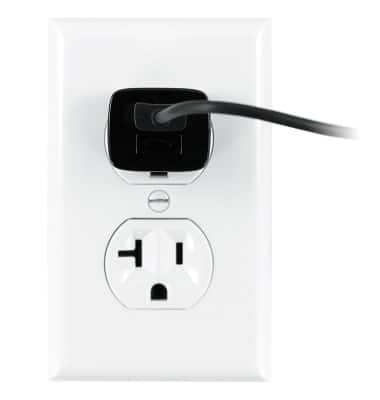
- Plug the Charger adapter into an available wall outlet.
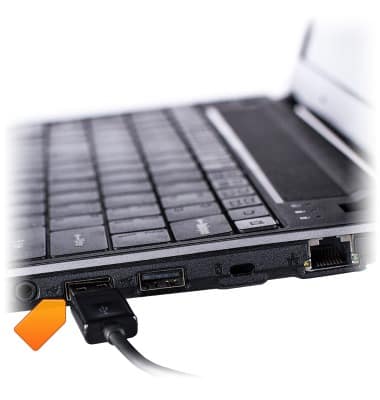
- To charge via USB, insert the USB end of the microUSB cable into an available USB port on a computer.
- Once charging is complete, the Fully charged icon will be displayed.
Note: Fully charged, the battery should have approximately: 17 hours of usage time and up to 10.4 days of standby longevity.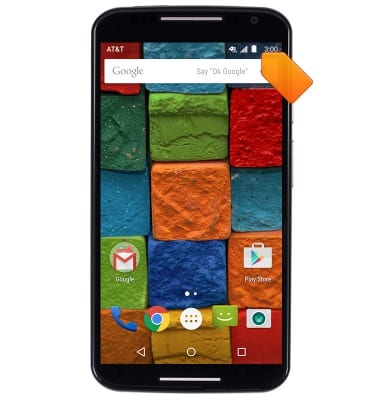
- A Charging icon will display in the Notifications bar when charging.
Note: A full charge will take approximately 2.5 hours to reach.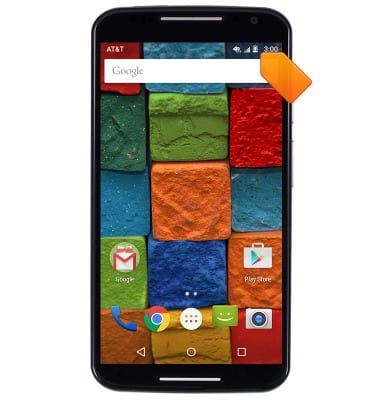
- To learn more about your charging your battery, download the user manual from your computer at: www.att.com/devicehowto
Charge the battery
Motorola Moto X (XT1097)
Charge the battery
How to charge your battery.
INSTRUCTIONS & INFO